
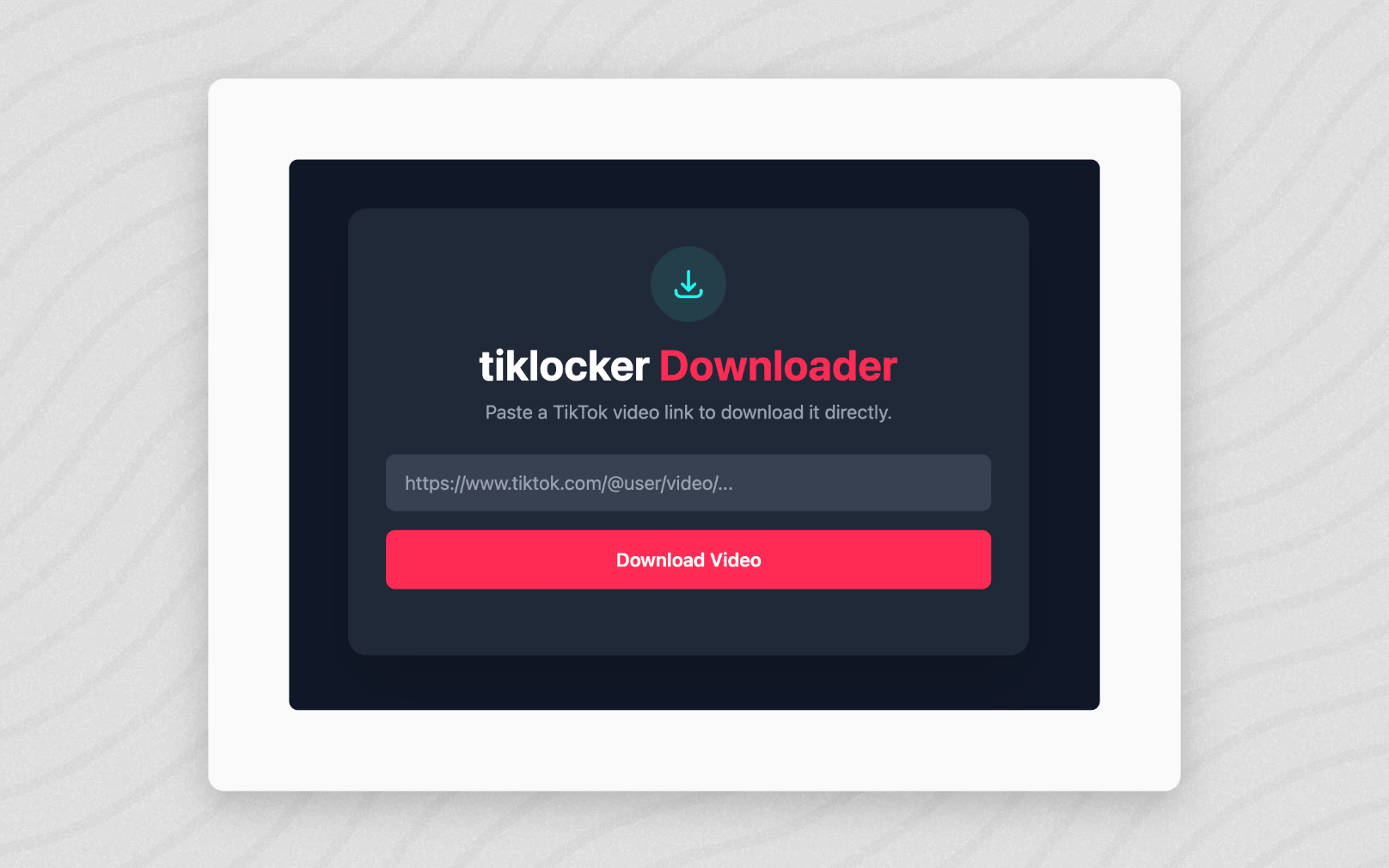
Many creators and marketers face the same problem. They need to save multiple TikTok videos, but downloading one video at a time wastes time. When a profile has dozens or hundreds of videos, the manual method becomes slow and frustrating. This is why learning how to download an entire TikTok profile without watermark matters for creators, editors, and businesses who rely on short-form content.
Modern tools solve this problem by allowing bulk downloads from public profiles. Instead of copying links repeatedly, users paste a profile link once and retrieve multiple videos at once. This approach saves hours of work and helps protect valuable content libraries.
Why People Need to Download Entire TikTok Profiles
Downloading single TikTok videos works for occasional use. Bulk downloads become important when managing large amounts of content.
Here are common use cases where profile downloads help:
- Backing up personal TikTok content
- Saving videos before deleting an account
- Archiving content from collaborators
- Collecting reference material for editing projects
- Building video libraries for research or marketing
- Managing user-generated content campaigns
Many creators lose content when accounts get restricted or removed. Backups protect against unexpected losses. Bulk downloading reduces the risk of missing important media.
Some tools allow fetching up to hundreds of videos from a profile in one request, which removes the need for repetitive downloads.
What Makes Watermark-Free Downloads Important
Watermarks create visual clutter when editing videos or repurposing content. Clean videos provide flexibility during editing and publishing.
Removing watermarks helps with:
- Creating compilations
- Editing videos into highlights
- Repurposing content across platforms
- Improving visual presentation
- Maintaining brand consistency
Many online tools generate downloads without watermarks and deliver videos in high-quality formats. This method supports creators who need clean source files for editing or archiving.
Step-by-Step Guide to Download an Entire TikTok Profile
This process works for most bulk downloader tools and requires only a few steps.
- Copy the TikTok profile URL
- Open a profile downloader tool
- Paste the profile link
- Select the number of videos to fetch
- Review the video list
- Select all or specific videos
- Download the selected videos as a zip file
Most modern profile downloaders allow downloading dozens or even hundreds of videos at once. After processing, files are usually bundled into a single archive file for easy storage.
You can try this workflow using TikLocker, which supports both single video downloads and profile-based batch downloads.
Key Features to Look for in a TikTok Profile Downloader
Not every downloader performs the same way. Some tools offer limited functionality, while others support advanced workflows.
Strong tools usually include:
- Batch downloads for multiple videos
- Watermark removal
- High-quality video output
- Profile scraping capability
- Download history tracking
- Developer API access
Batch downloading remains one of the most valuable features. Instead of handling videos individually, users retrieve collections with a single action. Some platforms also offer APIs that allow developers to automate downloads programmatically.
How Bulk Downloading Saves Hours of Work
Manual downloads require copying links repeatedly. Each step adds seconds, which turns into hours across large collections.
Example scenario:
- Single video download takes about 20 seconds
- Downloading 100 videos manually takes over 30 minutes
- Bulk download tools reduce this process to minutes
Batch downloading works by collecting video links automatically from a profile. The system processes files in the background and generates a combined archive for download.
This method reduces repetitive tasks and improves productivity.
Best Practices for Managing Downloaded TikTok Content
Downloading videos is only the first step. Proper organization keeps files accessible and useful.
Follow these practices:
- Create folders by creator name
- Use date-based naming conventions
- Store backups on external drives
- Keep a separate folder for edited versions
- Maintain metadata records when possible
Organized libraries reduce search time and improve workflow efficiency. This structure also helps teams collaborate on editing and publishing tasks.
Using Downloaded TikTok Videos for Content Repurposing
Many creators reuse TikTok content across different platforms. Bulk downloading supports this process.
Popular repurposing ideas include:
- Creating YouTube Shorts compilations
- Building Instagram Reels collections
- Producing highlight videos
- Creating training materials
- Developing educational content
Having watermark-free versions improves editing flexibility. Editors crop, resize, and reformat videos without visual distractions.
Businesses often repurpose content to maintain consistent posting schedules across multiple channels.
How Developers Use Bulk TikTok Download Tools
Developers rely on automated downloads for data-driven projects. Many tools include API functionality for bulk workflows.
Common developer use cases:
- Building content analysis tools
- Creating trend monitoring systems
- Archiving influencer content
- Training machine learning models
- Managing large-scale media libraries
API-based workflows allow sending multiple video links in a single request. The system processes downloads automatically and returns packaged files for storage.
Common Mistakes When Downloading TikTok Profiles
Many users encounter problems due to simple mistakes. Avoiding these issues improves success rates.
Watch out for:
- Using private profile links
- Downloading copyrighted material without permission
- Ignoring file storage limits
- Failing to back up downloaded files
- Downloading too many videos at once without batching
Public profiles work best with profile download tools. Private accounts usually restrict data access.
Always respect creator rights when handling downloaded content.
How to Choose the Right Tool for Your Workflow
The right downloader depends on how often you use it. Some users download occasionally, while others manage large content libraries daily.
Choose based on:
- Number of videos needed
- Frequency of downloads
- Need for automation
- Preferred output quality
- Integration requirements
Casual users benefit from browser-based tools. Teams and developers gain value from tools that support automation and bulk operations.
Explore more productivity tools at NextGen Tools, where collections of workflow tools support creators and developers.
Security and Privacy Considerations
Handling downloaded content requires careful storage practices. Video libraries often contain sensitive material.
Follow these guidelines:
- Store files in secure locations
- Use encrypted backups
- Limit file access permissions
- Delete unused files regularly
- Avoid sharing private content publicly
Many services remove stored files automatically after a fixed period to protect user privacy and reduce storage risk.
Future Trends in Bulk Video Downloading
Short-form video continues to grow across social platforms. This growth increases demand for efficient content management tools.
Expected trends include:
- Improved batch processing speeds
- Advanced automation workflows
- Integration with editing software
- Smarter file tagging systems
- Expanded cross-platform support
These changes support creators who manage large video libraries. Efficient workflows improve productivity and reduce manual work.
Final Thoughts on Downloading Entire TikTok Profiles
Learning how to download an entire TikTok profile without watermark saves time and protects valuable content. Bulk download tools remove repetitive tasks and streamline workflow management.
Creators, marketers, developers, and editors all benefit from efficient content storage systems. Organized libraries support editing, publishing, and long-term content planning.
Using profile-based downloads transforms hours of repetitive work into a fast, manageable process. With the right workflow, managing hundreds of TikTok videos becomes simple and efficient.