
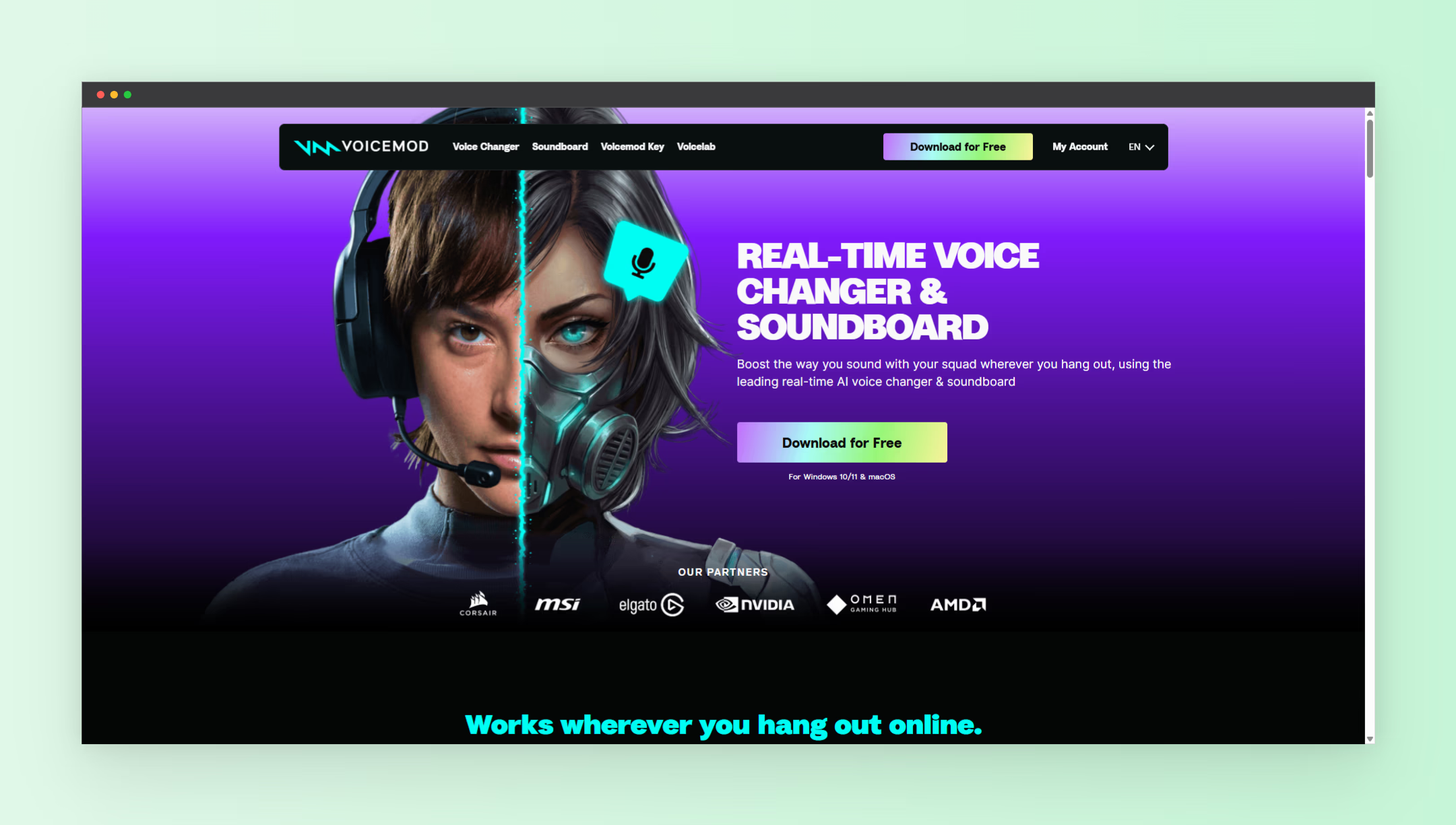
Live streaming depends on energy, timing, and audience interaction. Streamers who add sound effects during key moments create stronger reactions from viewers. A soundboard helps trigger music clips, reactions, and effects with a single key press. This improves entertainment value and keeps viewers engaged longer.
This guide explains how to use a soundboard for streaming. You will learn what a soundboard does, how to set it up, and how to use it during live sessions. The guide also shares practical sound ideas and streaming techniques used by experienced creators.
What Is a Soundboard for Streaming
A soundboard is software or hardware that plays short audio clips when triggered. Streamers assign sounds to keyboard keys or buttons. Pressing the key plays the sound instantly through the live stream.
Most soundboards include features such as:
- Custom sound uploads
- Keyboard shortcuts
- Volume controls
- Audio preview tools
- Multiple sound categories
Modern soundboard tools integrate directly with streaming software and communication platforms. Many streamers use tools such as Voicemod, which includes a built in soundboard along with voice and audio tools designed for content creators.
These tools allow creators to react instantly to events during a stream. Instead of searching for audio files manually, sounds play with one press. This saves time and keeps the stream smooth.
Why Soundboards Make Streams More Entertaining
Streams compete for attention. Viewers switch channels quickly when content feels repetitive. Soundboards introduce variety and surprise, which increases viewer interest.
Common benefits of using soundboards include:
- Stronger audience reactions
- Improved comedic timing
- Better viewer engagement
- Memorable stream moments
- Faster response to gameplay events
For example, adding a victory sound after winning a match creates excitement. Playing a funny sound after a mistake adds humor. These moments encourage viewers to stay longer and return for future streams.
Streamers who build recognizable sound patterns create a unique identity. Viewers begin to expect certain sounds during major moments. This builds familiarity and brand recognition.
Essential Features to Look for in a Streaming Soundboard
Not all soundboards perform the same. Choosing the right features improves workflow and audio quality.
Important features include:
- Hotkey support for instant playback
- Drag and drop sound management
- Multiple sound banks
- Audio mixing controls
- Compatibility with streaming software
- Low system resource usage
Hotkeys remain one of the most important features. Assigning sounds to nearby keys reduces delay and supports fast reactions. Many tools also allow grouping sounds into folders based on categories such as reactions, music, or alerts.
Audio mixing controls help maintain balanced volume levels. Loud or distorted sounds disrupt viewer experience. A proper soundboard allows volume adjustment before playback.
How to Set Up a Soundboard for Streaming Step by Step
Setting up a soundboard takes only a few minutes. Most streaming tools follow a similar process.
Follow these steps:
- Install your chosen soundboard software
- Open the application
- Import sound clips into the library
- Assign hotkeys to each sound
- Select the virtual audio output
- Open your streaming software
- Set the soundboard as an audio source
- Test playback before going live
After setup, each key press triggers a sound during the live broadcast. This works across most streaming tools and voice chat applications.
Testing before starting the stream prevents common issues. Play each sound once and confirm volume levels match your microphone and game audio.
Best Types of Sounds to Use During Streams
The type of sound you choose shapes viewer experience. Well chosen sounds support the mood of your content and create memorable reactions.
Popular sound categories include:
- Reaction sounds
- Victory music
- Fail sounds
- Comedy effects
- Character voices
- Short music loops
Reaction sounds remain among the most widely used. Examples include laughter, applause, or surprise effects. These sounds reinforce emotions during gameplay moments.
Victory music adds excitement after winning rounds or completing difficult challenges. Fail sounds turn mistakes into humor instead of frustration.
Short music loops also help fill quiet moments. For example, adding background beats during waiting periods keeps the stream active.
How to Organize Your Soundboard for Fast Access
Organization improves speed during live sessions. Searching for sounds mid stream creates delays and breaks momentum.
Use these organization methods:
- Group sounds by category
- Use color labels if available
- Place frequently used sounds first
- Limit total sounds per page
- Rename sounds clearly
For example, create folders named:
- Wins
- Fails
- Jokes
- Audience Reactions
- Music
This structure speeds up navigation and reduces confusion during intense gameplay.
Tips to Use Soundboards Without Overloading Your Stream
Too many sounds reduce clarity and distract viewers. Balanced usage keeps the stream professional and enjoyable.
Follow these practical tips:
- Use sounds during key moments only
- Avoid overlapping audio clips
- Keep sound duration short
- Match sound volume with microphone level
- Remove unused sounds regularly
Short clips work better than long audio segments. Sounds lasting between one and three seconds maintain pacing without interrupting gameplay.
Monitor viewer reactions through chat. If viewers respond positively to certain sounds, keep them. Remove sounds that cause confusion or distraction.
How Soundboards Improve Viewer Engagement
Viewer engagement drives growth on streaming platforms. Active viewers watch longer, interact more, and support channels through subscriptions and donations.
Soundboards support engagement through:
- Interactive reactions
- Audience triggered sounds
- Humor during gameplay
- Memorable signature audio
- Faster communication responses
Some streamers allow viewers to request sounds through chat commands. This encourages participation and builds community interaction.
Signature sounds create recognition. When viewers hear a familiar sound, they associate it with your stream identity.
Creative Ways to Use Soundboards During Live Streams
Creative sound usage separates average streams from memorable ones. Streamers who experiment with sounds often gain attention faster.
Try these creative methods:
- Use character voices during role playing games
- Add dramatic sounds before major actions
- Create intro and outro sound sequences
- Use countdown sounds before events
- Build themed sound packs for specific games
For example, horror game streams benefit from eerie sound effects. Comedy streams benefit from exaggerated reaction clips. The right match strengthens the mood of your content.
Seasonal sound packs also increase interest. Holiday themed sounds create variety and attract returning viewers.
Common Mistakes Beginners Make With Soundboards
Beginners often make simple mistakes that affect sound quality and viewer experience.
Avoid these common issues:
- Using sounds that are too loud
- Adding too many sounds at once
- Ignoring audio balance settings
- Skipping test recordings
- Using low quality sound files
High quality audio improves professionalism. Poor sound quality reduces viewer trust and lowers perceived value.
Testing recordings before going live helps identify issues early. Listen to your stream playback and adjust levels as needed.
How Soundboards Support Brand Identity for Streamers
Strong branding increases channel recognition. Visual elements matter, but audio branding also plays a major role.
Soundboards support branding through:
- Signature sound effects
- Custom intro music
- Unique reaction sounds
- Consistent audio themes
For example, using the same intro sound every session creates familiarity. Over time, viewers associate the sound with your channel.
Custom sound sets also separate your content from competitors. When viewers recognize your sounds instantly, your identity becomes stronger.
Choosing the Right Tool for Soundboard Streaming
Choosing the right tool simplifies workflow and improves reliability. Many creators select tools designed specifically for streaming environments.
Reliable soundboard tools offer:
- Stable performance during long sessions
- Large sound libraries
- Custom sound import features
- Fast hotkey response
- Integration with streaming platforms
Exploring tools listed on NextGen Tools helps creators compare options and select tools that match their streaming style.
Choosing software designed for live performance reduces technical problems and supports consistent audio output.
Final Thoughts on Using a Soundboard for Streaming
Soundboards improve entertainment value and audience engagement during live broadcasts. They add personality, humor, and energy to streams. With proper setup and organization, soundboards become a core part of content creation.
Learning how to use a soundboard for streaming gives creators an advantage in crowded platforms. Streamers who manage sounds effectively create stronger reactions and memorable moments. Over time, these moments build viewer loyalty and long term growth.