
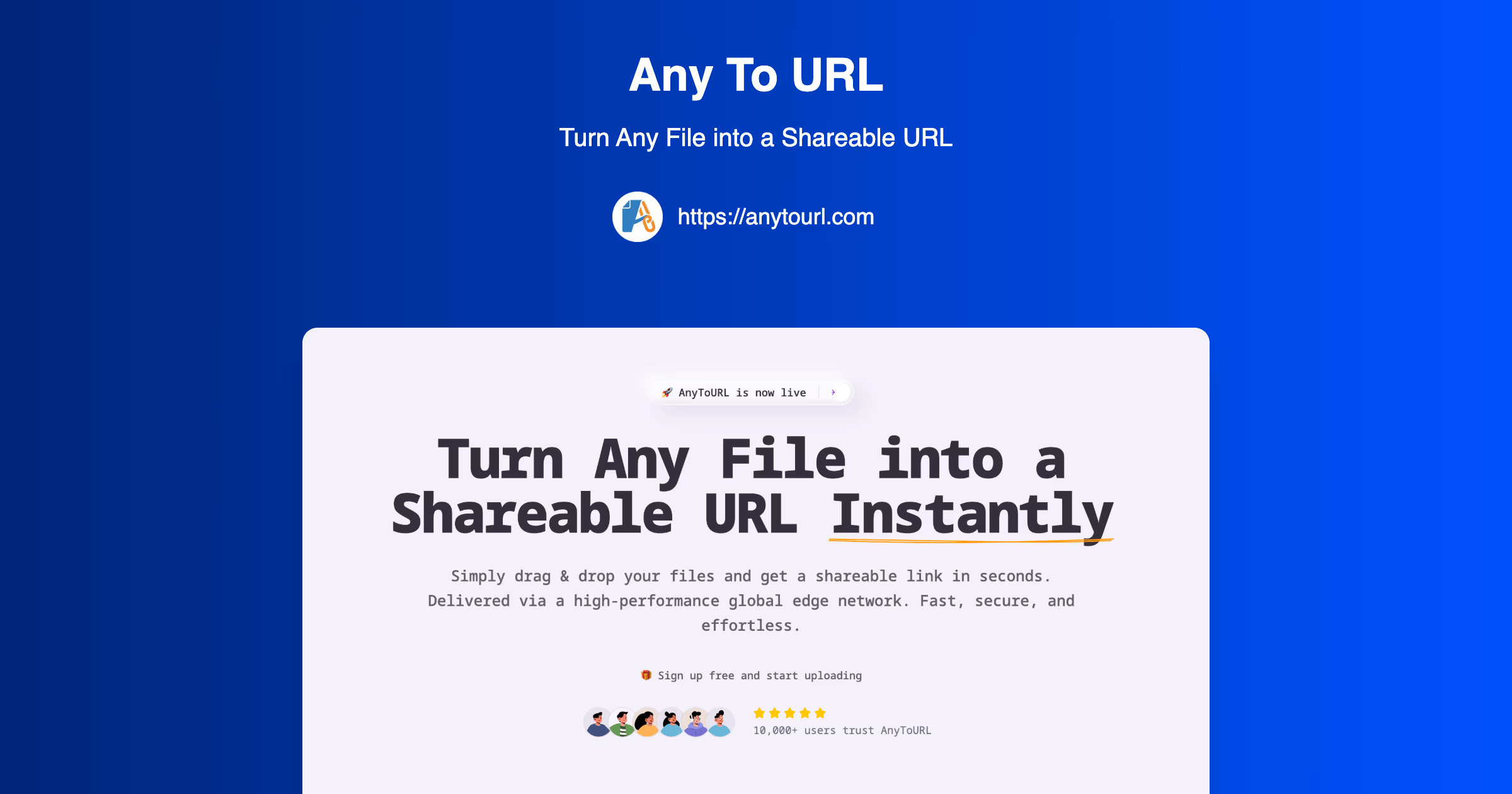
Sharing files online should be simple, fast, and reliable. Yet many people still struggle with email attachment limits, complicated cloud storage links, or tools that require multiple steps just to send a single file.
If you have ever asked yourself how to convert any file to a shareable URL, this guide will walk you through everything you need to know. Whether you are sharing images, videos, PDFs, or audio files, there is now a faster and easier way to do it.
In this guide, you will learn exactly how to turn any file into a direct link that you can send anywhere in seconds.
What Does It Mean to Convert a File to a Shareable URL?
Converting a file to a shareable URL means uploading your file to an online service that generates a direct link. Instead of sending the actual file, you simply send the link.
This link allows others to:
- View the file directly in their browser
- Download it instantly
- Access it from any device
Modern tools make this process seamless by allowing drag and drop uploads and instant link generation.
Why You Should Use a Shareable URL Instead of Attachments
Traditional file sharing methods come with limitations. Email attachments often have strict size limits, while cloud storage links can be confusing or require permissions.
Here are the main benefits of using shareable URLs:
- No file size issues with email restrictions
- Instant access for recipients
- Cleaner and more professional sharing
- Works across all platforms and devices
- No need for downloads in many cases
With the right tool, you can eliminate friction and make file sharing effortless.
How to Convert Any File to a Shareable URL (Step-by-Step)
The fastest way to do this is by using a dedicated file-to-URL converter like AnyToURL.
This platform is designed to turn any file into a shareable link in seconds using a simple workflow. It supports multiple file types including images, videos, PDFs, and audio files, and delivers them through a global content network for fast access.
Follow these steps:
- Go to the tool page
- Drag and drop your file or upload it manually
- Wait a few seconds for processing
- Copy your generated URL
- Share the link anywhere you want
That is it. No complicated setup, no technical knowledge required.
Key Features That Make File-to-URL Tools Powerful
Not all file sharing tools are created equal. The best ones offer features that improve both speed and usability.
Here are some standout features you should look for:
- Drag and drop simplicity: Upload files instantly without forms or steps
- Instant URL generation: Get a link immediately after upload
- Browser preview: View images, PDFs, and documents without downloading
- Global delivery: Fast loading through distributed servers worldwide
- Security options: Password protection for sensitive files
These features make sharing files not just faster, but also more reliable and secure.
Common Use Cases for Shareable File URLs
Understanding how to convert any file to a shareable URL opens up many practical applications.
Here are some of the most common use cases:
- Content creators: Share videos, images, and media assets quickly
- Designers: Send mockups and prototypes to clients
- Developers: Host screenshots and documentation assets
- Students and educators: Share assignments and resources
- Marketing teams: Distribute campaign materials instantly
Instead of sending bulky files, you can simply send a clean, clickable link.
Different Types of File-to-URL Conversions
Modern tools do not just support generic uploads. They also offer specialized converters for different file types.
Examples include:
- Image to URL conversion for screenshots and graphics
- Video to URL conversion for tutorials and demos
- PDF to URL conversion for documents and reports
- MP3 to URL conversion for audio and podcasts
These specialized tools ensure optimized handling and better performance for each file type.
Things to Consider Before Uploading Files
Before you upload your files and generate a link, there are a few important things to keep in mind:
- File size limits: Free plans may restrict upload size
- Expiration: Some links expire after a set period
- Privacy: Use password protection for sensitive files
- Storage needs: Upgrade if you need long-term hosting
For example, some free tools allow temporary storage with expiration, while paid plans offer permanent hosting.
Best Practices for Sharing File URLs
To get the most out of your shareable links, follow these best practices:
- Always double-check the file before sharing
- Use descriptive filenames for clarity
- Enable password protection for private content
- Test the link before sending it to others
- Keep track of expiration dates if using free plans
These simple steps ensure a smooth experience for both you and your recipients.
Why Simplicity Matters in File Sharing
Many tools overcomplicate file sharing with unnecessary features or confusing interfaces. The best solutions focus on speed and simplicity.
Being able to upload a file and instantly get a link removes friction from everyday workflows. This is especially important for teams, freelancers, and creators who need to move fast.
Simple tools often outperform complex systems because they do exactly what users need without extra steps.
Where to Discover More Useful Tools
If you are looking for more tools that improve your productivity and workflow, you can explore curated platforms like NextGen Tools.
It features a collection of modern tools designed to solve real problems quickly and efficiently.
Final Thoughts
Learning how to convert any file to a shareable URL can completely change how you share content online.
Instead of dealing with attachments, limits, and complicated permissions, you can create a simple link in seconds and share it anywhere.
Whether you are a student, creator, developer, or professional, this method saves time and makes your workflow more efficient.
Try it once, and you will likely never go back to traditional file sharing again.