
Every musician who has tried to play together over a normal video call knows the problem. You count off, someone starts playing, and a half second later everything falls apart. The drummer is ahead, the guitarist is behind, and the singer gives up trying to stay in time. This is not a skill issue. It is a tooling issue, and it is exactly what stops most people from trying to jam with friends online without lag in the first place.
Why normal video calls fall apart for music
Apps like Zoom, Google Meet, and Discord were built for speech. They compress audio, smooth out gaps, and prioritize clarity of voice over timing accuracy. That works fine for a conversation, but it is terrible for music. A guitar strum or a piano chord gets treated the same way as a sentence, so the platform adds buffering and noise suppression that destroys the timing musicians depend on.
On top of that, most video tools were never designed to handle a MIDI keyboard or a miked acoustic instrument as a real input. Plug in a digital piano and the platform either ignores it completely or routes it through the same low quality voice pipeline as your microphone.
What actually needs to happen for a real jam session
To jam with friends online without lag, three things have to work correctly at the same time.
- MIDI instruments need a direct, low latency path so notes land in time instead of arriving late and bunched together
- Acoustic instruments and vocals need mic presets tuned for music, not for speech compression
- Everyone in the room needs to share the same sense of timing, ideally with a synced reference instead of guessing
This is the gap that browser based jam tools are starting to fill. Instead of forcing musicians to use call software and hope for the best, these tools are purpose built around the idea of multiple instruments playing together in real time.
How browser based jam rooms solve the latency problem
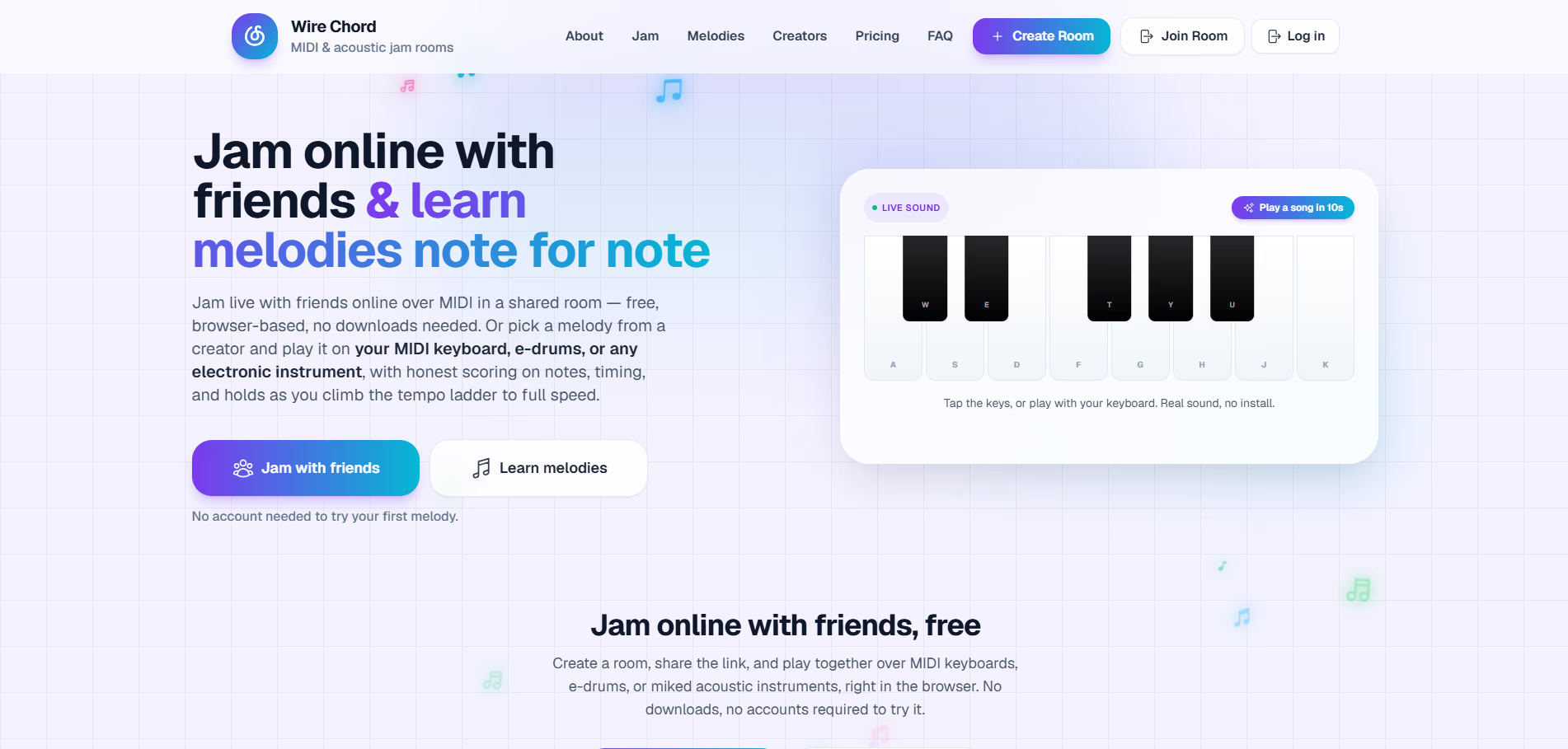
One example worth looking at is Wire Chord Studio, a browser room built specifically for jamming with MIDI keyboards, e-drums, acoustic guitar, mic'd piano, and vocals. There is no DAW to configure and nothing to install. You create a room, share a link, and your friends join from their own browser.
What makes this different from a video call is the way audio and MIDI are handled separately. MIDI notes from a keyboard or e-drum kit travel as data, not as a compressed audio stream, so they arrive with very little delay and get reproduced using high quality samples on the listener's end. Acoustic instruments and voice go through presets built for instruments rather than speech, with an input meter and echo cancellation so a mic'd guitar or piano does not turn into mush.
The platform also uses a peer to peer connection model where possible, which means your playing goes more directly to the other person's browser instead of bouncing through a distant server. For two musicians trying to keep tight time, that difference is often the gap between a usable session and a frustrating one.
Setting up your first lag free jam session
Getting started does not require technical knowledge. The general flow looks like this.
- Create a room and pick a name you can share with your jam partners
- Send the room link to whoever you are playing with
- Connect your MIDI keyboard or e-drums if you are playing electronic instruments
- If you are on acoustic guitar, piano, or vocals, select the matching preset and check the input meter before you start
- Start playing and let the shared timing keep everyone locked together
No account is required to try the free basic tier, which makes it easy to test with a friend before deciding whether you want anything more advanced.
Mixing acoustic and electronic instruments in one session
A common scenario is one musician on a MIDI keyboard and another on acoustic guitar, or a vocalist singing over a mic'd piano. This is exactly the kind of mixed setup that trips up most call based tools, because they were never designed to treat MIDI data and live acoustic audio as separate signal types.
In a purpose built jam room, the keyboard or drum machine sends MIDI that gets turned into clean samples on playback, while the guitar, piano, or vocal mic goes through a preset tuned for that specific source. The result is a session where an electronic keyboard part and a strummed acoustic guitar part actually sit together in time, instead of one side dragging behind the other.
Who benefits most from this approach
This kind of setup tends to help a specific group of musicians the most.
- Friends who live in different cities and want a regular jam habit without traveling
- Bandmates who want to rehearse parts together between in person practices
- Songwriters who want to test an idea with a collaborator in real time instead of trading recordings back and forth
- Teachers and students who want a live instrument lesson that feels closer to being in the same room
None of these use cases require a recording studio or expensive gear. A MIDI keyboard, a basic mic, and a browser are enough to get a real sense of playing together.
What to expect from the free tier versus paid plans
The free basic tier covers the core experience: unlimited shared rooms, live MIDI over the network, an in browser monitor synth, and the peer to peer connection model that helps keep latency down. There is no cap on how long you can stay in a room, so a casual weekly jam costs nothing.
Paid tiers, which are rolling out over time, add things like a unified metronome, saved melody exports, and recording in MP3 or WAV format for bands that want to capture a session rather than just play it live. For most people starting out, though, the free tier is enough to answer the question of whether browser based jamming actually feels different from a video call.
The bigger shift this points to
What this really reflects is a small but meaningful shift in how musicians collaborate remotely. For years, the only real options were sending audio files back and forth or putting up with the timing problems of standard video calls. Purpose built jam tools treat music as its own category of real time communication, with its own timing requirements and its own audio handling, instead of trying to force it into a tool designed for talking.
If you have been putting off playing with a friend in another city because every previous attempt turned into a frustrating mess of delay and dropped timing, it is worth trying a tool built specifically for this. You can see how the room based approach works on the Wire Chord Studio, and browse other tools aimed at musicians and creators on nxgntools.com.