
Building a memorable brand is harder than ever. Attention spans are short, competition is intense, and most websites look the same. That is why more companies are turning to mascots to stand out, build emotional connection, and make their brand instantly recognizable.
The problem is that creating a mascot used to be expensive, slow, and complicated. Hiring designers could cost hundreds or even thousands of dollars and take weeks to complete. Then you still had to animate it.
Now, AI has changed everything.
In this guide, you will learn how to create an animated brand mascot from your website quickly, even if you have zero design experience.
Why Brand Mascots Are Making a Comeback
Mascots are no longer just for big companies. Today, startups, SaaS tools, and indie builders are using mascots to create personality and boost engagement.
A strong mascot can:
- Make your brand instantly recognizable
- Increase engagement on social media
- Help users emotionally connect with your product
- Turn your brand into something shareable and memorable
Mascots act like a “face” of your product. Instead of being just another tool, your brand becomes something people remember and talk about.
This is especially powerful in crowded markets like SaaS and AI tools.
The Traditional Way vs AI-Powered Mascot Creation
Before AI tools, creating a mascot looked like this:
- Hire a designer or agency
- Wait weeks for initial concepts
- Pay hundreds to thousands of dollars
- Request revisions
- Pay extra for animation
Now compare that to AI-powered tools.
Modern platforms can generate a fully customized mascot based on your website or a simple description in minutes. Some tools even animate the mascot automatically.
Instead of weeks, it takes minutes. Instead of thousands, it can cost little to nothing.
How to Create an Animated Brand Mascot from Your Website
Let’s walk through the exact process step by step.
Step 1: Choose an AI Mascot Generator
The first step is selecting a tool that can generate mascots automatically.
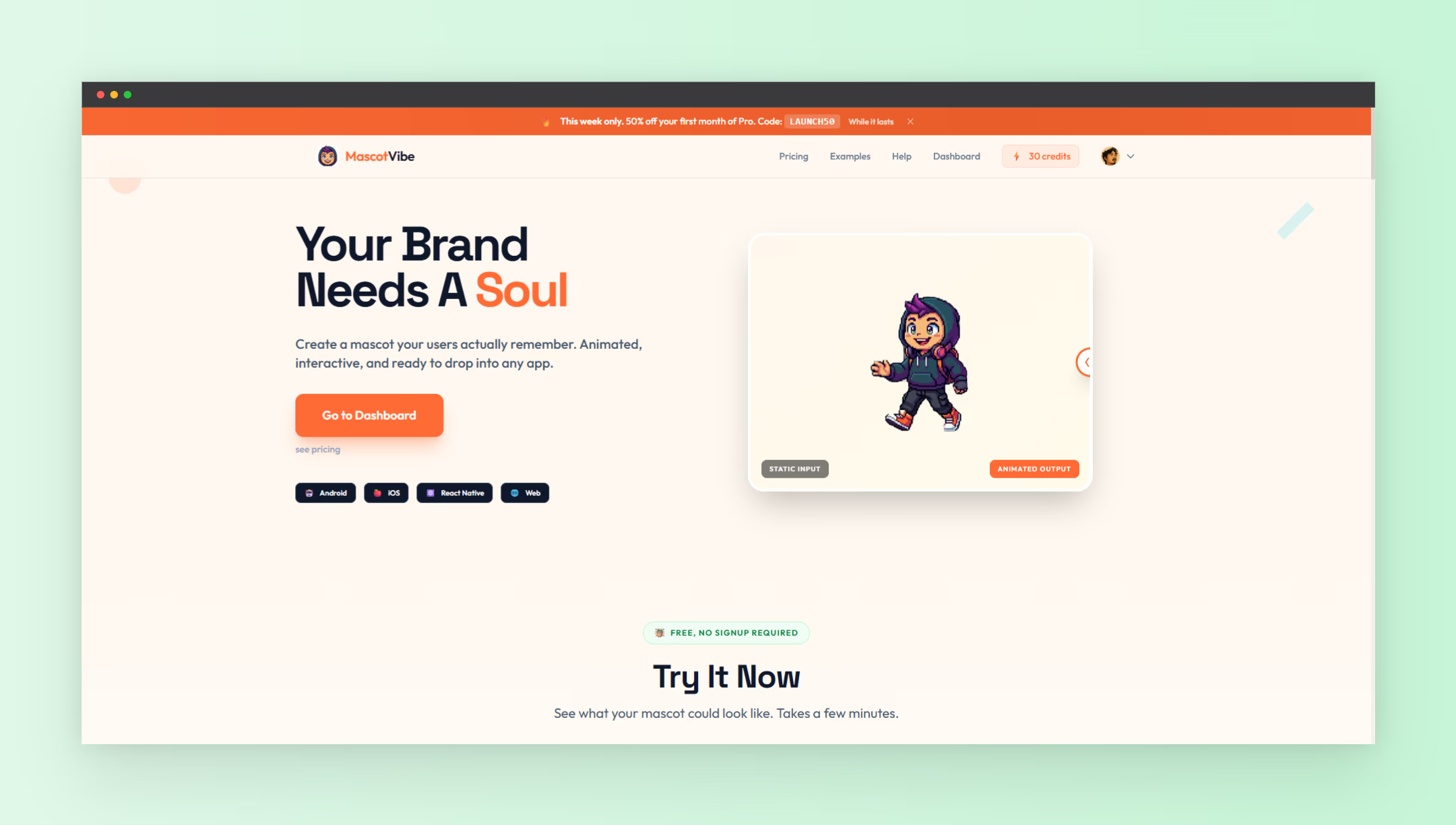
One example is Mascot Vibe, which allows you to create a custom animated mascot using either your website URL or a text prompt. The tool is designed to simplify the entire process from idea to animation.
This type of tool removes the need for design skills entirely.
Step 2: Input Your Website or Idea
Most AI mascot tools will ask for one of two inputs:
- Your website URL
- A text description of your brand
When you input your website, the tool analyzes your branding, tone, and positioning to generate a mascot that fits your identity.
If you prefer more control, you can describe your mascot manually. For example:
- “A friendly robot mascot for a SaaS tool”
- “A playful fox representing a marketing platform”
- “A futuristic AI assistant character”
Step 3: Generate Your Mascot
Once you submit your input, the AI generates a mascot concept. This usually includes:
- Character design
- Color palette aligned with your brand
- Style variations
Unlike traditional design workflows, this happens almost instantly.
Some tools even allow multiple variations so you can choose the best fit.
Step 4: Customize the Design
After generating your mascot, you can refine it further.
Common customization options include:
- Adjusting colors
- Changing expressions
- Modifying accessories or features
- Selecting different styles
This step ensures your mascot feels unique and aligned with your brand personality.
Step 5: Animate Your Mascot
This is where things get interesting.
Traditional mascot design often stops at static images. But modern AI tools can animate your mascot automatically.
You can generate:
- Idle animations
- Talking animations
- Reaction animations
- Looping GIFs for social media
Animated mascots are significantly more engaging and can be used across multiple channels.
Step 6: Use Your Mascot Across Your Brand
Once your mascot is ready, you can start using it everywhere.
Here are some high-impact use cases:
- Website hero sections
- Landing pages
- Social media posts
- Email marketing campaigns
- Product onboarding screens
- Explainer videos
The more consistently you use your mascot, the stronger your brand identity becomes.
Best Practices for Creating a High-Impact Mascot
Not all mascots are created equal. To make yours effective, follow these principles:
- Keep it simple so it is easy to recognize
- Match your brand tone whether playful, professional, or futuristic
- Make it expressive so it can communicate emotions
- Design for versatility across different platforms
A good mascot should feel like a natural extension of your product, not an afterthought.
Why AI Mascot Tools Are a Game Changer for Startups
For startups and indie makers, speed and cost matter.
AI mascot tools remove the biggest barriers:
- No need for design skills
- No need for large budgets
- No long waiting times
This allows even solo founders to create strong brand identities early on.
Instead of launching with a generic look, you can launch with personality.
When Should You Use a Mascot?
A mascot is especially effective if:
- Your product targets a broad audience
- You rely on social media for growth
- You want to stand out in a crowded niche
- Your brand needs a more human touch
If your brand feels too “corporate” or forgettable, a mascot can completely change how users perceive you.
Final Thoughts
Creating a mascot used to be a luxury. Now it is accessible to anyone.
If you have been thinking about building a stronger brand identity, this is one of the fastest ways to do it.
With tools like Mascot Vibe, you can go from idea to fully animated mascot in minutes instead of weeks.
If you are exploring more tools to grow your product, you can also check out NextGen Tools for curated resources and platforms that help you build, launch, and scale faster.
Your brand deserves more than just a logo. It deserves a personality people remember.