
Most teams lose hours every week copying information between email, CRM systems, and spreadsheets. A lead comes in through a form, someone has to manually add it to the CRM, send a follow up email, then update a status field once a reply comes back. None of this requires deep thinking, but it still requires a human to sit there and do it. If you have ever wondered whether there is a faster way to handle this kind of repetitive work without hiring a developer or learning a workflow builder, the answer is yes, and AI automation tools are the reason why.
Why Manual Email and CRM Work Slows Teams Down
Email and CRM tasks feel small individually, but they add up fast. Sending a follow up, logging a call, updating a deal stage, or pulling a report from HubSpot are all tasks that take a few minutes each, but a sales or operations team might repeat them dozens of times a day. The real cost is not just time. It is the context switching. Every time someone jumps from their inbox to their CRM and back, they lose focus and momentum.
This is the exact problem that no-code AI automation was built to solve. Instead of relying on rigid rules or static workflow diagrams, modern AI agents can read context, understand intent, and carry out multi-step tasks across tools the same way a human assistant would, just much faster and without getting tired.
What an AI Workflow Tool Actually Does
An AI workflow tool is different from a traditional automation platform. Instead of dragging boxes onto a canvas and connecting triggers to actions, you describe what you want done in plain language. The AI interprets the request, checks which tools it has access to, and performs the task directly inside those systems.
For email and CRM specifically, this means an AI agent can:
- Read incoming emails and decide what action is needed
- Draft and send follow up messages based on previous conversation history
- Create or update CRM records automatically
- Pull reports from your CRM without manual exporting
- Flag deals or contacts that need attention based on patterns in the data
The key difference from older automation tools is memory. A good AI agent remembers past interactions, so it does not treat every task as if it is starting from zero. That context is what makes the automation feel less like a script and more like a teammate.
How to Automate Email and CRM Tasks Without Coding
Setting up this kind of automation does not require a technical background. The general process looks like this.
- Connect your email and CRM accounts to the AI platform you choose
- Describe the task in plain language, such as asking it to follow up with leads that have not responded in three days
- Review the first few actions it takes so you can confirm it understands the task correctly
- Approve actions before they go out, especially in the early stages
- Let the agent continue running the task automatically once you are confident in the results
This approach removes the need for IT involvement or custom integrations. Since the AI connects directly to tools like Gmail and HubSpot through existing integrations, there is no backend work required on your side.
Key Features to Look for in a No-Code AI Automation Tool
Not every AI tool that claims to automate work actually does it well. When evaluating options, there are a few features that matter more than flashy marketing.
- Broad integration coverage across email, CRM, file storage, and messaging apps
- Persistent memory so the agent retains context between tasks
- An approval step before actions are taken, so nothing ships without your review
- The ability to handle multi-step tasks rather than single triggers
- Accessibility through channels you already use, such as Slack, WhatsApp, or Telegram
This is the area where many basic automation tools fall short. They can move data from point A to point B, but they cannot make judgment calls, research a contact before reaching out, or adjust based on how a conversation has evolved over time.
Real-World Use Cases for Automating Email and CRM Work
Once teams see how this works in practice, the use cases tend to expand quickly beyond the first task they automate.
- Automatically following up with leads who have gone quiet for a set number of days
- Updating deal stages in the CRM the moment a related email is received
- Summarizing weekly sales activity without manually pulling reports
- Drafting personalized outreach based on a contact's history and previous notes
- Monitoring inbox threads and alerting the right person when action is needed
None of these tasks are complicated on their own, but doing them consistently across hundreds of contacts is where manual work breaks down. This is exactly where AI agents close the gap.
How Zenfox Fits Into This Workflow
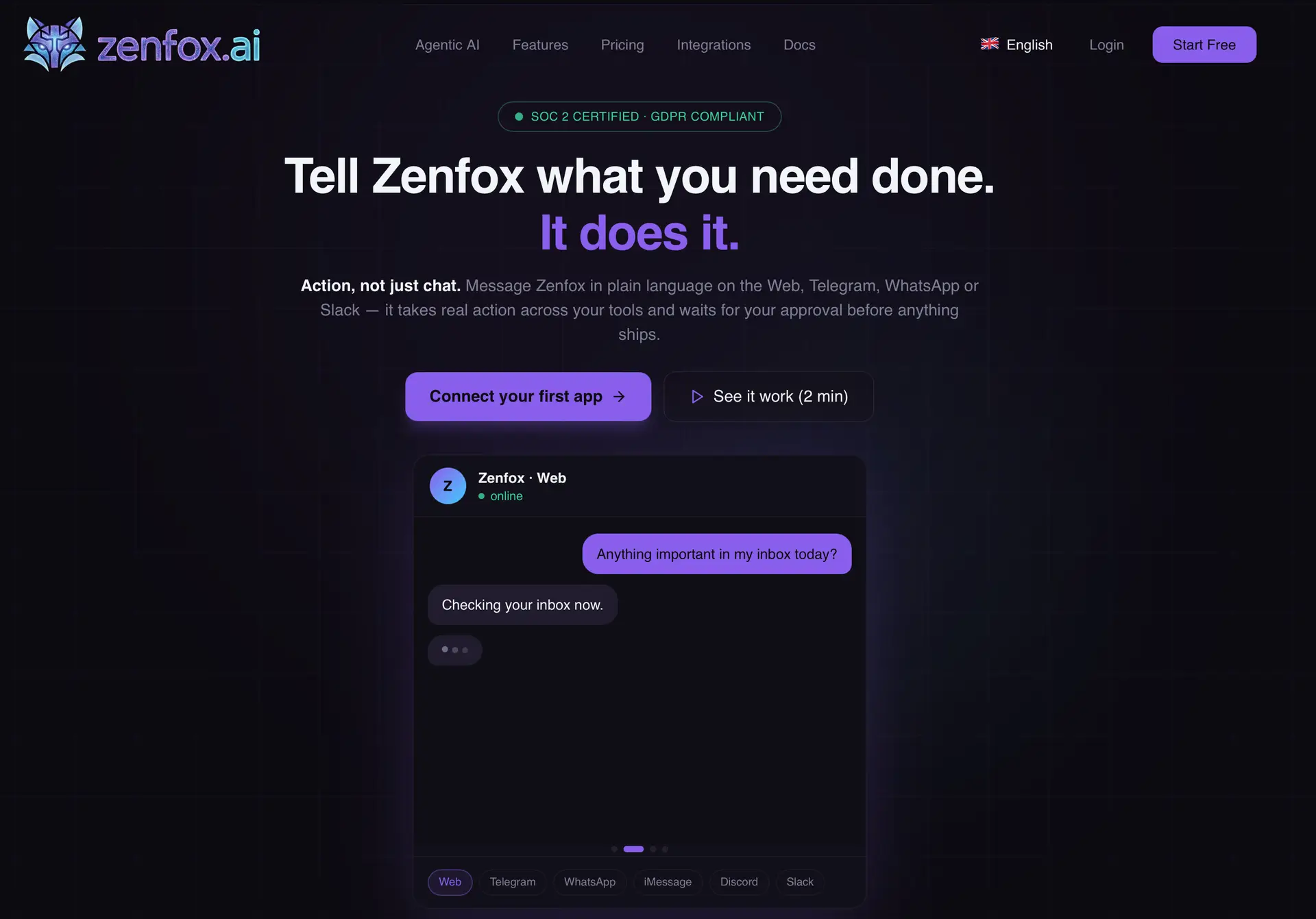
Zenfox is built around this exact problem. It connects to Gmail, HubSpot, Google Drive, and thousands of other tools, and it remembers context from those systems so it can act on your behalf rather than just sending notifications. You can message it in plain language through the web, Telegram, WhatsApp, or Slack, and it will carry out the task while waiting for your approval before anything actually ships. You can see how the platform is set up at Zenfox, where you can connect your first app and try the workflow yourself.
What stands out is that it does not require a workflow builder or technical setup. Since it relies on plain language instructions and persistent memory, it behaves more like an assistant that learns how your team works rather than a static automation script that needs to be rebuilt every time your process changes.
Getting Started With AI-Powered Automation
If you are exploring tools in this space for the first time, it helps to compare a few options before committing. Directories that focus specifically on AI and productivity tools can save time during that research process, since they group tools by category and use case instead of making you search blindly. You can browse a wider range of AI automation tools at NextGen Tools if you want to compare alternatives before settling on one platform.
Start small. Pick one repetitive task, whether that is follow up emails or CRM updates, and let the AI handle it for a week while you review its actions. Once you trust the output, expand it to cover more of your workflow.
Final Thoughts
Automating email and CRM tasks without coding is no longer a niche capability reserved for technical teams. AI agents that understand plain language, remember context, and connect directly to the tools you already use have made this kind of automation accessible to anyone willing to set aside a few minutes to get started. The time saved on repetitive tasks adds up quickly, and it frees up space for the parts of the job that actually require human judgment.