
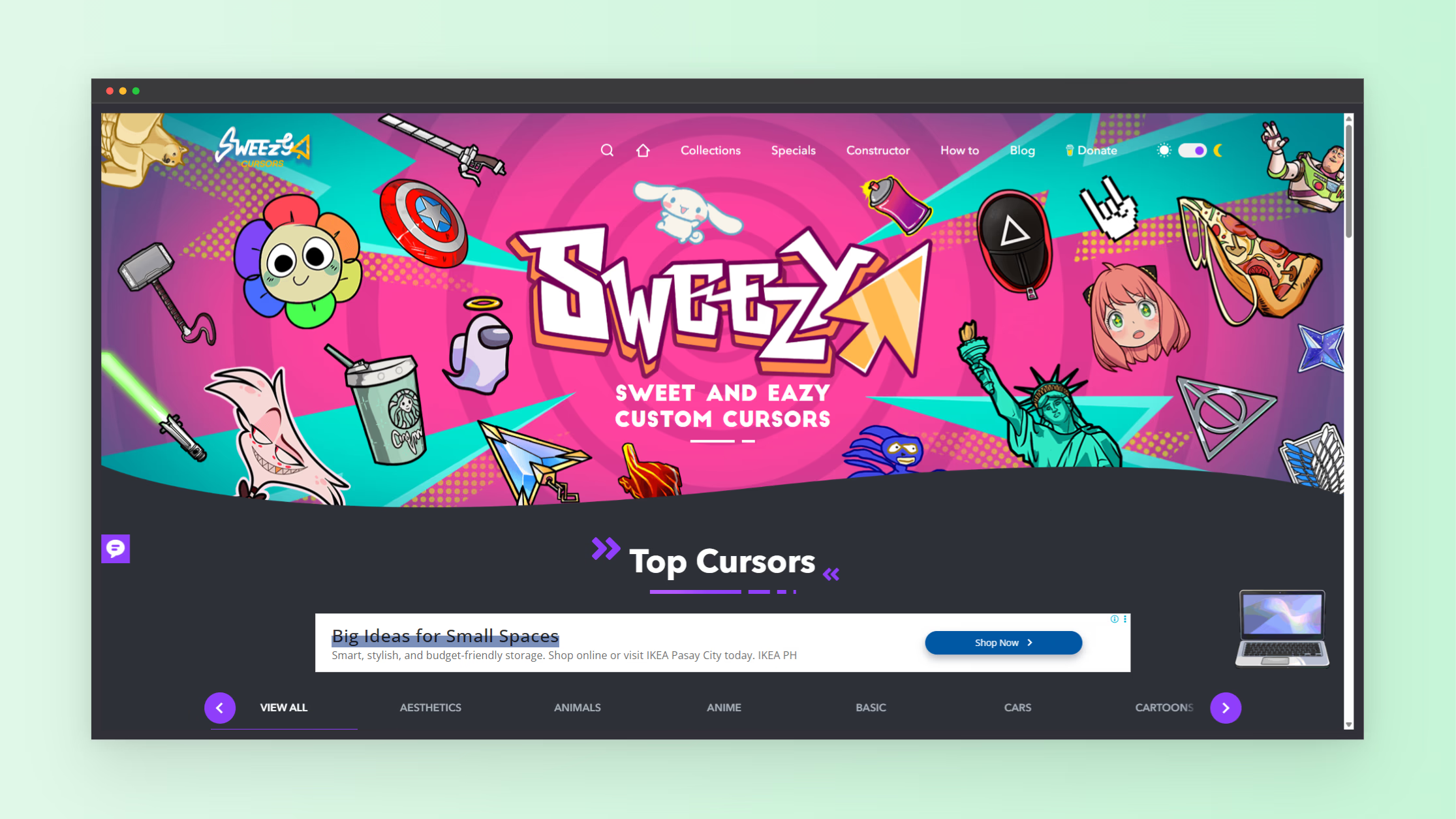
Many users want to change the default mouse cursor in Chrome to something more personal, animated, or themed. Sweezy Cursors offers a browser extension that replaces the standard pointer with custom designs, including gaming themes, anime styles, minimalist arrows, and animated effects. It works inside Chromium-based browsers and gives quick access to cursor packs without manual file editing.
The extension focuses on visual customization. It lets users switch between hundreds of cursor styles, apply animated pointers, and organize packs inside categories. Users can enable or disable the custom cursor instantly through the extension toggle. This makes it simple to return to the system cursor when needed.
What Sweezy Cursors does
Sweezy Cursors replaces the default pointer inside supported browsers. It provides a library of cursor packs such as gaming icons, cartoon characters, aesthetic gradients, and seasonal designs. Each pack includes different pointer states like normal select, hover, and loading indicators.
The platform supports Chromium-based browsers such as Chrome, Edge, Brave, and Opera. It does not modify system-wide cursor behavior, only browser-based interaction areas.
How cursor customization works in Chrome
Chrome does not natively support full cursor customization for web pages. Extensions like Sweezy Cursors overlay custom pointer graphics on top of the browser interface. This allows visual changes without altering system settings or installing driver-level modifications.
Once installed, the extension tracks pointer movement inside web pages and replaces the default cursor image with the selected design. Animated cursors use .ani formats to provide motion effects while hovering or clicking.
How to install Sweezy Cursors
- Open Chrome Web Store or Edge Add-ons store
- Search for Sweezy Cursors extension
- Install and pin the extension
- Open the extension menu inside the browser toolbar
- Browse cursor packs and select one
- Enable the toggle to activate custom cursor mode
After activation, the cursor changes immediately on supported websites. You can switch packs at any time without reinstalling.
Cursor packs and customization options
Sweezy Cursors includes multiple categories designed for different user preferences:
- Gaming cursors inspired by Minecraft, Roblox, and popular titles
- Anime-themed animated pointers
- Minimal and gradient-style cursors
- Funny and meme-based cursor packs
- Seasonal themes like holidays and events
Each pack includes pointer types for different states such as click, hover, and text selection. Some packs also include animated effects for added visual motion.
Why users change mouse cursors
Cursor customization is often used for personalization and workflow comfort. Some users prefer larger pointers for visibility. Others use animated designs to match gaming setups or aesthetic themes. Developers and designers also use custom cursors to test UI appearance in creative environments.
Browser-based cursor tools give a lightweight option compared to system-level modifications, which often require manual file changes or admin access.
Performance and safety considerations
Sweezy Cursors runs inside the browser environment and does not alter system files. It loads cursor assets from the extension package and applies them only within web pages. This reduces risk compared to full system cursor replacements.
Like other extensions, performance depends on browser load and active tabs. Animated cursors may use slightly more resources than static images, especially on low-end devices.
Who benefits most from custom cursors
This tool fits users who spend long hours in browsers, including developers, students, gamers, and content creators. It also appeals to users who want visual personalization without changing system settings.
Designers often use custom cursors for testing UI feedback. Gamers use themed pointers to match their setups. Casual users use it for visual style upgrades during browsing.
Common issues and fixes
- Cursor not changing: refresh the page or re-enable extension
- Works only in browser: expected behavior, system cursor stays unchanged
- Some sites block cursor changes: browser security limits apply
- Animation lag: reduce active extensions or switch to static cursor pack
Final thoughts
Sweezy Cursors gives a simple way to customize the mouse pointer inside Chrome without system-level changes. It focuses on ease of use, quick switching between styles, and a large library of themed cursor packs. Users looking for browser personalization tools often use it as a lightweight visual upgrade.
Official tool page: https://sweezy-cursors.com/
More tools for browser customization and developer utilities: https://www.nxgntools.com