
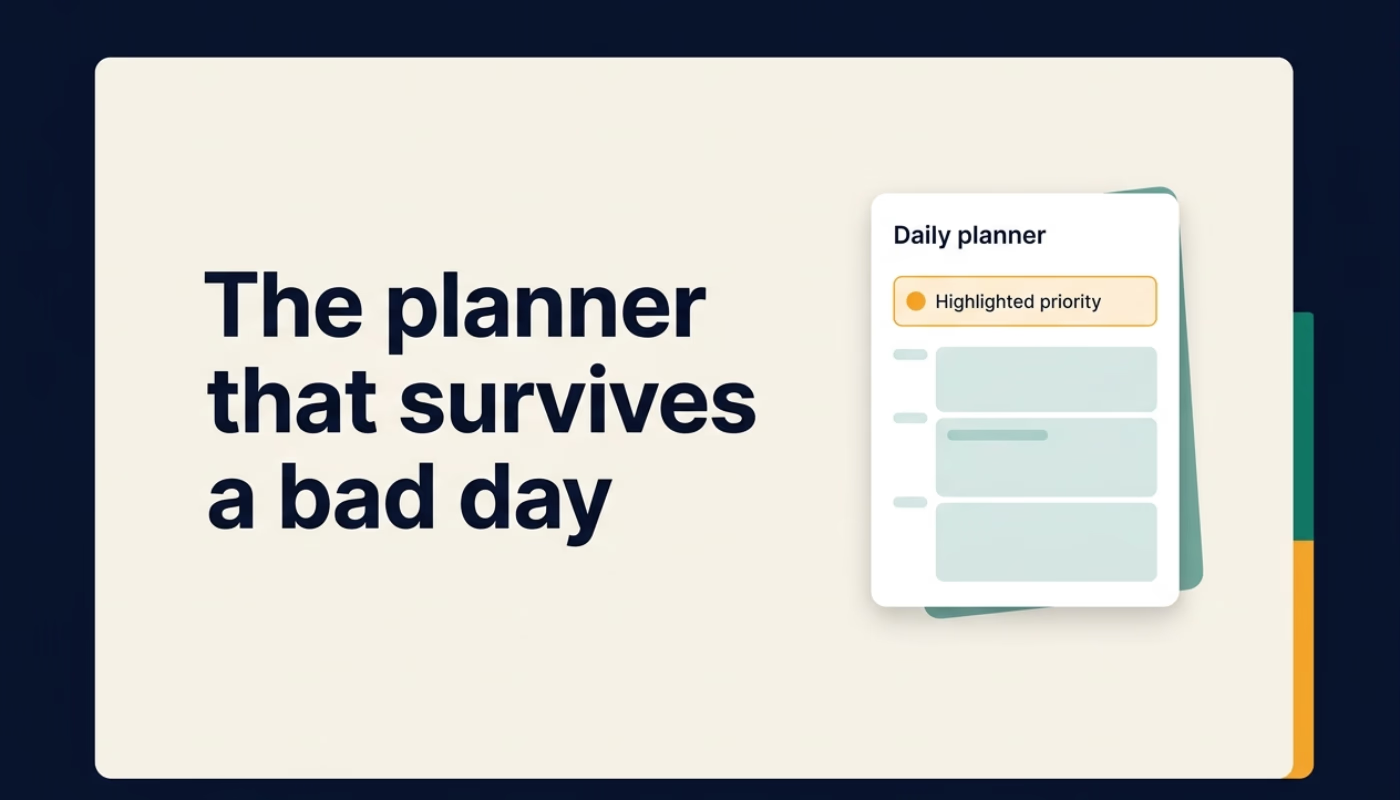
Most planners work on the days you need them least. When your energy is steady, your priorities are clear, and nothing unexpected lands on your desk, almost any system looks good. The real test comes on the other days: the morning that starts late, the afternoon that disappears into a single urgent task, the week where three days in a row did not go to plan. That is usually the moment a planner gets quietly abandoned.
This article looks at why that happens, especially for people with ADHD or anyone whose focus and energy change from day to day, and what a planner needs to do differently to survive a bad day. It is written from what we learned building CommandCenterADHD, a Notion planning system and free daily planner designed around those moments.
The three assumptions that break most planners
When you look closely at why people stop using a planner, the reason is rarely the layout, the colors, or the app. It is almost always one of three hidden assumptions built into the system.
1. Every task looks equally important
A typical to do list is a flat column of items. Each line has the same font, the same checkbox, and the same visual weight. For a brain that already struggles to decide where to start, that flat list is not neutral. It turns the first decision of the day into another task, and often the hardest one.
When everything competes for attention, people either pick the easiest item to feel some progress, or they freeze and pick nothing. Neither outcome is a character flaw. It is the predictable result of a system that asks you to rank twenty things before you can do one.
2. Your energy is assumed to stay the same
Time blocking and fixed schedules assume that the version of you who planned the day at 8 a.m. is the same version who shows up at 2 p.m. In reality, attention and capacity move. Sleep, meetings, medication timing, stress, and simple fatigue all change what you can realistically do.
A schedule that ignores this keeps asking for the same output from a person who no longer has the same input. The gap between the plan and reality grows through the day, and by evening the planner feels less like a tool and more like a record of what did not happen.
3. A difficult day is treated as failure
This is the assumption that ends most planning habits. Streaks break. Overdue counters climb. Yesterday's unfinished tasks roll forward in red. Opening the planner starts to feel like opening a report card, so people stop opening it.
The backlog then becomes its own obstacle. Restarting means sorting through everything that was missed, which is exactly the kind of heavy, undefined task that is hardest to begin. Many people conclude that the planner "stopped working" when really it was never designed for a restart.
What a planner that survives a bad day looks like
If those three assumptions are the problem, the design principles follow directly. A resilient planner should make the first decision small, adapt to the energy you actually have, and make restarting cheap. Here is how we translated each principle into something concrete.
Choose One Priority
Instead of starting with a long list, the day starts with a single question: what is the one thing that matters most right now? Everything else is still captured, but it is visually and mentally out of the way.
This does not mean you only do one thing per day. It means the day has a clear starting point. Once that first task is moving, choosing the next one is far easier than choosing the first one from a list of twenty.
A practical way to try this today, with or without any tool: write one line at the top of a page that says "If I only finish one thing today, it is this." Then write everything else below a line. You will notice how much quieter the page feels.
Plan around energy, not just time
Energy Blocks replace the idea of a rigid hourly schedule. Tasks are tagged by the effort they need, roughly high, medium, or low. When you check in with yourself during the day, you pick work that matches the capacity you have instead of forcing the task the calendar says should come next.
On a strong morning, that might mean deep work on a difficult project. On a slow afternoon, it might mean replying to two short emails and filing a document. Both count as progress. The planner is simply helping you choose work that you can actually start.
To try this without new software, add a small letter next to each task on your list: H for high effort, M for medium, L for low. The next time you feel stuck, look only at the L items and pick one.
Capture everything else so it stops competing
Part of what makes a day feel overwhelming is the number of open loops held in working memory: the thing you need to buy, the email you meant to send, the idea for next week. A Brain Dump page gives every one of those thoughts a place to land immediately, so your attention can return to the priority you chose.
The key is that capture and decision are separate steps. You drop a thought now and decide later whether it needs action. That separation keeps the capture habit fast enough to actually use.
Make the reset a feature, not a failure
The most important design choice is to expect hard days instead of treating them as exceptions. A daily Reset is a short, guided review: what remains, what still matters, what can be let go, and what is one low effort next step to begin again.
A weekly Reset does the same at a larger scale. It gives you a defined way to close out the week, clear what no longer matters, and choose what to carry forward. Because the restart process is built in, missing a day does not create a pile of guilt. It just means you run the reset.
This is also why there are no streaks, no leaderboards, and no red overdue counters in the system. Progress is recorded as proof, not pressure. The goal is a planner you are willing to reopen after a rough week.
How the pieces fit together in a real day
Here is a simple example of how this looks in practice.
- Morning: open the Today view, pick One Priority, and glance at what is due. Anything new that comes to mind goes straight into the Brain Dump.
- Midday check in: energy is lower than expected. Filter by low effort tasks and pick one small win instead of forcing the original plan.
- Afternoon interruption: an urgent request takes two hours. The plan is now out of date, which is fine.
- End of day: run the daily Reset. Keep what still matters, move or drop the rest, and choose tomorrow's first step so the morning starts with a decision already made.
Nothing about that day went perfectly, and the planner still worked. That is the whole point.
Start small, then add structure only when you need it
One more lesson from building this: complex systems are often abandoned during setup. Dozens of databases, properties, and views can feel impressive on day one and exhausting by day four.
That is why CommandCenterADHD has two layers. The free daily planner PDF gives you a single focused page for choosing one priority, planning realistic time blocks, and deciding what can wait. If you want more, the Notion Command Center adds task capture, Today, Upcoming, Needs Review, Effort and All Tasks views, daily and weekly journals, project tracking, reset actions, and five short setup videos. It is a one time purchase with lifetime access, no subscription, and a 30 day money back guarantee.
A quick and honest note: a planner is a support tool. It will not cure ADHD or replace professional care. What it can do is lower the cost of starting, reduce the number of decisions you have to hold at once, and make it easy to come back after a hard day.
Key takeaways
- Most planners fail because they assume clear priorities, steady energy, and perfect follow through.
- Starting the day with One Priority makes the first decision small and clear.
- Matching tasks to your current energy produces more real progress than following a schedule that no longer fits.
- Capturing thoughts in one place frees attention for the task in front of you.
- A built in reset turns a missed day into a normal part of the system instead of a reason to quit.
If you want to try the approach, you can get the free daily planner at commandcenteradhd.com. Start with today, and open the rest only when you need it.