
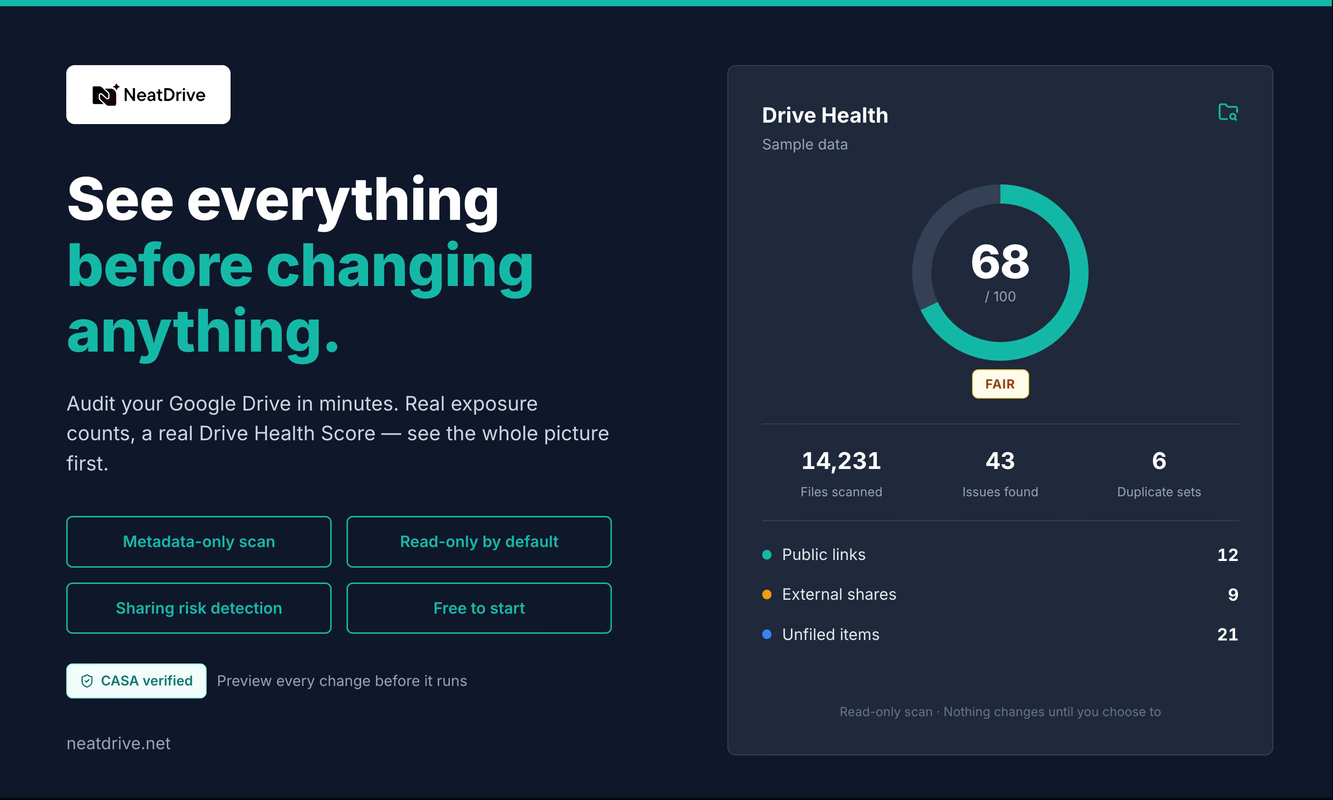
The first real scan I ever ran with NeatDrive was on my own Drive, and I ran it to check the detector counts. I wanted to know whether the numbers on one screen matched the numbers on another. That was the whole ambition for the afternoon.
Then a screen came up listing my W2. My tax return. Three bank statements, by name, each with a small red badge next to it that said Public.
Here's the part I keep coming back to: not one of those was a mistake at the time. I'd shared the tax return with someone who needed it. The link on the W2 existed because an email bounced and I had twenty minutes. Every one of them was a reasonable thing to do on a Tuesday in some year I no longer remember.
What got me was simpler than the exposure itself: there was no way I could have found out by being careful or by being the kind of person who checks, because Drive simply doesn't have a screen for it.
Drive answers the question, just not the one you're asking
Google Drive is genuinely good at telling you who can see a file. Click it, open Share, and there they are — names, domains, the link setting, the dropdown that says Viewer or Editor. Complete, accurate, right now.
But nobody lies awake worrying about the file they happen to be looking at. The worry runs backwards. Which of my files can somebody outside my company open? And of those, which ones would I actually mind?
Drive can't answer that, and it isn't an oversight. The information is all there — it's the same permissions Drive already enforces every second of every day. It's that the index only runs one direction. File to people, always. There's no path from "everyone who isn't me" back to the files.
So if you pushed most people on it, the honest answer would be: I don't know. Probably nothing bad. I'd have to check.
And checking means opening your files one at a time, which nobody has ever done.
Nobody decides to leave a tax return public
This is the part I'd want a stranger to understand before they run any audit tool, mine or anyone else's, because the first screen can feel accusatory and it shouldn't.
Exposure isn't a decision you made badly. It's a residue of ordinary work.
Your accountant needed the folder in April, and the engagement ended in June, and neither of you thought about the folder again. A file went out as "anyone with the link" because the deadline was that afternoon. A shared folder collected new files that inherited its sharing — which is exactly what Drive is documented to do, and which none of us re-derive in our heads every time we drag something in. An agency, a bookkeeper, a former co-founder, a school, a client's client.
Each one was fine. None of them expires. Drive is doing precisely what it was told, indefinitely, by a group of people who have all long since moved on to other things.
And you can't see any of it, because there's no surface where it collects.
What was actually in mine
My Drive, end to end: 5,949 files and 2,104 folders. 8,053 items. Not a corporate Shared Drive (which are what I was actually managing when I first thought of NeatDrive) — one person's working account, a few years deep.
235 files reachable by public link. 115 shared with people outside my domain. Another 151 items other people had shared with me, 66 of those carrying public links of their own — exposure I didn't create and couldn't see from any screen Drive offers.
And sitting alongside all of that: 1,669 loose files dumped at the root, 4,773 stale files, 919 empty folders, 305 clusters of duplicates.
I used to think of those as two different problems. Security over here, tidiness over there. They're not. A Drive with 919 empty folders in it is a Drive where nothing ever got retired, and a Drive where nothing got retired is a Drive where nothing got un-shared either. Same cause. The exposure is just the sharpest edge of the mess.
I'd also rather say this plainly than let the word "security" do something dramatic to it: nothing was breached. Nobody attacked me. This is what a working Drive looks like after a few years of getting things done.
235 wasn't the number that moved me
A list of 235 publicly-readable files isn't useful. It's a second inbox, and I'd have closed the tab.
What made it useful was sorting it by what the files are. Same 235 files, filtered down to the documents a person would actually care about, in the order they'd care about them: W2. Tax return. Bank statement. Public. Public. Public.
There's nothing technically clever happening on that screen. It's a filter. But the distance between "you have 235 public links" and "your W2 is one of them" is the entire distance between a report and a decision, and I only learned that by having it done to me.
Most audit tools optimize for the total. The total is the least interesting fact in the file.
What I decided the tool wouldn't be able to do
The obvious objection: to tell you what your documents are, something has to read your documents.
It doesn't, and NeatDrive can't. That's deliberate and it's checkable.
The scan asks Google for drive.metadata.readonly — names, sizes, dates, owners, folder structure, sharing settings. Not the text of the tax return. Not the numbers in the spreadsheet. Just the file's description of itself, which is the same thing Drive shows you in list view, and which turns out to be enough to answer every question above.
You don't have to take my word for any of that, which is the point. Google's consent screen names the scopes it's asking for, before you agree to anything. If a tool tells you it only reads metadata and the consent screen asks for your file contents, believe the consent screen.
I care about the difference between "we won't" and "we can't" more than I expected to when I started. A tool that can't read your files has no policy to break, no setting to get wrong, and no future version of me who decides that reading them would be good for the business. The guarantee comes from a missing capability rather than my good behavior.
The slow part is on purpose
The way a cleanup tool fails you isn't by missing something. It's by removing something you needed, from somewhere you can't get it back, on the strength of a scan you didn't fully read.
So every change previews first — itemized, files named, before anything happens.
Nothing is deleted. Things you clear out get moved into a quarantine folder inside your own Drive, in your own account, which you can open in Drive and go through like any other folder. I didn't want to become the custodian of anybody's files. Drive still is.
Everything is reversible for 30 days, and everything is written to an audit log you can read.
Some of this is slower than it needs to be. That's the intent. Anything allowed to make sweeping changes to your Drive should be slightly harder to use than something that isn't.
Where it'll disappoint you
It audits one Drive account and Shared Drives, but it isn't currently a domain-wide admin audit — if you're a Workspace admin who needs a fleet view of 400 accounts, this is the wrong shape of tool and you'll know that within a minute.
It isn't real-time data-loss prevention. It's a scan you run, not a monitor that watches.
It doesn't back up or restore anything. The quarantine folder is an undo, not an archive.
And I won't claim the capabilities are unheard of. By-principal access views, risk scoring, sensitive-document detection — other products do all three. The narrower, truer claim is that they're almost always sold to the administrator of a domain, and most of the people who need this answer don't have an administrator. You'll certainly be disappointed if you wanted to pay more for a product that does half as much.
The question you can finally ask
Not who can see this file, which Drive will happily tell you, one file at a time, forever.
But what, of everything I own, can be opened by someone I no longer work with — asked once, answered as a list, sorted so the things that would actually bother you are at the top, and immediately actionable.
That question has always had an answer. It's been sitting in Drive's own permissions the whole time.
It just never had a screen.
NeatDrive is a Google Drive audit and cleanup tool for individual accounts. It scans with metadata-only access, shows every public link and outside collaborator across your Drive sorted by what the file is, and cleans up with preview-first changes, an in-Drive quarantine folder and 30-day undo. No admin access required. The free tier includes four audits a month.
Learn more: https://neatdrive.net