Most productivity advice is built around time. Block your calendar, assign every task an hour, and follow the schedule. It sounds disciplined, and for some people on some days it works. But if your focus and capacity change from hour to hour, a time based plan tends to fall apart by lunch. The schedule stays the same while you do not.
Energy based planning starts from a different question. Instead of asking "what time should I do this," it asks "what can I realistically do with the capacity I have right now." This article explains why that shift matters, especially for people with ADHD, and gives you a simple system you can start using today with nothing more than a pen.
Why time blocking breaks down
Time blocking assumes three things: that you can accurately predict how long a task will take, that your attention will be available when the block starts, and that nothing will interrupt the plan. On a calm day, those assumptions might hold. On a normal day, at least one of them usually fails.
When a block slips, the rest of the day slips with it. A task that was supposed to take thirty minutes takes ninety. The next block is now overdue before it starts. By mid afternoon, the calendar is no longer a plan. It is a list of things that did not happen at the times you said they would.
The problem is not a lack of discipline. The problem is that the plan was built for a version of you with constant, predictable energy. Most people do not have that, and people with ADHD often experience much bigger swings in focus, motivation, and mental stamina across a single day.
What energy based planning means
Energy based planning keeps your tasks but changes how you choose between them. Each task is labeled by the effort it requires, not the time slot it belongs in. Then, when you are ready to work, you check your current capacity and pick a task that matches it.
A simple three level scale is enough for most people.
- High effort: work that needs sustained focus, problem solving, or creative thinking. Writing a proposal, planning a project, having a difficult conversation.
- Medium effort: work that needs attention but follows a known path. Updating a spreadsheet, preparing for a routine meeting, editing a draft.
- Low effort: short, clear tasks you can do even when your battery is low. Sending a quick reply, filing a document, booking an appointment, clearing a small admin item.
The labels are not about how important a task is. A low effort task can be urgent, and a high effort task can wait. The label only describes what the task will ask of you.
How to check your capacity
The skill that makes energy based planning work is a quick, honest check in. It takes less than a minute. Before choosing your next task, ask yourself three short questions.
- How clear does my head feel right now, on a simple scale of low, medium, or high?
- How much uninterrupted time do I actually have before the next commitment?
- Is there anything I am avoiding that is draining attention in the background?
Your answers point you toward a level. If your head feels clear and you have ninety quiet minutes, reach for a high effort task. If you have twenty minutes between meetings and feel scattered, pick something low effort and finish it. The point is to choose work you can start, not work you think you should be able to do.
A simple paper version you can start today
You do not need an app to try this. Take your current to do list and add one letter next to each item: H, M, or L. That is the entire setup.
Then, at the top of a fresh page, write your One Priority for the day: the single task that matters most. Note its effort level. If it is high effort, protect the time of day when you tend to have the most focus for it. For many people that is mid morning, but notice your own pattern instead of assuming.
For the rest of the day, whenever you finish something or feel stuck, do the one minute check in and choose from the matching letter. When your energy drops, go straight to the L items. You will be surprised how many small tasks you clear on days that would otherwise have felt wasted.
What a good energy based day looks like
Here is an example of how a real day might unfold with this approach.
- 9:30: head feels clear. You work on your One Priority, a high effort project plan, for about an hour.
- 10:45: a meeting runs long and you come out drained. Instead of forcing the next high effort task, you pick two low effort items and finish both.
- 1:30: after lunch, focus is medium. You update the budget sheet and prepare notes for tomorrow.
- 3:30: energy is low. You clear three quick replies and book an appointment you have been putting off.
- 5:00: you run a short reset: note what remains, choose tomorrow's first step, and close the day.
Nothing in that day matched a rigid schedule, yet it produced real progress on every level. More importantly, there was never a moment where you had to decide whether to force a task you did not have the capacity for or feel behind for not doing it.
Common questions
What if all my important tasks are high effort?
Break them down. A high effort task is often several smaller steps grouped under one name. "Write the report" might become "outline three sections" (medium), "pull last month's numbers" (low), and "draft the summary" (high). Once split, some parts can move forward even on low energy days.
Will I just avoid the hard work?
The One Priority keeps the important work visible. You still decide each morning what matters most. Energy based planning simply stops you from wasting low capacity hours staring at a task you cannot start, and helps you notice when you do have the focus to tackle it.
How do I handle deadlines?
Deadlines still matter. Use them to choose your One Priority and to decide which high effort tasks need protected time this week. Energy labels help you decide how to move toward the deadline on any given day, not whether to meet it.
How CommandCenterADHD uses energy based planning
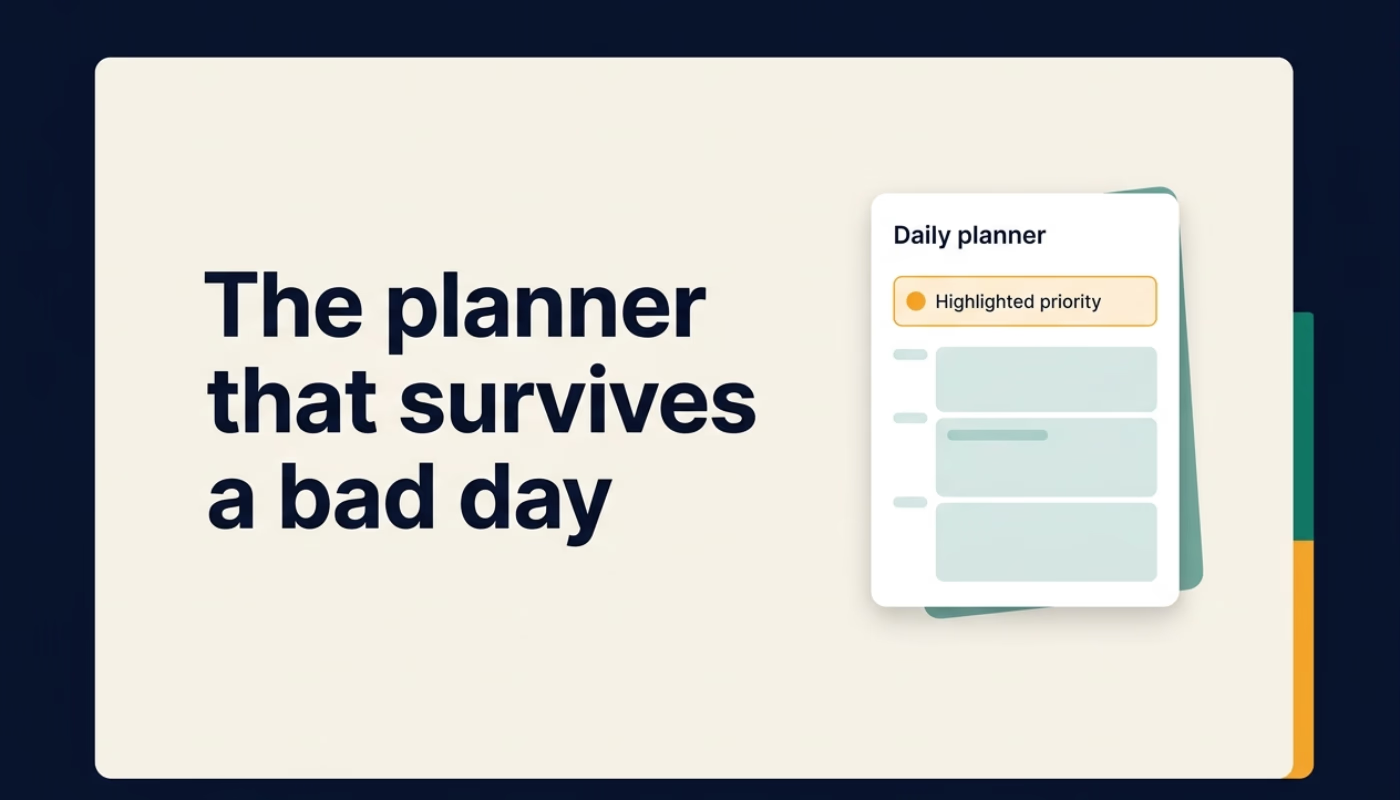
We built energy based planning directly into CommandCenterADHD. The free daily planner PDF gives you a focused page for your One Priority and realistic time blocks. The Notion Command Center adds an Effort view, so you can filter tasks by the capacity they need and pick the right one in seconds. It also includes daily and weekly reset actions, journals, project tracking, and five short setup videos. It is a one time purchase with lifetime access and a 30 day money back guarantee.
A planner will not change how your brain works, and it is not a substitute for professional support. What it can do is stop asking you to be a different person at 3 p.m. than you were at 9 a.m.
Key takeaways
- Time based plans assume steady energy, which most people do not have.
- Label tasks as high, medium, or low effort based on what they ask of you.
- Do a one minute capacity check before choosing your next task.
- Protect your best focus hours for your One Priority.
- Use low energy time for low effort tasks instead of losing it entirely.
You can get the free daily planner at commandcenteradhd.com and try energy based planning tomorrow morning.