
Doomscrolling consumes your time in small, unnoticed moments. You open your phone for one update. You scroll through one post. Minutes turn into an hour. This repeated digital distraction reduces your productivity and weakens your ability to focus on meaningful work.
If you want to stop doomscrolling and be more productive, you need structure and support. You need boundaries that protect your time and reduce digital distraction at work. This guide explains how to break the doomscrolling habit fast and build distraction-free work sessions that improve your productivity daily.
Why a Productivity Tool Is Essential to Stop Doomscrolling
Doomscrolling is not random. Social media and news feeds are designed to keep you engaged. Endless scrolling removes natural stopping points. Notifications interrupt deep work. Emotional content pulls attention away from priorities.
Relying on motivation alone fails because distraction is always one tap away. A structured productivity tool creates friction between you and distraction. It enforces start times, blocks access to time-wasting apps, and supports consistent focus.
What Doomscrolling Does to Your Productivity
Every scroll breaks concentration. Research shows that after an interruption, it takes several minutes to regain full focus. If you check your phone 15 to 20 times per day, you lose significant productive time each week.
The real cost includes:
- Slower task completion
- Reduced creative thinking
- Lower quality work
- Increased stress
- Missed deadlines
If you want to increase productivity without distractions, you must eliminate repeated digital interruptions.
How to Stop Doomscrolling and Be More Productive
Use this structured system supported by a focus tool.
1. Define One Clear Task
Start each session with one specific outcome. Clear direction reduces avoidance. Instead of writing “work on project,” define “write 800 words of section one.”
Clarity reduces the urge for distraction.
2. Set a Fixed Focus Block
Schedule 30 to 60 minutes of uninterrupted work. A dedicated productivity tool helps enforce this time block and prevents snoozing or delay. Time blocking improves focus and builds daily consistency.
3. Remove Digital Distraction
To reduce digital distraction at work:
- Keep your phone out of reach
- Silence non-essential notifications
- Close unnecessary tabs
- Use a blocking tool during work sessions
These tools to prevent doomscrolling create accountability.
4. Interrupt the Scroll Reflex
When you feel the urge to scroll:
- Pause for 10 seconds
- Stand up briefly
- Take one slow breath
- Return to your task
This pattern weakens automatic behavior and helps break the doomscrolling habit fast.
5. Track Focused Work Hours
Measure distraction free sessions each day. Four focused sessions of 45 minutes equal three hours of high quality output. Small daily improvements compound into significant productivity gains.
The Hidden Cost of Digital Distraction at Work
If you lose two hours per day to doomscrolling, you lose ten hours per week. Over one year, that exceeds 500 hours. That equals more than twelve full workweeks of lost productivity.
You do not need to work longer. You need to protect your time better.
This Tool Will Help You Stop Doomscrolling
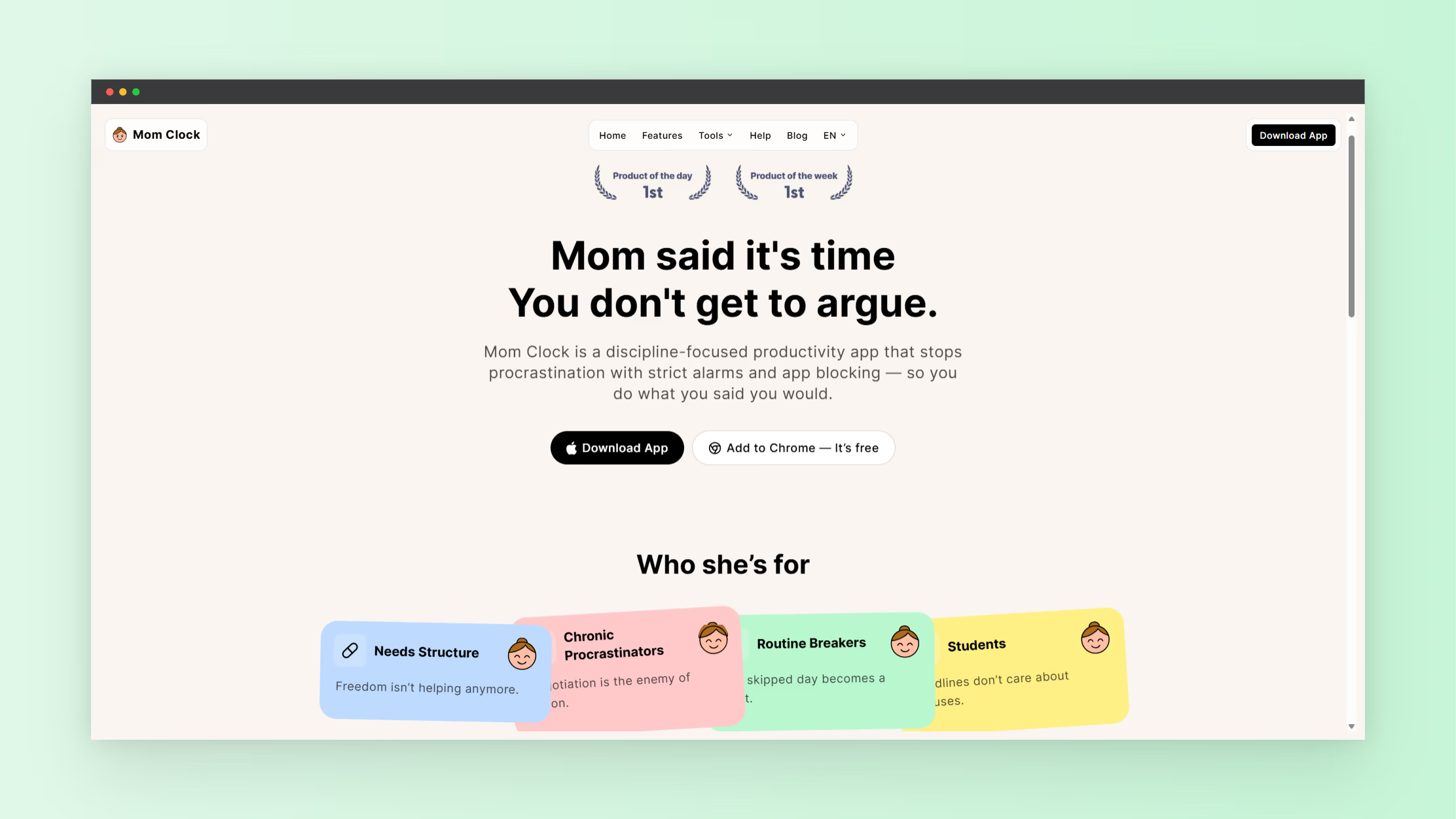
A practical solution is the Mom Clock tool from NextGen Tools. This tool will help you block distractions, enforce strict start times, and keep your focus on your priority tasks. By creating clear boundaries around work sessions, it reduces doomscrolling and keeps you on schedule.
You can access the tool here
Using this tool will help you:
- Start work immediately when scheduled
- Block distracting apps and websites
- Reduce procrastination
- Build consistent focus sessions
- Protect your daily productive time
With a structured tool like this, productivity becomes easier than scrolling.
Build a Distraction-Free Work System
Long-term productivity requires routine.
To avoid distraction while working:
- Start work at the same time daily
- Protect your first focus block
- Review priorities each morning
- Evaluate the output each evening
- Schedule scrolling time intentionally
When scrolling is planned, it stops interrupting deep work.
Increase Productivity Without Burning Out
Improving productivity daily does not mean working nonstop. It means working with intention.
Plan breaks between focus sessions. Move your body. Rest your eyes. Avoid opening social feeds during short breaks to prevent sliding back into doomscrolling.
Structured breaks protect mental energy and sustain long-term output.
What Happens When You Control Distraction
When you reduce doomscrolling and use a structured productivity tool:
- Projects move forward faster
- Focus improves
- Stress decreases
- Work quality increases
- Free time expands
Increasing productivity without distractions creates momentum. Momentum strengthens discipline. Discipline supports consistent results.
Your Next Step
Choose one priority task today. Set a 45-minute focus session. Remove your phone from reach. Use the Mom Clock tool to enforce your start time. Complete the session without interruption.
Repeat tomorrow.
Stopping doomscrolling requires boundaries. Improving productivity requires structure. This tool will help you protect your focus, reduce distraction, and increase daily productivity.
For more productivity tools, visit: NextGen Tools