
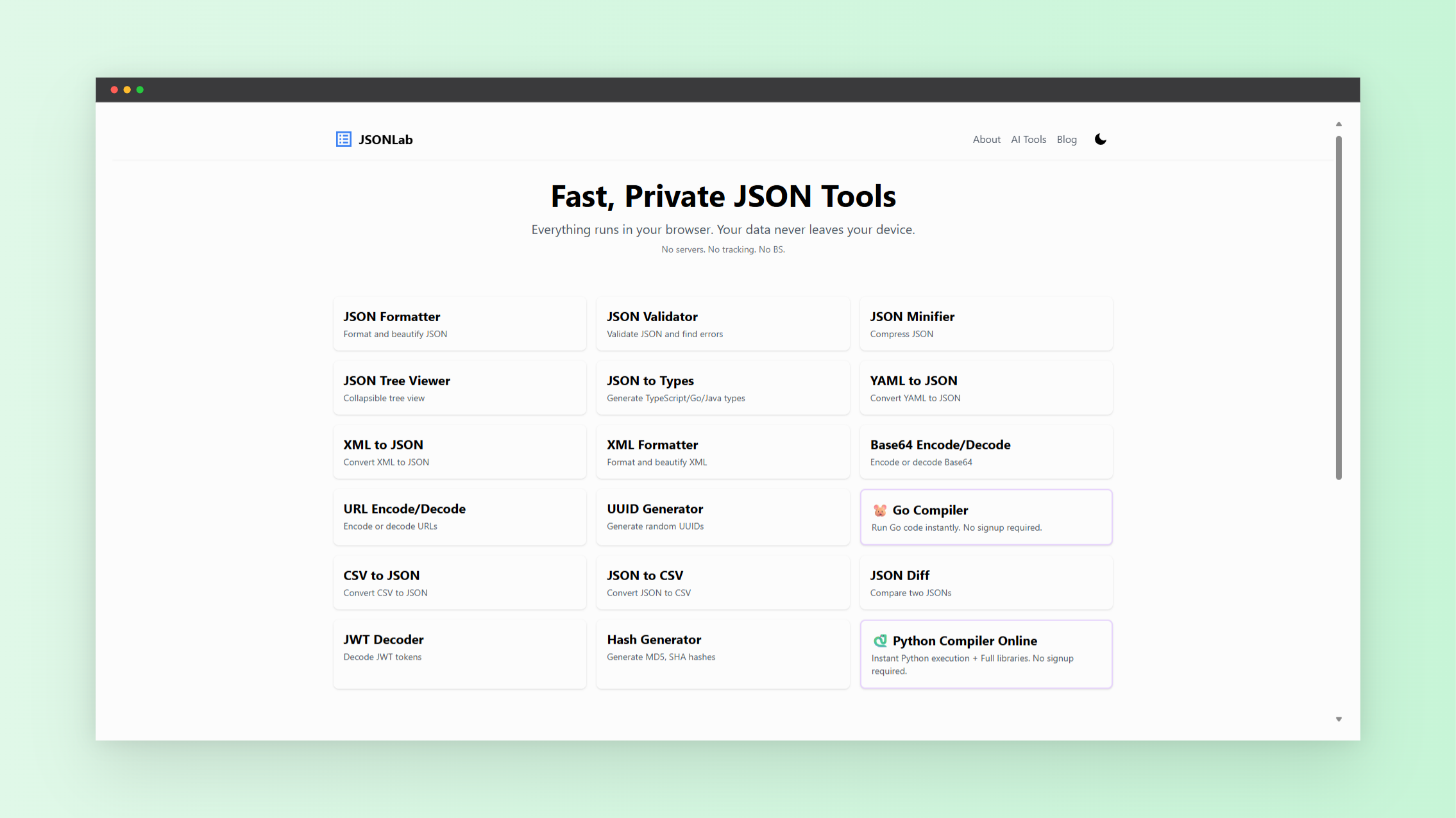
JSON drives modern applications. APIs return it. Web apps exchange it. AI systems structure responses with it. Configuration files depend on it. Yet raw JSON often appears compressed and unreadable. Long strings without spacing slow you down and increase errors.
A reliable JSON viewer and JSON formatter solve this instantly.
If you want a browser-based solution built for speed and simplicity, use this tool:
👉 JSON Tools
For access to more utilities in one place, visit:
👉 NextGen Tools
This guide explains how these JSON tools improve productivity, reduce debugging time, and help you manage structured data efficiently in 2026.
Why a JSON Viewer Is Essential
Raw JSON often looks like this:
{"users":[{"name":"Alex","id":1},{"name":"Taylor","id":2}]}
That format makes it hard to scan nested structures or locate specific values.
An online JSON viewer converts compressed JSON into a structured layout. It adds indentation. It separates arrays and objects. It lets you expand and collapse nested elements.
This improves:
- API response inspection
- Configuration review
- Log debugging
- Schema validation
- Data structure analysis
Instead of scanning a wall of text, you navigate a clear tree structure. You focus on relevant keys. You reduce mistakes.
How a JSON Formatter Improves Accuracy
A JSON formatter restructures messy or minified data into readable format. It enforces consistent spacing and indentation.
More importantly, it validates syntax.
Common JSON errors include:
- Missing commas
- Extra commas
- Unmatched brackets
- Incorrect quotation marks
When these errors occur, parsers fail. Applications break. API calls return errors.
A JSON formatter tool highlights these issues instantly. You correct them before pushing changes to production.
Why Online JSON Tools Are Growing in 2026
Search demand for long tail keywords continues to rise:
- online json viewer for api testing
- free json formatter tool without signup
- secure json tools online
- json beautifier and validator in browser
Developers expect instant access. They do not want installations. They do not want registration forms. They want tools that work immediately inside the browser.
Modern JSON tools meet these expectations. They load fast. They process data locally. They work across devices.
Features of the JSON Tools
Instant Formatting
Paste raw JSON. The tool beautifies it immediately. No account required. No downloads.
Built-In Validation
Invalid JSON triggers clear error messages. You locate the issue quickly.
Structured Tree View
Nested arrays and objects display in a clean hierarchy. Expand sections as needed.
Large Payload Support
Modern APIs return complex JSON structures. A reliable JSON viewer handles them smoothly.
Browser-Based Privacy
Processing happens directly in your browser. Your data stays on your device. This matters when working with internal APIs or sensitive configuration files.
JSON Viewer for API Development
If you build or test APIs, JSON is part of your daily workflow.
You often need to:
- Inspect GET responses
- Validate POST request bodies
- Review authentication tokens
- Confirm nested object relationships
- Verify key names and values
A JSON viewer simplifies structure inspection. A JSON formatter ensures your payload is readable before sharing it with teammates.
Clean formatting reduces review time and improves collaboration.
JSON Tools for Data Analysts
JSON is widely used across analytics platforms, CRM systems, marketing tools, and AI services.
Analysts frequently export JSON datasets. Before transforming or converting them, they must inspect the structure.
Formatting JSON first ensures:
- Accurate mapping
- Clear understanding of nested attributes
- Fewer transformation errors
A structured format prevents data pipeline issues.
Supporting AI Workflows with JSON Formatter Tools
AI systems often return structured JSON outputs, including:
- Chatbot message objects
- Model configuration structures
- Metadata responses
- Inference logs
Inspecting these outputs requires a reliable JSON viewer. You verify fields. You confirm nested structures. You ensure formatting consistency before storage or processing.
As AI adoption expands in 2026, structured output validation becomes a routine task. JSON tools simplify this process.
Best Practices When Using JSON Tools
Follow these steps to reduce errors:
- Always validate JSON before deployment
- Format JSON before reviewing nested structures
- Confirm data types match expectations
- Check for duplicate keys
- Keep original copies before modifying
These small steps prevent integration failures.
Why Centralized JSON Tools Improve Productivity
Switching between different platforms wastes time. A centralized toolkit improves workflow efficiency.
If you need additional browser-based utilities beyond JSON formatting, explore the full suite here: NextGen Tools
Having multiple tools in one location reduces friction and improves focus.
Who Benefits from a JSON Viewer and JSON Formatter
These JSON tools support:
- Backend developers testing APIs
- Frontend developers inspecting responses
- QA engineers validating payloads
- DevOps engineers reviewing configuration files
- Data analysts cleaning structured exports
- Students learning JSON structure
If your work involves structured data, a JSON viewer and JSON formatter are essential components of your toolkit.
Final Thoughts
Structured data management requires clarity and precision. A dependable JSON viewer and JSON formatter reduce debugging time, prevent syntax errors, and improve collaboration.
Start using the JSON tools here:
👉 JSON Tools
For additional utilities that support productivity and development workflows, visit:
👉 NextGen Tools
When your JSON is formatted, validated, and easy to read, your development process becomes faster, cleaner, and more reliable in 2026.