
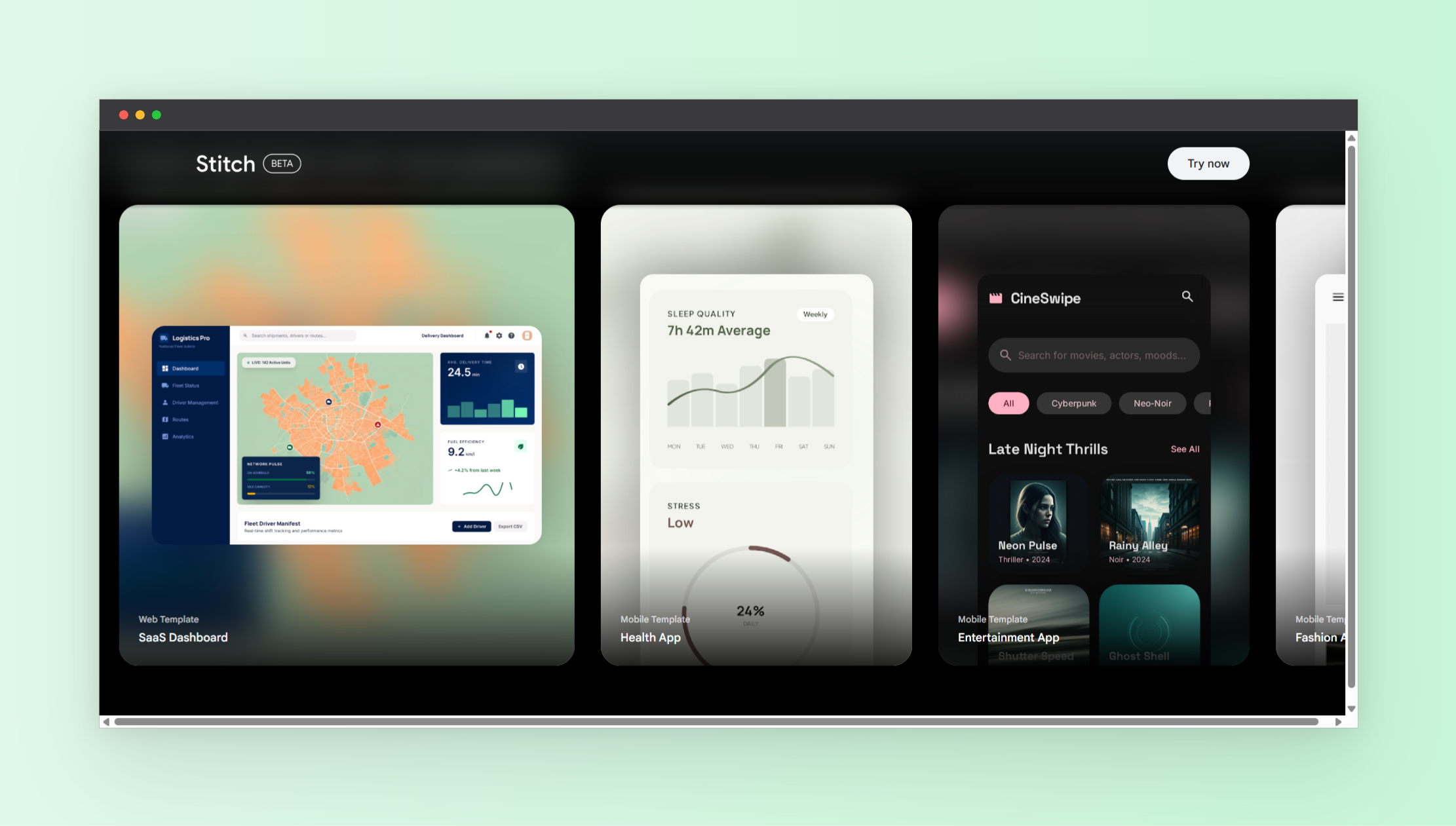
Turning ideas into real app designs has always been one of the biggest bottlenecks in building digital products. Traditionally, you needed wireframes, design tools, and front-end development skills just to get a simple interface ready. Today, that process is changing fast.
If you are wondering how to generate UI design from text using AI, tools like Google Stitch are redefining what is possible. Instead of spending hours designing layouts manually, you can now describe your idea in plain English and instantly get a working UI.
What is Google Stitch and why it matters
Google Stitch is an AI-powered design-to-code tool developed by Google Labs. It allows users to generate high-fidelity user interfaces using simple inputs like text prompts, sketches, or even voice commands.
What makes it powerful is its ability to bridge the gap between design and development. Instead of creating static mockups, Stitch generates real UI components along with usable HTML and CSS code.
This means you are not just designing. You are already halfway into development.
For founders, developers, and creators, this dramatically reduces the time from idea to prototype.
How to generate UI design from text using AI
Using AI to generate UI design might sound complex, but the process is surprisingly simple. Here is a step-by-step breakdown of how it works with Stitch.
- Describe your idea
Start by writing a prompt like “Create a modern finance dashboard with charts and dark mode.” - AI generates the interface
Stitch interprets your description and creates a full UI layout with components, typography, and structure. - Iterate and refine
You can adjust the design by adding more instructions such as layout changes or style preferences. - Export code
Once satisfied, export the generated HTML and CSS to use in your project.
This workflow removes the need for traditional wireframing and speeds up prototyping significantly.
Key features that make Stitch powerful
Stitch is not just another AI tool. It introduces a new way of thinking about design. Here are the standout features that make it unique.
- Text-to-UI generation
Describe your idea and instantly get a structured interface. - Image and sketch input
Upload rough designs or screenshots and convert them into polished UI. - Production-ready code
Generate clean HTML and CSS that can be used directly in development. - Interactive prototypes
Preview user flows instead of static screens. - AI design iteration
Refine layouts using follow-up prompts instead of manual edits. - Voice-driven design
Control and tweak your UI using voice commands.
These features combine to create a seamless design experience that feels more like having a design partner than using a tool.
Who should use AI UI generation tools
The ability to generate UI from text opens up opportunities for a wide range of users.
- Startup founders who want to visualize ideas quickly
- Developers who want to skip manual UI building
- Designers looking to speed up workflows
- Product managers who need fast prototypes
- No-code creators building apps without design skills
Even beginners with zero design experience can now create professional-looking interfaces.
Real use cases of generating UI from text
Understanding how to generate UI design from text using AI becomes clearer when you see real-world applications.
- SaaS dashboards
Generate admin panels, analytics dashboards, and user portals instantly. - Mobile app screens
Design onboarding flows, login screens, and navigation layouts. - Landing pages
Create marketing pages with structured sections and call-to-actions. - Ecommerce interfaces
Build product listings, carts, and checkout flows. - Internal tools
Quickly design tools for operations, CRM, or reporting.
Instead of starting from scratch, you begin with a complete structure that you can refine.
Benefits of using AI for UI design
There are several reasons why AI-generated UI is becoming popular.
- Speed
Create designs in seconds instead of hours or days. - Accessibility
No design background required. - Cost efficiency
Reduce reliance on large design teams. - Rapid iteration
Test multiple ideas quickly. - Consistency
AI maintains layout and design structure automatically.
This shift is especially important for startups and solo builders who need to move fast.
Limitations to be aware of
While AI tools like Stitch are powerful, they are not perfect.
- Generic designs
Some outputs may feel similar across projects. - Customization limits
Fine-tuning complex UI details may still require manual work. - Learning curve
Writing effective prompts takes practice. - Not a full replacement
Designers and developers are still needed for production-level refinement.
The best approach is to use AI as a starting point, not the final solution.
Tips to get better results with AI UI generation
If you want to master how to generate UI design from text using AI, your prompts matter a lot.
- Be specific
Include layout, style, and purpose in your prompt. - Use design language
Mention elements like cards, grids, or navigation bars. - Iterate often
Refine outputs with follow-up instructions. - Combine inputs
Use both text and images for better results. - Think in user flows
Describe how users interact with the interface.
The more detailed your input, the better the output.
The future of UI design with AI
AI tools like Stitch are pushing the industry toward a new workflow where ideas instantly become interfaces. This reduces friction between creativity and execution.
We are moving toward a world where:
- Design and development happen simultaneously
- Non-technical users can build full products
- Prototyping becomes instant and iterative
- AI becomes a core part of product creation
This is not just an improvement in tools. It is a shift in how software is built.
Final thoughts
Learning how to generate UI design from text using AI is quickly becoming an essential skill for modern builders. Tools like Google Stitch make it possible to go from idea to interface in minutes, without traditional design barriers.
If you are building apps, launching a startup, or experimenting with new ideas, this is one of the fastest ways to bring your vision to life.
For more tools like this, explore https://www.nxgntools.com and discover the next generation of AI-powered platforms.