
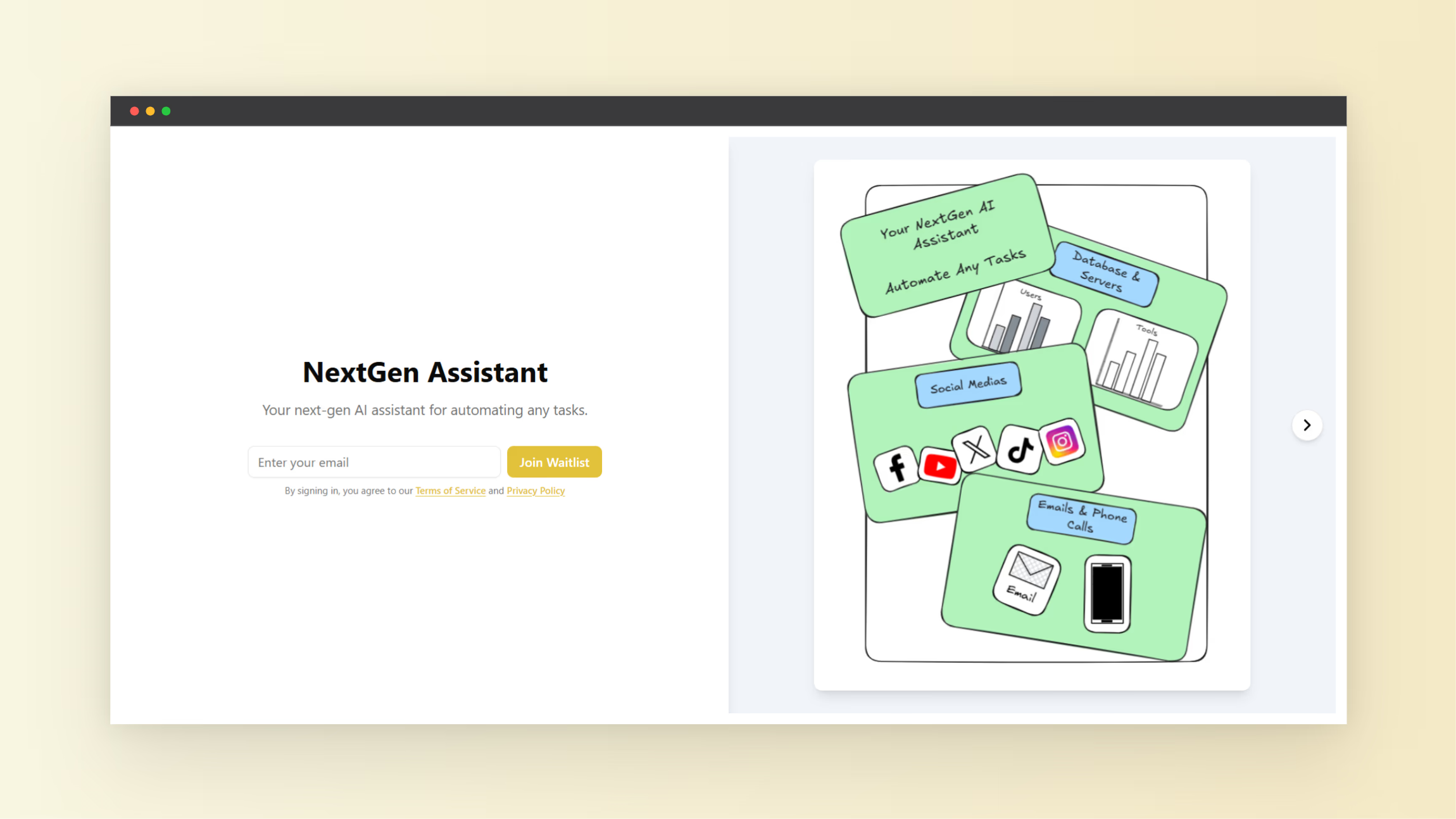
Many startup founders delay their launch because they think they need a full product before showing it to users. This slows momentum and wastes time on features nobody asked for. A waitlist landing page solves this problem because it lets you collect emails, measure interest, and validate demand before development starts. With tools like VIP List, you can build a startup waitlist landing page without coding, publish it fast, and begin gathering early users within minutes.
A waitlist landing page acts as the first version of your startup. It shows your idea, explains the value, and invites visitors to join early access. This approach helps founders measure interest through signup numbers and engagement metrics. A strong signup rate signals real demand, while low conversions highlight messaging problems or weak value propositions.
What Is a Startup Waitlist Landing Page and Why It Matters
A startup waitlist landing page is a simple web page designed to collect email addresses from people interested in your product before launch. Instead of building a complete app or platform, you test the idea first by sharing your concept and inviting users to sign up.
Modern startup strategies depend on validation before development. Founders build waitlists to confirm demand before investing large amounts of time or money. A waitlist also creates momentum because early users feel included in the launch journey.
Platforms like VIP List allow founders to create a waitlist quickly using a unique shareable link. This link becomes the center of early marketing campaigns and product validation efforts. The platform tracks signups and engagement data, giving founders insight into user interest and behavior.
- Capture early user interest before product development
- Measure demand using real signup data
- Create launch momentum before release
- Build an audience ready for product updates
- Validate ideas without writing code
Benefits of Creating a Waitlist Without Coding
Traditional landing pages require web development skills, hosting, and integration work. This slows progress and creates technical barriers. No-code waitlist tools remove these steps and allow founders to launch fast.
VIP List supports founders by offering simple setup flows where users create a waitlist name, generate a link, and begin collecting signups immediately. The platform includes built-in analytics tools that track growth and engagement, allowing founders to make decisions using real data instead of guesses.
No-code waitlist tools also reduce costs. Instead of hiring developers or purchasing complex tools, founders start with a free plan and scale later. Many platforms offer analytics dashboards that track email exports, growth metrics, and engagement behavior.
- No programming skills required
- Fast setup within minutes
- Lower startup costs
- Built-in analytics and email export features
- Simple customization options
Step-by-Step Guide to Create a Startup Waitlist Landing Page Without Coding
Building a waitlist landing page involves several simple steps. Each step contributes to validation and user acquisition.
- Define your startup idea clearly
Write a short description explaining what your product solves and who it helps. Focus on the problem first, then explain the solution. - Create a waitlist using a no-code platform
Enter your waitlist name and generate your unique link. Platforms like VIP List allow founders to create waitlists instantly and begin sharing them across channels. - Add visual elements
Upload images or screenshots that represent your idea. Visual content improves engagement and increases signup rates. - Write a strong headline
Your headline must explain the value clearly. Focus on benefits rather than technical features. - Share the waitlist link
Post the link on social media, startup communities, and email newsletters to attract early users. - Track growth and refine messaging
Use analytics dashboards to monitor signup numbers. Adjust your message if conversion rates drop.
Key Features to Look for in a No-Code Waitlist Builder
Choosing the right platform affects your launch speed and success rate. Some features simplify workflow and improve results.
VIP List includes several features that support startup founders during early validation. The platform allows users to export email lists, monitor engagement, and track conversions. These insights help founders understand user behavior before building the product.
- Unique shareable waitlist links
- Signup tracking and engagement analytics
- Email export functionality
- Image support for visual previews
- Multiple waitlists for different ideas
These features reduce manual work and keep the focus on testing product ideas instead of managing technical tasks.
How to Design a High-Converting Waitlist Landing Page
A waitlist page succeeds when visitors understand the value quickly. Confusion leads to lost conversions. Clear messaging increases signup rates and builds trust.
Successful landing pages focus on clarity and simplicity. Each section must support the main goal, which is collecting email signups. Avoid unnecessary elements that distract users.
- Headline: State the main benefit clearly
- Short description: Explain how your product solves a problem
- Signup form: Keep it simple with minimal fields
- Visual preview: Show concept screenshots or illustrations
- Call to action: Encourage early access participation
High-performing waitlist pages focus on one goal only. They remove distractions and guide visitors toward signup completion.
Using Waitlists to Validate Startup Ideas
Startup validation reduces risk and improves development decisions. A waitlist landing page gives founders data before writing code or designing advanced systems.
Signup numbers act as validation metrics. If many visitors join the waitlist, demand exists. If signup numbers remain low, founders revise messaging or reposition the idea.
Analytics dashboards provide insights into visitor behavior. Founders analyze growth trends, track engagement patterns, and refine marketing strategies based on real feedback.
- Test demand before building products
- Collect feedback from early users
- Measure engagement trends
- Improve messaging through iteration
- Reduce development risks
Marketing Strategies to Grow Your Waitlist Fast
Creating a waitlist page is only the first step. Growth depends on consistent promotion and visibility. Marketing efforts drive traffic and increase signup numbers.
Founders use multiple channels to promote waitlists. Each channel attracts different user segments and improves visibility.
- Share updates on social media platforms
- Post progress screenshots and feature previews
- Join startup communities and discussion forums
- Create short videos explaining the product concept
- Offer early access perks to encourage signup
Early marketing creates momentum before launch day. When the product releases, founders already have users ready to test it.
Common Mistakes to Avoid When Building Waitlist Landing Pages
Many founders fail to convert visitors because of avoidable mistakes. These errors reduce signup rates and limit validation results.
- Writing vague headlines that confuse visitors
- Adding too many form fields
- Ignoring visual content
- Failing to track analytics data
- Launching without promotion
Avoiding these mistakes improves conversion rates and ensures better data collection during validation phases.
How VIP List Helps Founders Launch Faster
VIP List supports startup founders by simplifying the waitlist creation process. Users create waitlists quickly and receive a unique link that collects signups instantly. This removes technical barriers and allows founders to focus on idea validation.
The platform includes analytics tools that monitor signup numbers and engagement activity. Founders use this data to understand user demand and refine messaging strategies. Email export features also allow founders to move subscriber lists into marketing tools when the product launches.
VIP List also offers flexible pricing options. The free plan supports one waitlist and allows basic analytics tracking. Paid plans support multiple waitlists, unlimited email exports, and expanded features such as image support and advanced analytics tools.
- Quick waitlist setup with minimal steps
- Unique shareable waitlist links
- Email export functionality
- Signup and engagement tracking
- Support for multiple startup ideas
Turning Waitlist Subscribers Into Early Customers
Waitlist subscribers represent your first group of potential customers. Managing this group correctly improves launch success.
After collecting emails, founders send updates that share progress and build anticipation. These updates create trust and keep subscribers engaged throughout development.
Early access invitations encourage feedback and improve product quality. Subscribers who feel included often become long-term users and brand advocates.
- Send progress updates regularly
- Share behind-the-scenes content
- Offer early access invitations
- Collect feedback from testers
- Reward loyal subscribers
Why Every Startup Should Launch With a Waitlist
Launching without validation increases risk and delays success. A waitlist landing page solves this problem by testing demand before development. Founders gain confidence through measurable user interest.
Startup history shows that successful launches begin with audience building. Founders who build waitlists create stronger momentum and improve early adoption rates. This approach also reduces wasted development effort.
With no-code tools like VIP List, creating a startup waitlist landing page without coding becomes a fast and practical strategy. Founders move from idea to audience within minutes, allowing faster validation and smarter product decisions.
Early momentum shapes startup growth. A simple waitlist page builds excitement, collects feedback, and creates the foundation for successful product launches.