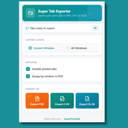
Super Tab Exporter
Export all your open tabs to PDF, CSV or Excel in one click.
by Faraz Ahmad
FreeBrowser Extension
- Upvotes
- 7
- Comments
- 0
- Impressions
- 244
this week
discussions
this week
About
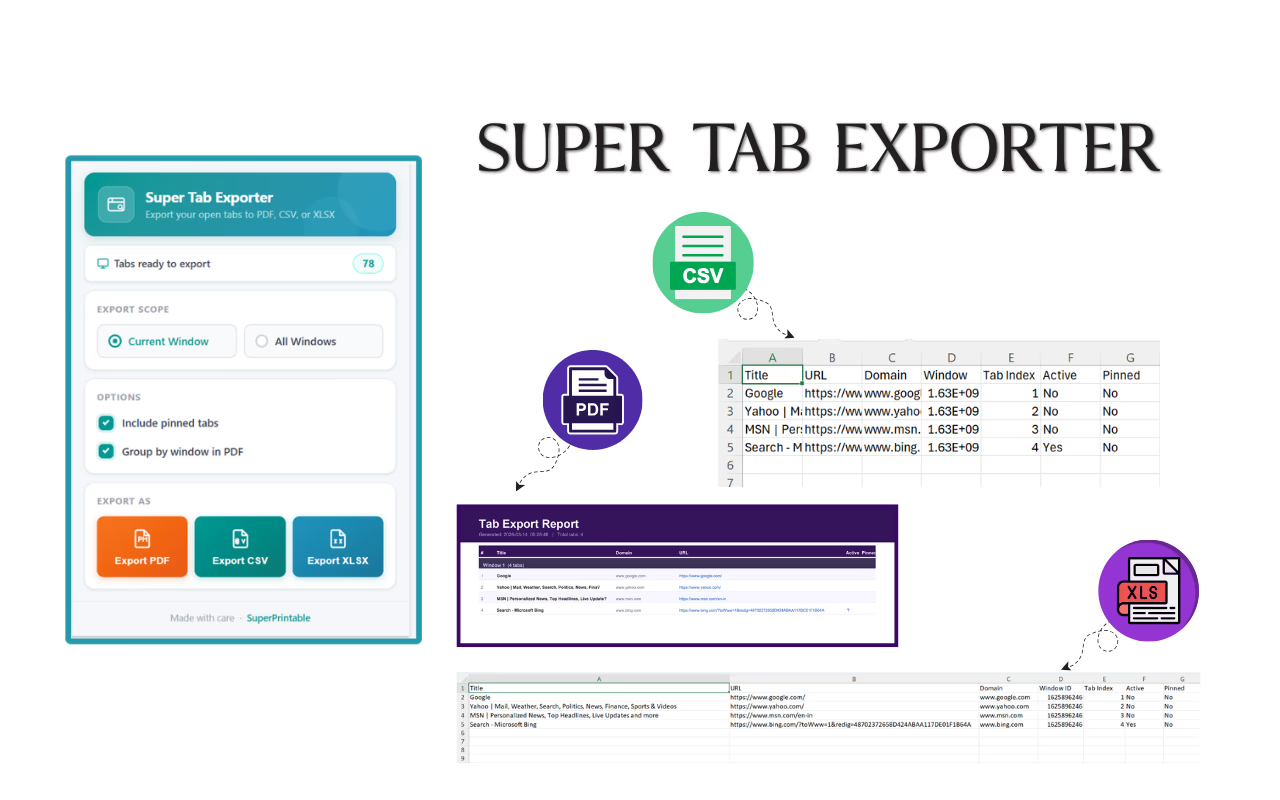
Super Tab Exporter is a Chrome extension that converts your currently open tabs into organized files with one click. It exports tab lists to PDF, CSV, or Excel (XLSX) so you can archive or share a browsing session instead of losing track of open pages. The export includes details like tab title, URL, domain, window ID, tab position, and whether tabs were active or pinned. You can choose to export tabs from the current window or from all open Chrome windows, and optionally include pinned tabs or group items by window in the PDF report. The tool runs entirely inside the browser, works offline, and is designed around privacy: it requires no sign-up, makes no network requests, uses no external servers, and does not include analytics or tracking.
Problem & solution
Problem
Open tabs get lost; hard to save/share sessions.
Solution
Export current/all tabs to PDF/CSV/XLSX locally.
Who it's for
Researchers, students, developers, power users.
Main features
- PDF/CSV/XLSX export
- All local; no servers
- Export current/all windows
- Include pinned tabs option
- Group by window in PDF
Use cases
- Archive research tab sets
- Share tab lists with a team
Comments
0 shownShare your thoughts about this tool.
Sign in to leave a comment.
No comments yet. Be the first to leave one.