

- Upvotes
- 5
- Comments
- 0
- Impressions
- 157
this week
discussions
this week
About
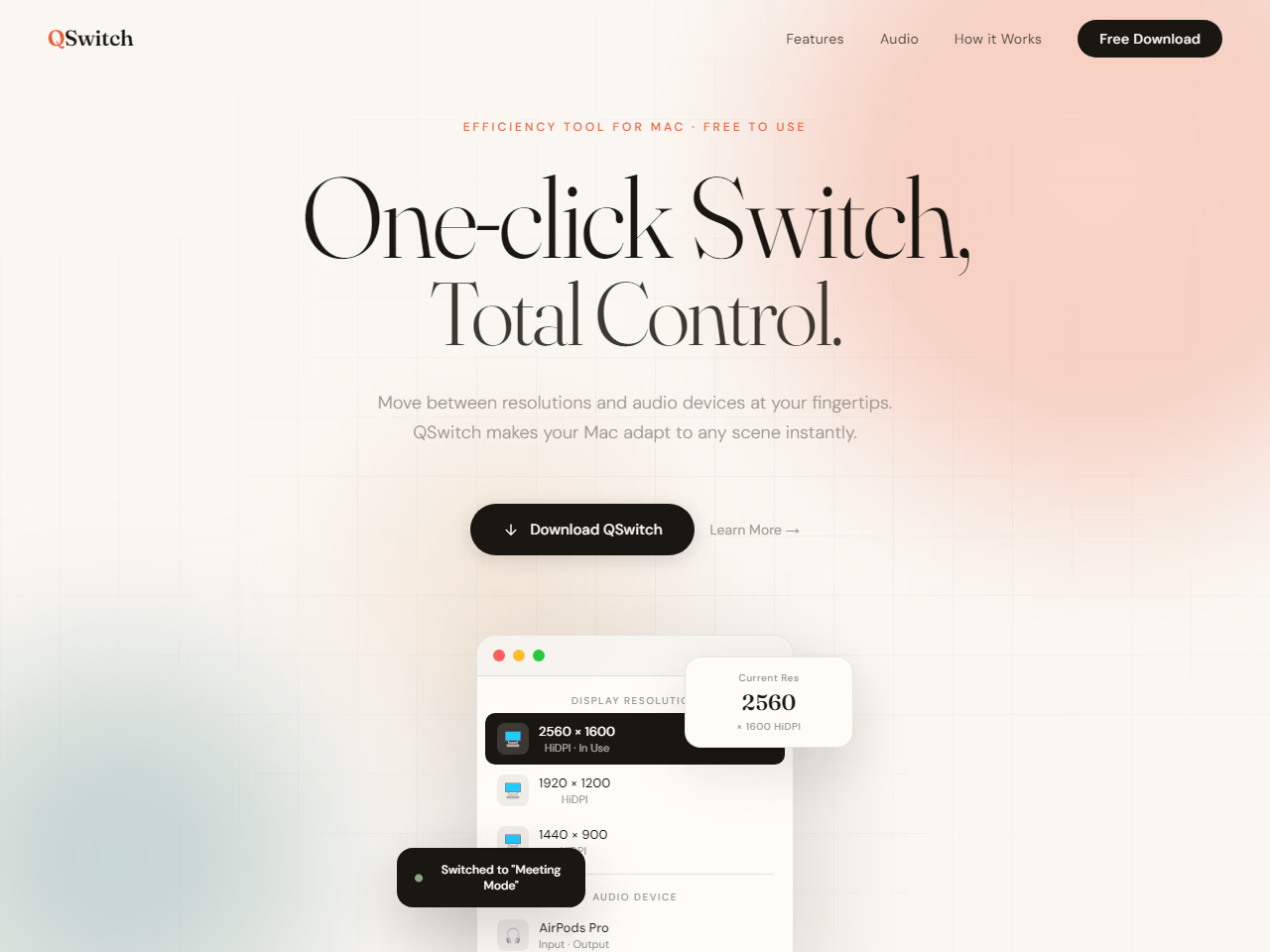
QSwitch is a utility tool designed for Mac users to streamline the process of switching screen resolutions and audio settings. It allows users to swiftly alternate between various display resolutions directly from the menu bar without needing to access System Settings, which is ideal for tasks like presentations and video recording. QSwitch also features audio preset management, enabling users to save and switch between different input/output device setups—such as for work, meetings, or creative tasks—in a single click. The tool is equipped with smart recognition capabilities, scanning available devices and updating in real-time, while ensuring that all configurations are preserved even after a restart. It offers effortless usability with an auto-launch feature and is compatible with macOS 13 or later, providing a free, subscription-less solution for efficient system management.
Problem & solution
Problem
Switching Mac resolution and audio devices is slow in System Settings
Solution
Menu-bar one-click switching of resolutions and saved audio presets
Who it's for
Mac users needing fast display and audio changes
Main features
- Menu-bar resolution switch
- Audio device presets
- Input/output sync switch
- Auto device recognition
- Launch at login
Use cases
- Switch to meeting audio preset
- Change resolution for presentation
Comments
0 shownShare your thoughts about this tool.
Sign in to leave a comment.
No comments yet. Be the first to leave one.