
- Upvotes
- 1
- Comments
- 0
- Impressions
- 20
this week
discussions
this week
About
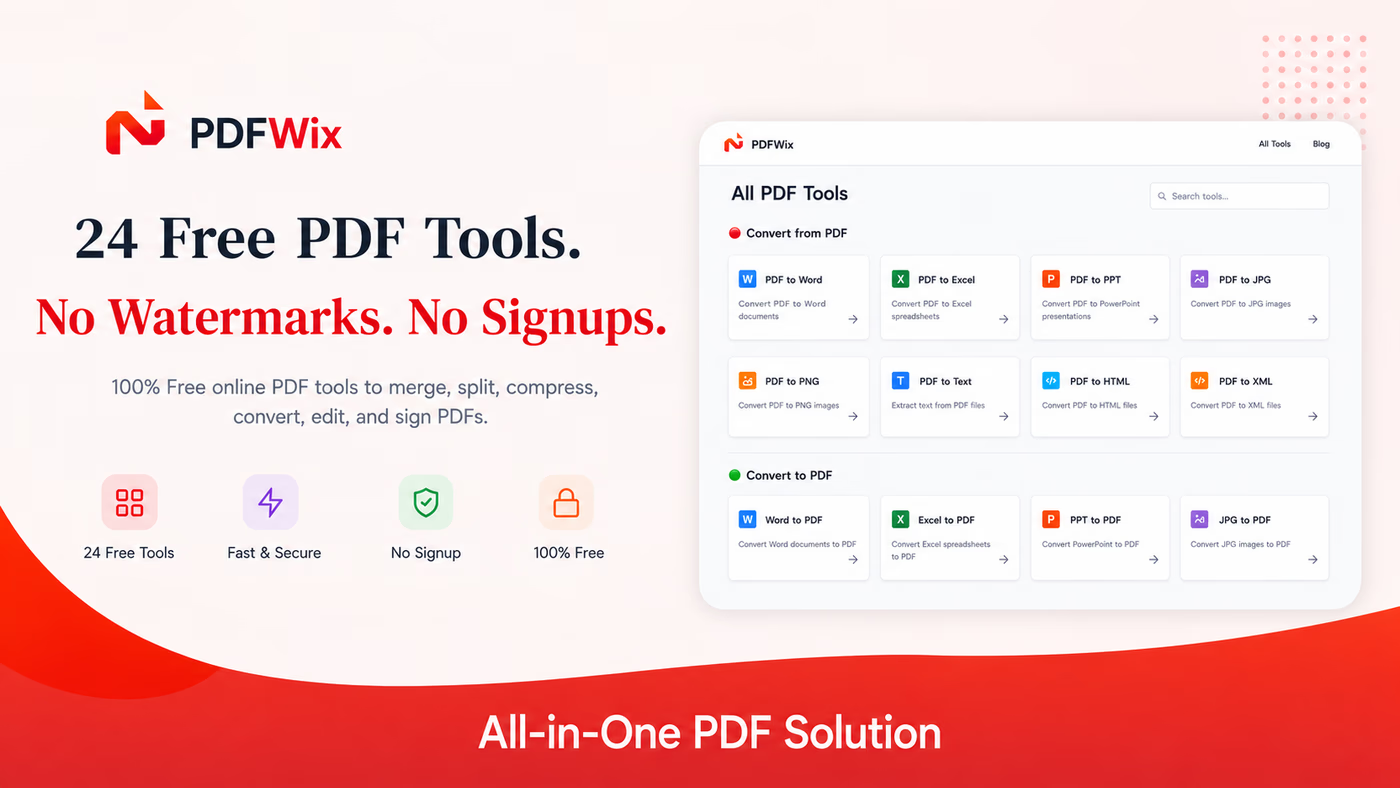
PDFWix is an online PDF toolkit for working with PDF documents in a web browser. It provides tools for merging, splitting, organizing, rotating, extracting, removing, compressing, converting, editing, filling forms, signing, watermarking, cropping, protecting, unlocking, redacting, repairing, scanning, and comparing PDFs. The site states that 24 tools are available, with most processing performed locally in the browser using WebAssembly, so files do not leave the device for those tools. Protect PDF and Unlock PDF use server-side processing in memory. PDFWix does not require an account to use its tools and states that its web tools have no daily task limits or output watermarks. It supports desktop and mobile browsers without an app installation. The site also provides a developer API using the same PDF processing engine and includes guides, comparisons, security information, and use cases for students, lawyers, HR teams, freelancers, healthcare users, and developers.
Problem & solution
Problem
PDF tasks often require limits, signups, watermarks, or file uploads.
Solution
Provides 24 PDF tools, mostly processed in-browser without file uploads.
Who it's for
People who need to merge, edit, convert, sign, or manage PDFs.
Main features
- Merge, split, reorder PDFs
- Convert PDF and office files
- Edit, sign, and annotate
- Compress and repair PDFs
- Browser-based processing
Use cases
- Merge and reorder PDF pages
- Convert images and documents to PDF
Comments
0 shownShare your thoughts about this tool.
Sign in to leave a comment.
No comments yet. Be the first to leave one.