

- Upvotes
- 7
- Comments
- 0
- Impressions
- 445
this week
discussions
this week
About
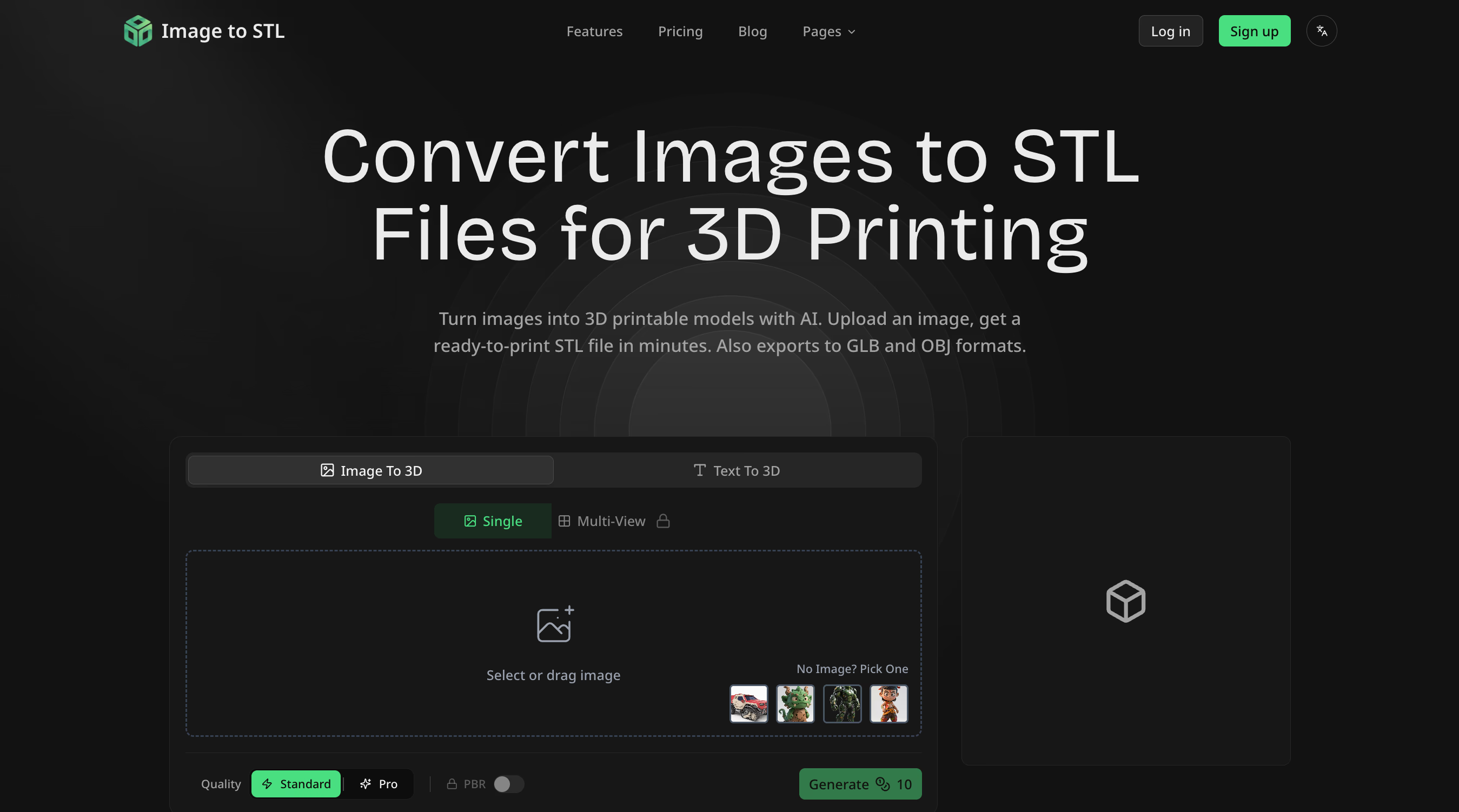
Image to STL Introduction For 3D printing enthusiasts, designers, and creators, the barrier between imagination and physical reality has always been the complex process of 3D modeling. Image to STL shatters that barrier by leveraging advanced AI to intelligently convert flat images into fully realized, three-dimensional STL files ready for your printer. This web-based tool democratizes 3D model creation, turning a process that once required hours of specialized software expertise into a task completed in minutes. Image to STL is a specialized AI converter that analyzes the depth, contours, and luminance of a 2D image to generate a corresponding 3D mesh. It interprets visual data to create height maps, extruding shapes and creating relief based on image contrast and detail. The core value lies in its speed, accessibility, and direct export to industry-standard 3D printing formats, bypassing traditional, complex modeling pipelines. Key Features AI-Powered Depth Conversion: The tool's engine doesn't just extrude shapes uniformly. It analyzes your image to intelligently infer depth and topography, creating more nuanced and accurate 3D geometry from photographs, logos, or illustrations. Multi-Format Export: Don't get locked into a single file type. Export your generated models directly to STL, GLB, or OBJ formats, ensuring compatibility with virtually any slicer software or 3D modeling suite. Web-Based & Instant Processing: There's no software to download or install. Upload an image from your device and receive a processed 3D model in minutes, with all computation handled securely in the cloud. User-Friendly Preview Interface: Before downloading, inspect your model from all angles. The integrated viewer provides front, back, left, and right perspectives to verify the conversion quality and model integrity. Support for Common Image Types: Start with what you already have. The tool accepts standard image formats, making it easy to convert existing logos, drawings, or photos without prior conversion. Who Is This For? 3D Printing Hobbyists & Educators: Quickly create custom lithophanes, personalized keychains, or educational models from textbook diagrams without learning CAD. Perfect for makerspace projects or STEM classroom activities. Product Designers & Prototypers: Generate initial 3D concepts from 2D sketches or mood board images. Rapidly iterate on form factors before moving into detailed CAD work, speeding up the early ideation phase. Small Business & E-commerce Owners: Produce unique, customized merchandise. Convert a company logo into a 3D stamp, a branded figurine, or textured paneling for physical products, adding a new revenue stream. Artists & Digital Creators: Bridge the gap between digital art and physical sculpture. Transform digital paintings, character art, or graphic designs into tangible art pieces, unlocking new mediums for creative expression. Under the Hood The platform operates as a streamlined web application, requiring only a modern browser. Its AI processing leverages sophisticated algorithms for image analysis and mesh generation, handling the computational heavy lifting server-side. This architecture ensures users don't need powerful local hardware. While the core conversion is automated, the tool provides essential preview controls to assess the output, giving you confidence before committing to a print. Get Started Getting started is straightforward. Navigate to the website, upload your chosen image file, and let the AI process it. You'll be presented with a 3D preview to examine. If satisfied, select your preferred output format (STL, GLB, or OBJ) and download the file directly to your computer for slicing and printing. Image to STL turns visual inspiration into physical possibility, making 3D creation an accessible skill for anyone with an image and an idea.
Offers
Promo codes available for this launch.
SAVE20
Get 20% off on your first purchase
Expires Dec 30, 2026
Comments
0 shownShare your thoughts about this tool.
Sign in to leave a comment.
No comments yet. Be the first to leave one.