Do not distracted
It locks all websites only selected website be unlock.

by Patel
FreeBrowser Extension
- Upvotes
- 0
- Comments
- 0
- Impressions
- 12
this week
discussions
this week
About
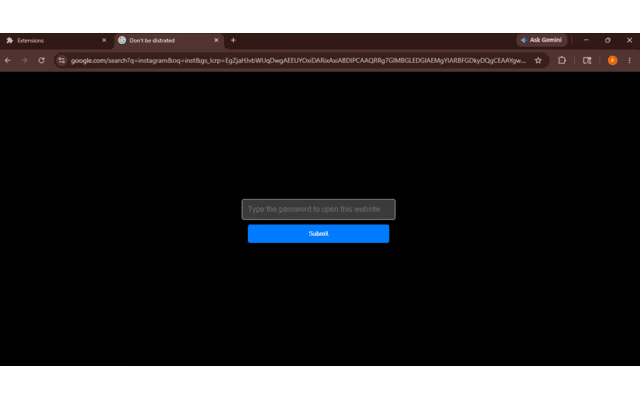
it locks the website only user selected website be unlock so user can focus on work It locks all the website only user selected website be unlock so user can focus on work or you can use this for the children. How to work:- click on the extension open the extension popup click on the set password create the password and type the password and click to the ok and go to website you want to be unlock by default. goes to the website url and click to the save tab all the selected tab are become unlock all the time other website become lock if you want to open that type the right password and click to the ok that website become unlock but after removing the tab it automatic lock the website. after creating and changing the password if the any tab is opened before setting the password refresh the page.
Problem & solution
Problem
while work we sometime loose focus on work and use distracting website.
Solution
this extension locks your distracting website only your selected website be unlock.
Who it's for
All the website user.
Main features
- locks the distracted website.
Use cases
- while work or for children.
Comments
0 shownShare your thoughts about this tool.
Sign in to leave a comment.
No comments yet. Be the first to leave one.