
- Upvotes
- 2
- Comments
- 0
- Impressions
- 30
this week
discussions
this week
About
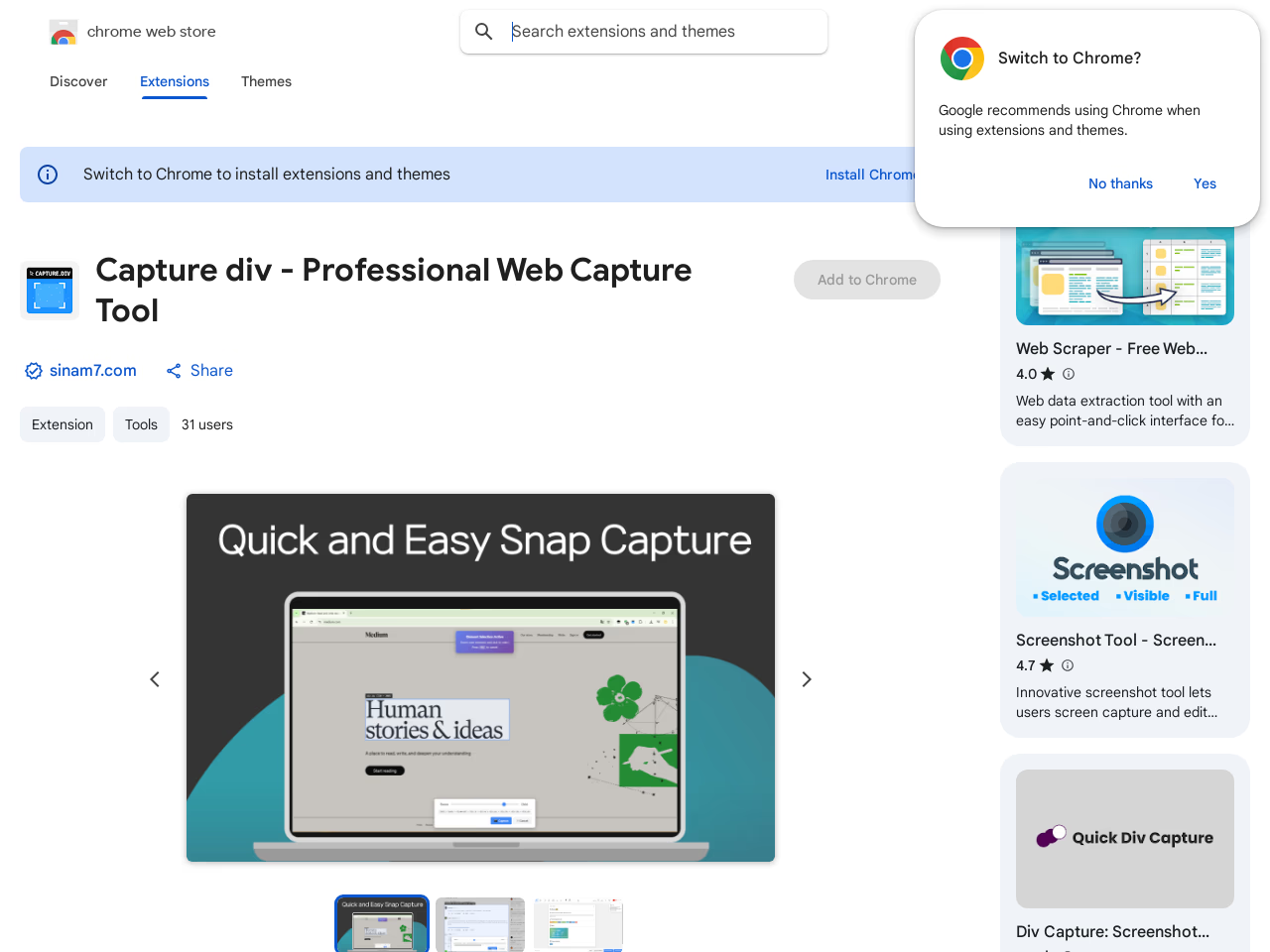
Capture div is a web capture tool designed for precise selection and editing of web elements directly within a user's browser. It allows users to capture long, scrollable web elements seamlessly by auto-stitching content that extends beyond the viewport using smart scrolling technology. Users can easily annotate captured images with tools for cropping, adding text, arrows, shapes, and applying blurs for privacy protection. Processing is conducted locally, ensuring user data isn't uploaded externally. This tool suits developers for bug reporting and UI component documentation, designers for mockup creation, and content creators for social media and tutorial graphics. The extension highlights privacy-first practices and does not sell or misuse user data, focusing on serving its core functionality within the browser environment.
Problem & solution
Problem
Hard to capture long web elements and annotate precisely
Solution
Chrome extension selects elements, auto-stitches, edits, saves PNG/JPG
Who it's for
Developers, designers, content creators/marketers
Main features
- Auto-stitch long elements
- Precise element selection
- Crop/arrows/text annotations
- Blur/mosaic privacy
- Local in-browser processing
Use cases
- UI bug report screenshots
- Tutorial/documentation images
Comments
0 shownShare your thoughts about this tool.
Sign in to leave a comment.
No comments yet. Be the first to leave one.