
Most people consume far more online content than they can realistically organize.
Articles, tutorials, research papers, documentation, and videos pile up quickly across browser tabs, bookmarks, and scattered notes. Even when useful insights are discovered, they often disappear into forgotten tabs or disconnected apps.
That is why workflows centered around AI summaries and structured note organization are becoming increasingly popular.
Many users are now searching for ways to save AI summaries to Notion from webpages without manually copying content between multiple tools.
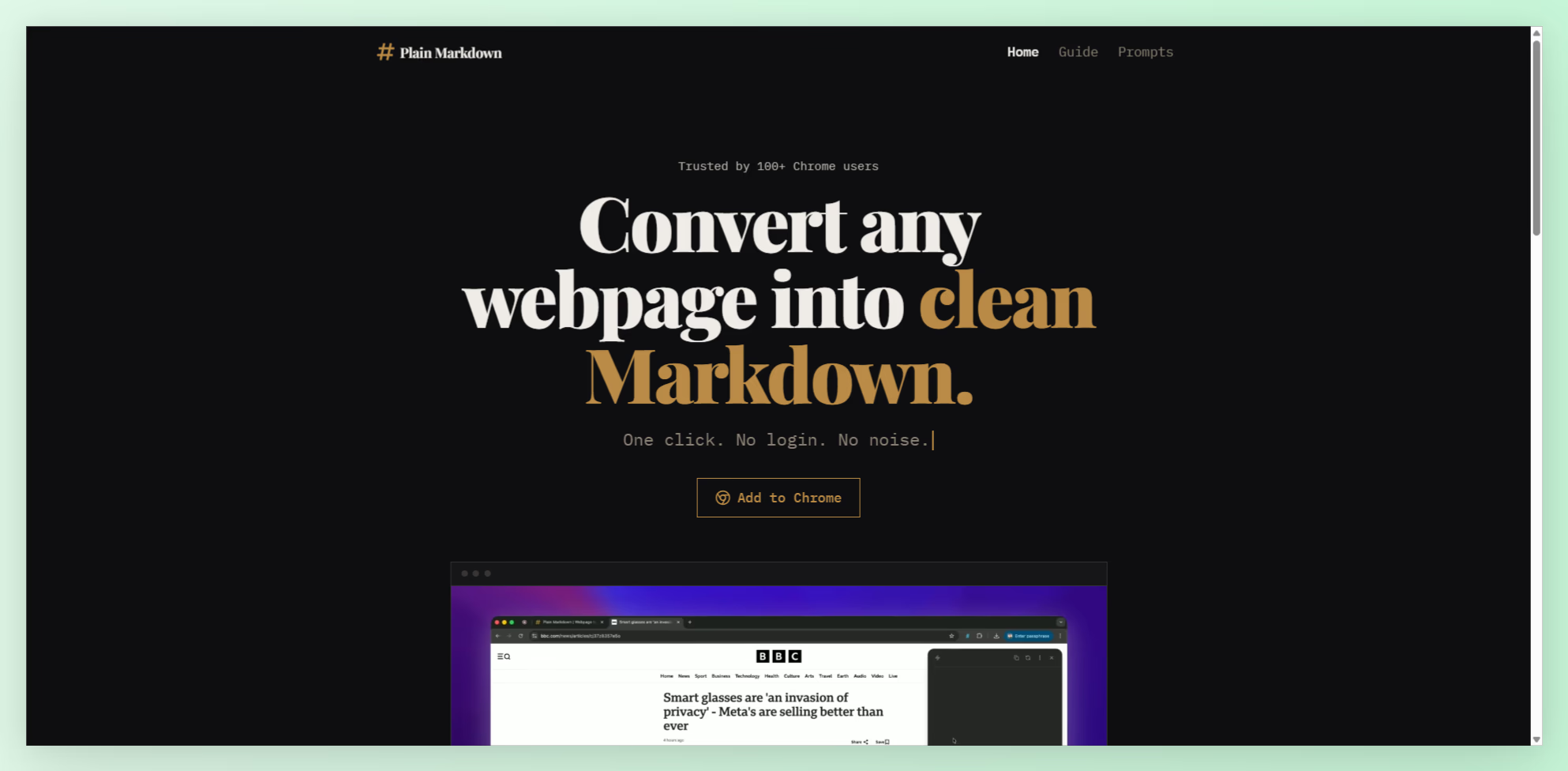
Plain Markdown introduces a workflow designed specifically for this problem. Instead of simply converting webpages into Markdown, it now includes AI-powered actions and direct destinations that help users summarize, organize, and send cleaned content directly into tools like Notion, Obsidian, and Readwise.
This combination turns casual browsing into a much more organized knowledge workflow.
Why Traditional Bookmarking Fails
Bookmarks are easy to save but difficult to revisit.
Most people collect articles with the intention of reading them later, only to forget them entirely. Over time, bookmark folders become cluttered archives filled with unread content.
The bigger problem is that bookmarks store links, not understanding.
Even if the content is eventually revisited, users still need to:
- Re-read the article
- Extract important points
- Write their own notes
- Organize the information manually
- Transfer summaries into another system
This creates unnecessary friction in the learning and research process.
Why AI Summaries Change the Workflow
AI summaries reduce the time required to process online information.
Instead of reading every article from beginning to end, users can instantly generate structured summaries that highlight the most important insights.
This becomes especially valuable for:
- Research workflows
- Competitive analysis
- Learning technical topics
- Content planning
- Business intelligence
- Personal knowledge management
Plain Markdown includes built-in AI actions that allow users to analyze webpages directly inside the extension.
Users can run actions like:
- TL;DR
- Action items
- Pros and cons
- Custom questions
Instead of jumping between multiple apps, the analysis happens directly within the editing workflow.
How Actions Create a Faster Research System
The actions feature turns passive reading into interactive analysis.
After converting a webpage into Markdown, users can ask questions about the content immediately.
For example:
- Summarize this article in 5 bullet points
- Extract key business ideas
- List actionable takeaways
- Identify risks and advantages
- Create a beginner-friendly explanation
The responses stream directly into the editor, allowing users to refine, trim, and organize the output before saving it.
This dramatically speeds up information processing.
Instead of manually creating summaries, users can focus on understanding and organizing insights.
Why Markdown Still Matters in AI Workflows
Even though AI features are becoming more advanced, Markdown remains one of the most practical formats for structured knowledge.
Markdown removes unnecessary formatting noise while preserving readability.
This makes summaries cleaner and easier to store long-term.
Markdown also works well with:
- Notion
- Obsidian
- Readwise
- GitHub
- AI tools
- Documentation systems
Instead of locking users into proprietary formats, Markdown keeps content portable and future-proof.
Saving AI Summaries Directly Into Notion
One of the most useful additions in Plain Markdown is the destinations feature.
After generating and editing summaries, users can send the content directly into external tools where they already organize their notes.
The Notion destination is particularly powerful for knowledge management workflows.
Users can connect their Notion workspace through OAuth authentication and choose a parent page where captured content will be stored.
Once connected, summaries and webpage captures can be sent directly into Notion without manual copy-pasting.
This creates a much smoother workflow for:
- Research databases
- Reading systems
- Project documentation
- AI-assisted note-taking
- Learning hubs
- Content idea collections
Instead of scattered browser tabs, users build organized knowledge libraries automatically.
Why Integrated Destinations Matter
Most productivity workflows fail because they involve too many steps.
Even small amounts of friction reduce consistency over time.
A typical manual workflow often looks like this:
- Read article
- Copy content
- Paste into editor
- Clean formatting
- Generate AI summary
- Copy summary again
- Open Notion
- Create new page
- Paste content manually
This process becomes exhausting when repeated daily.
Integrated destinations reduce these steps significantly.
Users can capture, summarize, edit, and organize content within a more streamlined workflow.
Building a Personal AI Knowledge System
AI tools become far more useful when combined with organized information storage.
Instead of treating AI as a temporary chatbot, many users are now building long-term knowledge systems powered by AI summaries and structured notes.
With workflows like Plain Markdown’s actions and destinations, users can:
- Save summarized articles
- Store cleaned transcripts
- Organize research topics
- Create searchable databases
- Build personal learning systems
- Collect AI-generated insights
Over time, this creates a valuable library of structured knowledge that becomes easier to search and reuse.
Why Browser-Based Processing Is Useful
Another important advantage is that Plain Markdown performs webpage extraction directly in the browser.
This reduces unnecessary complexity while giving users more control over their content workflow.
Users can:
- Convert webpages instantly
- Edit summaries before saving
- Trim irrelevant sections
- Control what gets exported
The editor also minimizes visual noise by hiding Markdown syntax until needed, creating a cleaner reading experience during editing.
This small usability improvement makes longer research sessions much more comfortable.
The Future of AI-Powered Knowledge Management
As AI tools continue evolving, the next major challenge is organization.
Generating summaries is useful, but storing and retrieving those insights efficiently is where long-term value appears.
That is why integrations between AI workflows and note-taking platforms are becoming increasingly important.
Users no longer want disconnected tools. They want systems that:
- Capture information
- Clean the content
- Generate insights
- Organize notes automatically
- Preserve long-term knowledge
Actions and destinations move closer to this type of unified workflow.
Final Thoughts
If you regularly read articles, research topics, watch educational content, or organize online knowledge, learning how to save AI summaries to Notion from webpages can dramatically improve your workflow.
Plain Markdown goes beyond simple webpage conversion by combining AI-powered actions with direct destinations for organized note storage.
Instead of juggling multiple apps and repetitive copy-paste workflows, users can clean content, generate summaries, and send structured notes directly into Notion in a much more efficient process.
As AI-assisted research and knowledge management continue growing, workflows centered around structured Markdown and connected destinations will likely become essential productivity tools.
To discover more AI and productivity tools, visit NxgnTools.