
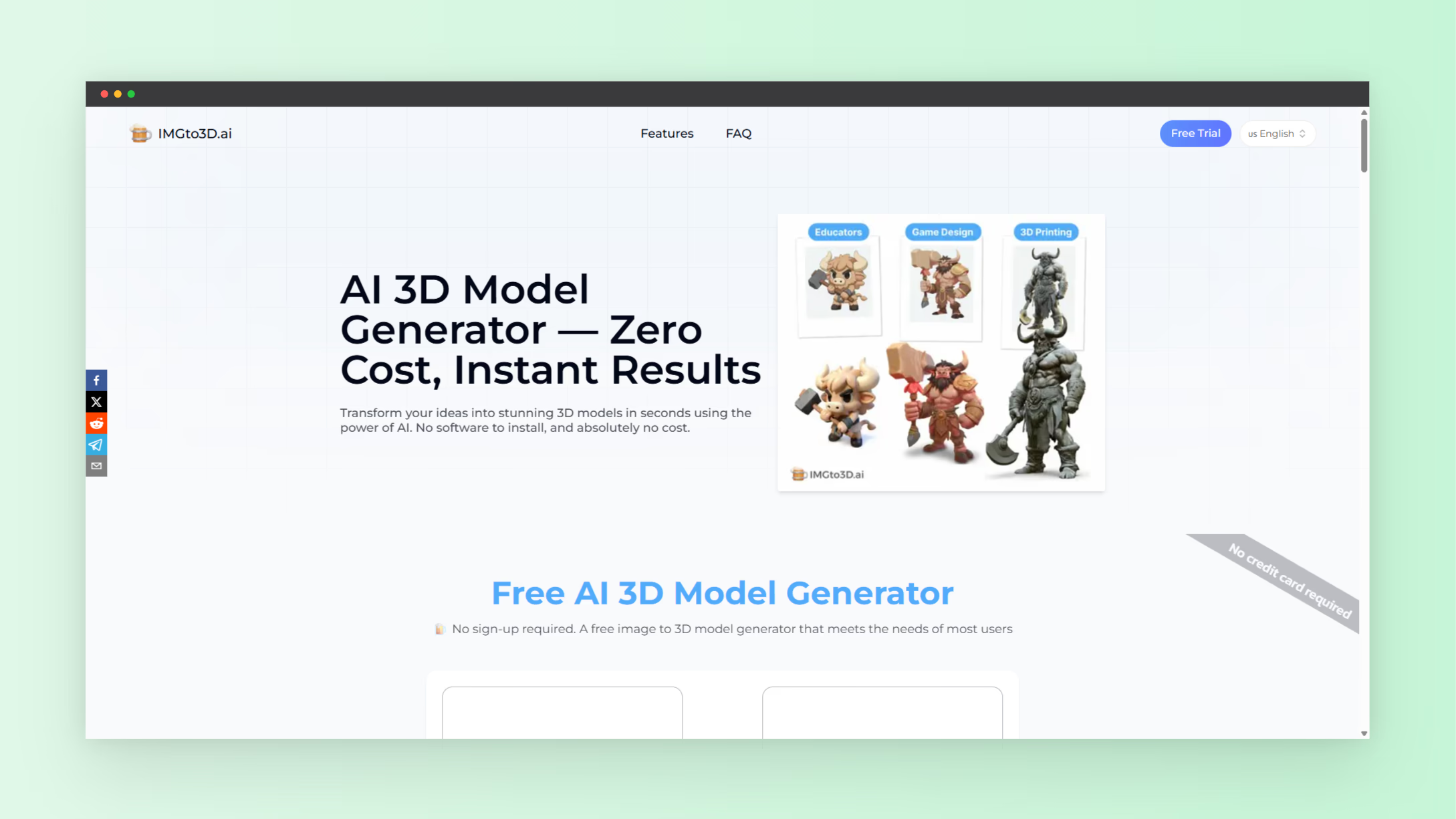
Creating 3D models used to require hours of work, complex software, and deep technical knowledge. In 2026, AI tools allow you to convert a simple 2D image into a fully textured 3D model in one click. The Image to 3D AI tool is a web-based solution designed for 3D printing enthusiasts, indie game developers, and designers who need fast 3D assets. It generates optimized polygon meshes and textures with adjustable polygon density and direct export in OBJ, GLB, or STL.
This one-click 3d model maker removes the steep learning curve of traditional modeling and speeds up workflows for any creator needing high-quality 3D models.
Why AI Tools Are Essential for 3D Model Creation
AI tools simplify 3D workflows by automating geometry creation, texturing, and export. Instead of manually sculpting or designing from scratch, the AI interprets image data to predict depth and shape. This makes 3D asset creation faster, cost-effective, and accessible. Key benefits include:
- Automatic 3D conversion – Upload an image or sketch and get a polygon-based 3D model instantly.
- Textured output – Models retain surface details, colors, and patterns from the original image.
- Format flexibility – Export models for 3D printing, game engines, AR/VR, or digital design.
- No signup needed – Start generating models without registration.
These AI tools are transforming how creators produce 3D content across industries.
How the One-Click Image to 3D AI Tool Works
- Upload Your Image – Clear images or sketches provide the best results.
- AI Depth Prediction – The AI estimates geometry and surface angles.
- Mesh Generation – Polygons form automatically with adjustable density for optimization.
- Texture Mapping – Color and details wrap around the mesh for realism.
- Download Your Model – Export as OBJ, GLB, or STL for your project.
This streamlined process cuts hours of modeling into minutes. It supports game development, AR/VR content, product design, and 3D printing.
Target Audience for One-Click AI 3D Models
The tool is ideal for:
- Indie game developers – Create props, environment assets, and characters quickly.
- 3D printing enthusiasts – Generate printable models from any photo or sketch.
- Designers and product developers – Prototype products in 3D without complex software.
- AR/VR creators – Produce optimized, lightweight assets for immersive applications.
- Educators – Demonstrate geometry and design concepts with instant 3D models.
With AI, anyone can generate professional-looking 3D models without prior modeling experience.
Real-World Use Cases
Game Development
Indie developers can create realistic props or environment assets using a single photo. The AI generates polygon meshes ready for Unity, Unreal Engine, or other engines. This reduces asset creation time and allows rapid prototyping.
3D Printing
Custom figurines, parts, or decorative objects can be generated from images. The AI tool outputs STL files, simplifying the preparation for 3D printing.
Product Design
Designers can quickly visualize concepts by converting sketches or photos into textured 3D models. Early-stage prototypes are faster and less expensive, enabling rapid iteration.
AR/VR Experiences
Optimized meshes allow AR and VR developers to produce lightweight assets suitable for mobile devices or immersive applications.
Tips for Optimized 3D Model Output
- High-Quality Images – Clear shapes and good contrast improve depth prediction.
- Simple Backgrounds – Reduce distractions to improve model accuracy.
- Multiple Angles – Use different images for better 3D reconstruction if supported.
- Check Export Format – Match OBJ, GLB, or STL to your workflow needs.
- Preview Models – Inspect mesh and texture before final use to ensure quality.
Following these steps ensures the highest quality output for printing, games, or AR/VR.
The Role of AI Tools in 2026 3D Workflows
AI tools have become central to 3D modeling in 2026. They reduce manual work, increase creativity, and accelerate project timelines. Modern AI can generate textured 3D models, control polygon density, and allow instant export. As AI improves, tools like Image to 3D AI provide professional-grade outputs for a wide range of creators.
More AI tools for creators are available at NextGen Tools. These solutions expand capabilities for designers, developers, and hobbyists.
Conclusion
One-click AI 3D model makers have transformed content creation. From simple images, creators can generate textured, optimized, and export-ready 3D models in minutes. This is ideal for game development, product design, 3D printing, and AR/VR projects.
Explore the tool here: Image to 3D AI
Discover more AI tools at: NextGen Tools
This workflow makes 3D creation accessible, fast, and efficient for everyone in 2026.