
A demo can tell you whether an AI tool produces an impressive answer. It rarely tells you how much work remains before that answer is useful.
For a small team, that gap matters. A tool that drafts a report in thirty seconds may still create twenty minutes of checking, formatting, and copying. Another tool may look less impressive but fit the process your team already uses.
Before buying a subscription or connecting an account, test the task from input to finished work. You need a clear brief, a few representative examples, and a way to count the corrections.
Define the finished job
Start with a recurring task you can describe without naming a product. “We need an AI assistant” leaves too much room for a convincing sales pitch. “Turn approved project notes into a weekly client update that an account manager can review in five minutes” gives you something to test.
Write down the input, the expected output, and the person who approves it. Include where the work starts and where it must end up. If your notes live in one system and clients receive updates through another, moving information between them is part of the task.
For the client-update example, a usable output might need completed work, open issues, and the next milestone. It should preserve dates and names from the notes and leave unknown details unresolved. A polished paragraph that invents a delivery date fails the job.
Set your acceptance rules before testing. Otherwise, an attractive response can persuade you to overlook a missing requirement.
Build a small, representative test set
Choose examples that reflect the work your team actually receives. A handful of straightforward cases will show the usual experience. Add difficult cases that expose the errors you would find costly.
For weekly updates, those might include conflicting dates, incomplete notes, or a task that was discussed but never approved. Include a case where the correct output should say that information is missing. This tests whether the tool can handle uncertainty without filling the gap with a plausible story.
Use the same inputs and instructions for each candidate. If you keep improving one tool's prompt while leaving another's unchanged, you are comparing different processes. Record any extra instructions that were necessary and count that setup work.
Use synthetic examples or appropriately redacted material during an initial comparison. Before uploading real customer information, check the provider's documented data handling, retention, and access controls against your team's requirements. A useful output does not resolve an unsuitable data policy.
Shortlist for the task
With your test ready, make a short list of candidates. Search for the job you need done, then check whether each product supports the input and output formats you use.
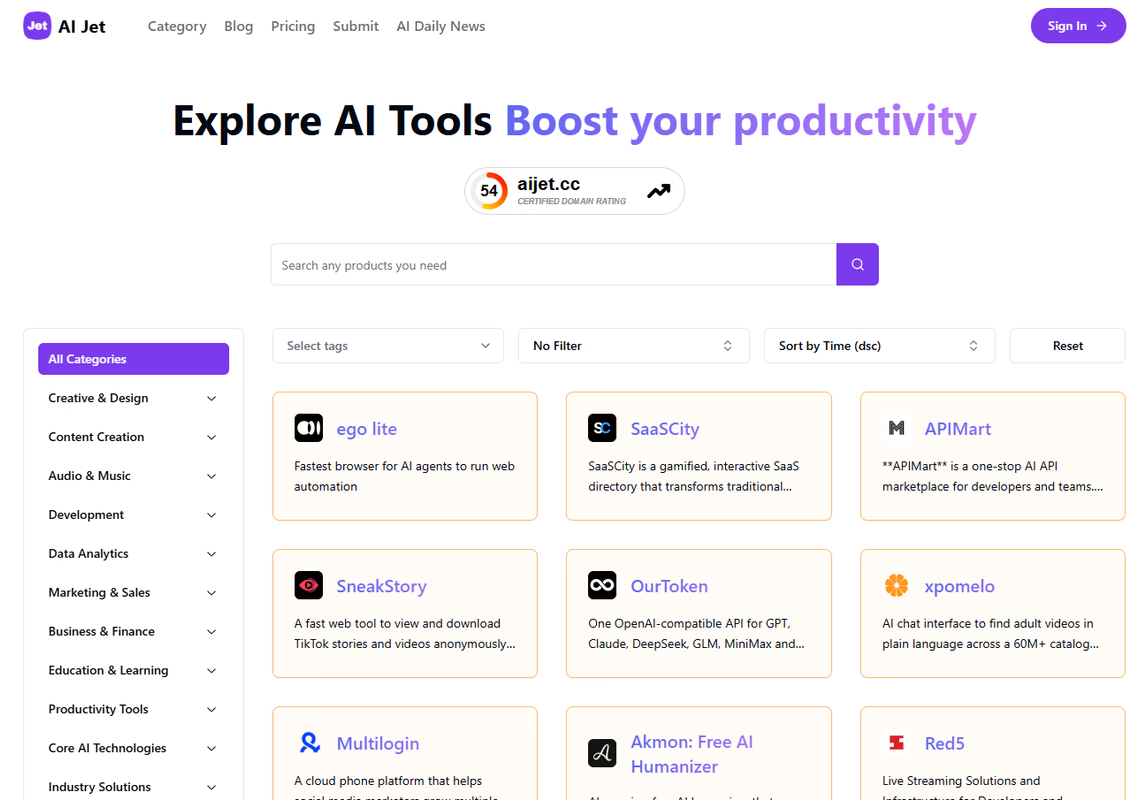
A directory such as AI Jet can help you discover candidates by category. Use those listings as a starting point. Confirm the current features, pricing, and limitations on each provider's own site before including it in your test.
Keep the comparison small enough to finish. Three plausible candidates tested carefully will usually give you a more useful decision than twenty products judged from their homepages.
Remove candidates that fail a necessary requirement. If your process requires an editable document, a product that only exports images may be unsuitable regardless of how good its preview looks. The same applies to language coverage, account permissions, and any required integrations.
Test the whole workflow
Run each example through to the place where a colleague would use the result. Include uploading, correcting, approving, and exporting. If an integration is essential, test it with a suitable test account rather than assuming that a logo on an integrations page covers your use case.
Keep a simple record for each run:
| Check | What to record |
|---|---|
| Accuracy | Unsupported claims, missing facts, and changes to names or dates |
| Editing | Corrections required before approval |
| Handling | Steps needed to move the input and finished output |
| Time | Total time through review and handoff |
Record the type of error, not just whether you liked the answer. A stylistic preference and an invented fact need different treatment. You may accept a tool that needs a consistent formatting adjustment while rejecting one that repeatedly creates facts a reviewer could miss.
Repeat a few cases to see whether the result remains usable. One successful run is useful evidence, but it does not show how reliably the process works.
Count the work that remains
Compare each candidate with your current process. Measure the time from starting the task to approving a usable result, including the review. Do not compare AI generation time with the entire manual task.
Suppose a manual update takes fifteen minutes and an AI-assisted update takes nine minutes after checking and formatting. In that hypothetical example, the saving is six minutes per update. It is not fourteen minutes merely because the first draft appeared in under a minute.
Look at the slow cases as well as the average. If occasional failures take longer to fix than writing the update manually, the team needs a clear way to recognize those cases and switch approaches.
The best choice may be a narrower use. A tool could help organize notes while leaving the final client wording to the account manager. Your test should help you find that boundary.
Check costs and the exit route
Estimate the cost at your expected volume. Check the features included in the plan you would actually use, along with usage limits, team access, and any charges for connected services. Allow for retries and rejected outputs. A successful example may consume more than one attempt.
Test exporting your work before committing to a larger rollout. Save a representative output and check whether someone can edit it outside the product. Find out whether you can retain the templates, prompts, and source material needed to keep working if you change tools.
For an automated process, document what happens when the tool is unavailable or returns an unusable result. Name the person who reviews failures and keep a workable fallback. This also makes it easier to train a colleague without relying on the person who built the initial setup.
Make a bounded decision
Run a short pilot with a named owner and a review date. Agree on the evidence you want to see: acceptable accuracy, less time to an approved result, and a cost that fits the task.
At the review, compare the recorded results with your original acceptance rules. Keep the tool where it helps, adjust the process where the evidence supports a change, and stop if the checking costs outweigh the benefit.
You will have a decision grounded in completed work, along with examples that show the next person how to use the tool and when to take over.