
Creating audio content takes time. Writing scripts takes even more time. Many creators, teams, and students look for the best text to speech workflow that saves time and reduces manual typing. One of the most effective ways to achieve this is by combining text generation and audio transcription tools into a single process.
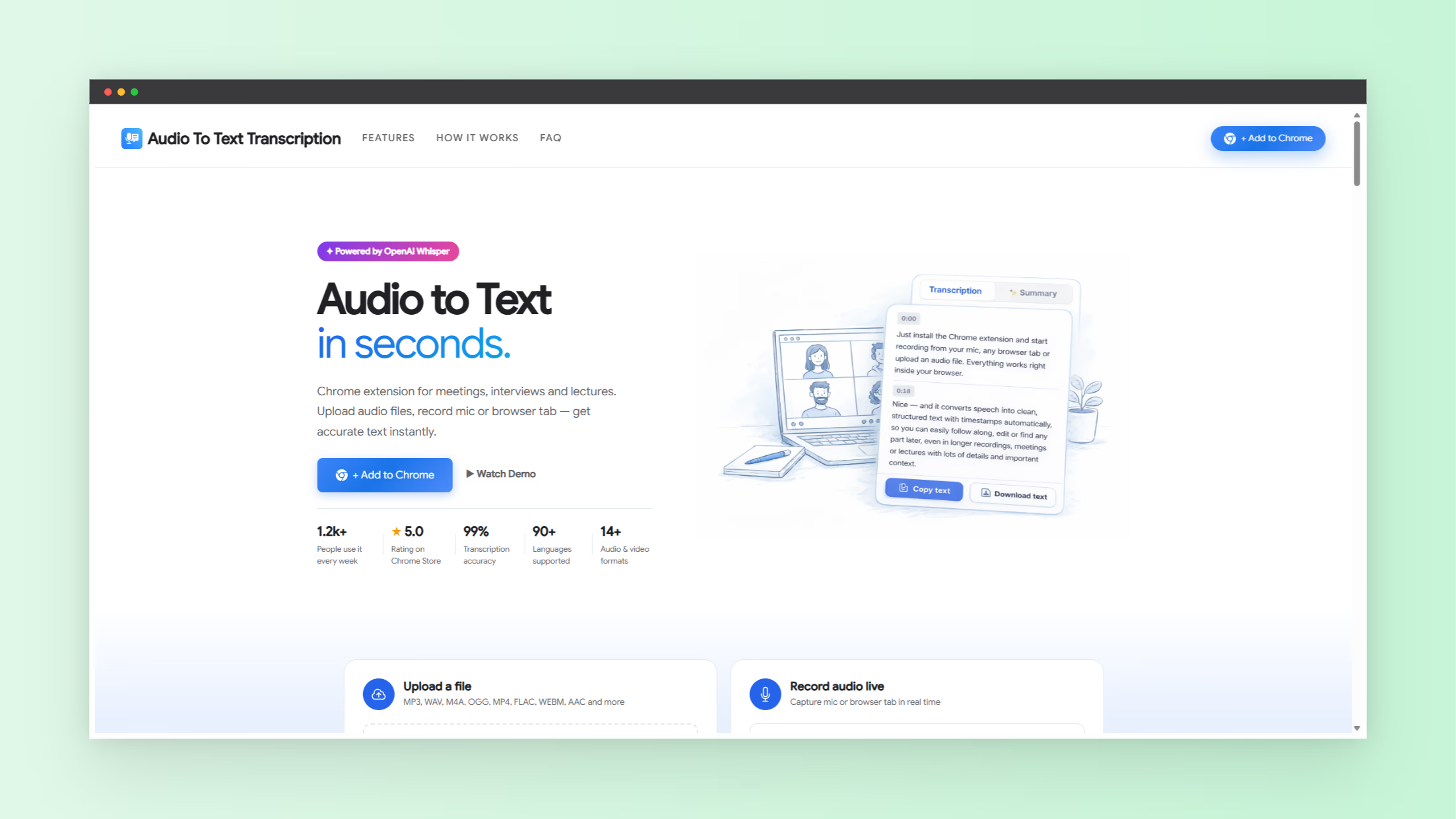
A modern workflow starts with spoken content. That audio turns into clean text using AI transcription. After editing the text, it becomes ready for text to speech tools or publishing. Tools like audio to text transcription simplify this process by converting speech into written text in minutes.
This guide explains how to build the best text to speech workflow using audio to text technology. It also shows how different users benefit from this method.
Why Text to Speech Workflows Matter Today
Digital content production keeps growing. Podcasts, online courses, social media videos, and presentations require scripts and transcripts. Writing manually slows production.
Audio transcription tools solve this problem by converting spoken words into text automatically. Many tools support multiple languages, timestamps, and file formats. Some systems process audio files in minutes instead of hours. This change allows creators to focus on content instead of typing.
Text to speech workflows depend on reliable text input. Clean transcripts make voice synthesis easier and more accurate. Without accurate text, speech output sounds unnatural or contains errors.
The best text to speech workflow uses speech input first, then converts that audio into editable text.
How Audio to Text Tools Improve Text to Speech Output
Audio transcription tools convert speech into readable text using AI voice recognition. These systems analyze sound patterns and translate them into written language.
Most modern platforms offer features such as:
- Automatic speech recognition
- Support for multiple languages
- Export options such as TXT, PDF, and DOCX
- Speaker identification
- Timestamp generation
- Cloud storage and editing tools
These features produce structured text that text to speech systems process efficiently.
Without structured transcripts, voice tools struggle to interpret sentences correctly. Punctuation, pauses, and formatting play a key role in speech clarity.
Audio to text tools provide that structure.
Step by Step Guide to the Best Text to Speech Workflow
Creating an effective workflow requires a clear sequence of actions. Each step builds on the previous one.
- Record spoken content clearly
- Upload audio to transcription software
- Edit and clean the transcript
- Format text for clarity
- Feed text into text to speech tools
- Export final voice output
This process reduces manual work and improves accuracy across projects.
Step 1 Record Audio With Clear Speech
Audio quality affects transcription accuracy. Background noise, overlapping voices, and poor microphones reduce performance.
Follow these recording practices:
- Use a quality microphone
- Record in quiet environments
- Speak clearly and steadily
- Avoid multiple speakers talking at once
- Pause between sentences
Clean audio leads to faster transcription and better text output.
Step 2 Convert Audio Into Text Automatically
The second step transforms speech into written text. AI transcription tools analyze speech patterns and generate text quickly.
Most platforms support popular formats such as:
- MP3
- WAV
- M4A
- MP4
- AVI
Many tools also support more than 100 languages. This flexibility allows global teams to produce transcripts without translation delays.
If you want to explore additional AI productivity tools, visit nxgntools.com for a growing collection of automation utilities.
Step 3 Clean and Format the Transcript
Raw transcripts often contain filler words, repeated phrases, or minor recognition errors. Editing improves readability and prepares the content for speech output.
Common editing steps include:
- Correct spelling mistakes
- Remove filler words
- Break long sentences
- Add punctuation
- Label speakers if needed
This stage improves speech clarity after conversion.
Step 4 Convert Text Into Speech
Once the text becomes clean and structured, it enters the text to speech stage. Voice engines read formatted text and generate synthetic audio.
The quality of speech output depends on:
- Grammar accuracy
- Sentence structure
- Punctuation placement
- Word clarity
Well-formatted transcripts produce natural voice output.
Who Benefits From the Best Text to Speech Workflow
Many industries rely on efficient text workflows. Audio transcription combined with text to speech improves productivity across different roles.
Common users include:
- Content creators
- Podcasters
- Students
- Journalists
- Researchers
- Business teams
- Online educators
Each group uses speech input differently, yet all benefit from automated text generation.
Use Cases for Audio to Text in Text to Speech Projects
Practical examples show how this workflow improves daily operations.
Podcast Production
- Record episodes
- Transcribe audio automatically
- Generate scripts for future episodes
- Convert transcripts into voice previews
Online Course Creation
- Record lessons verbally
- Generate lecture transcripts
- Convert notes into narrated lessons
Meeting Documentation
- Record meetings
- Generate notes instantly
- Use transcripts to create voice summaries
These workflows reduce time spent on repetitive tasks.
Key Features to Look For in Audio to Text Tools
Choosing the right transcription system improves workflow efficiency. Focus on features that support long-term productivity.
- High transcription accuracy
- Fast processing time
- Multi-language support
- Export flexibility
- Cloud storage options
- Editing tools inside the platform
Advanced tools identify multiple speakers and insert timestamps automatically. These features help organize content faster.
Common Mistakes That Break Text to Speech Workflows
Many users experience poor results because of avoidable mistakes.
Watch for these issues:
- Uploading low-quality audio
- Skipping transcript editing
- Using long unstructured sentences
- Ignoring punctuation
- Mixing multiple speakers without labeling
Correcting these problems improves speech output significantly.
How Businesses Use Text to Speech Workflows
Companies rely on automated workflows to improve productivity. Transcription reduces time spent on manual documentation.
Business applications include:
- Customer support documentation
- Training material creation
- Legal interview recording
- Marketing content scripting
- Sales presentation preparation
These processes support faster decision making and communication.
Why AI Makes Text to Speech Workflows More Efficient
AI-based transcription tools learn from large speech datasets. They recognize accents, background noise, and language patterns.
This learning process improves:
- Recognition accuracy
- Processing speed
- Language flexibility
- Formatting precision
These improvements help teams produce more content in less time.
Building a Repeatable Workflow for Daily Content
Consistency improves productivity. A repeatable workflow reduces setup time and confusion.
Create a daily routine:
- Record new audio content
- Upload files immediately
- Edit transcripts in batches
- Save formatted text templates
- Convert text into speech output
Following the same process each day reduces errors.
Future Trends in Text to Speech and Transcription
Technology continues to improve voice recognition systems. Future tools will offer faster speeds and better accuracy.
Expected improvements include:
- Real-time transcription
- Better noise filtering
- Emotion-aware speech synthesis
- Automatic summarization
- Cross-language translation
These features will expand the value of text to speech workflows.
Final Thoughts on Building the Best Text to Speech Workflow
The best text to speech workflow starts with reliable transcription. Converting spoken audio into structured text saves hours of manual work. Clean transcripts improve speech clarity and reduce editing time.
Audio transcription tools simplify the process for creators, educators, and businesses. With a structured workflow, teams produce content faster and maintain consistency across projects.
Adopting this workflow transforms voice content into reusable text and speech assets. Over time, this approach increases productivity and improves output quality across every stage of content creation.