 Datafast
 Hostinger
 DigitalOcean
Want to impress your classmates or coworkers with some hidden Windows magic? Here’s a quick and fun way to use your terminal like a pro, and it starts with just a simple keyboard shortcut.
1. Open the run prompt
Press Windows + R on your keyboard. This opens the Run dialog box.
2. Launch the Command Prompt
Type cmd into the field and hit Enter. You’ll see a black terminal window appear, which is your Command Prompt.
3. Type These Fun curl Commands
Now, type the following commands one by one and hit Enter
The Running Man
Use the command below to see a running man:
curl ascii.live/forrest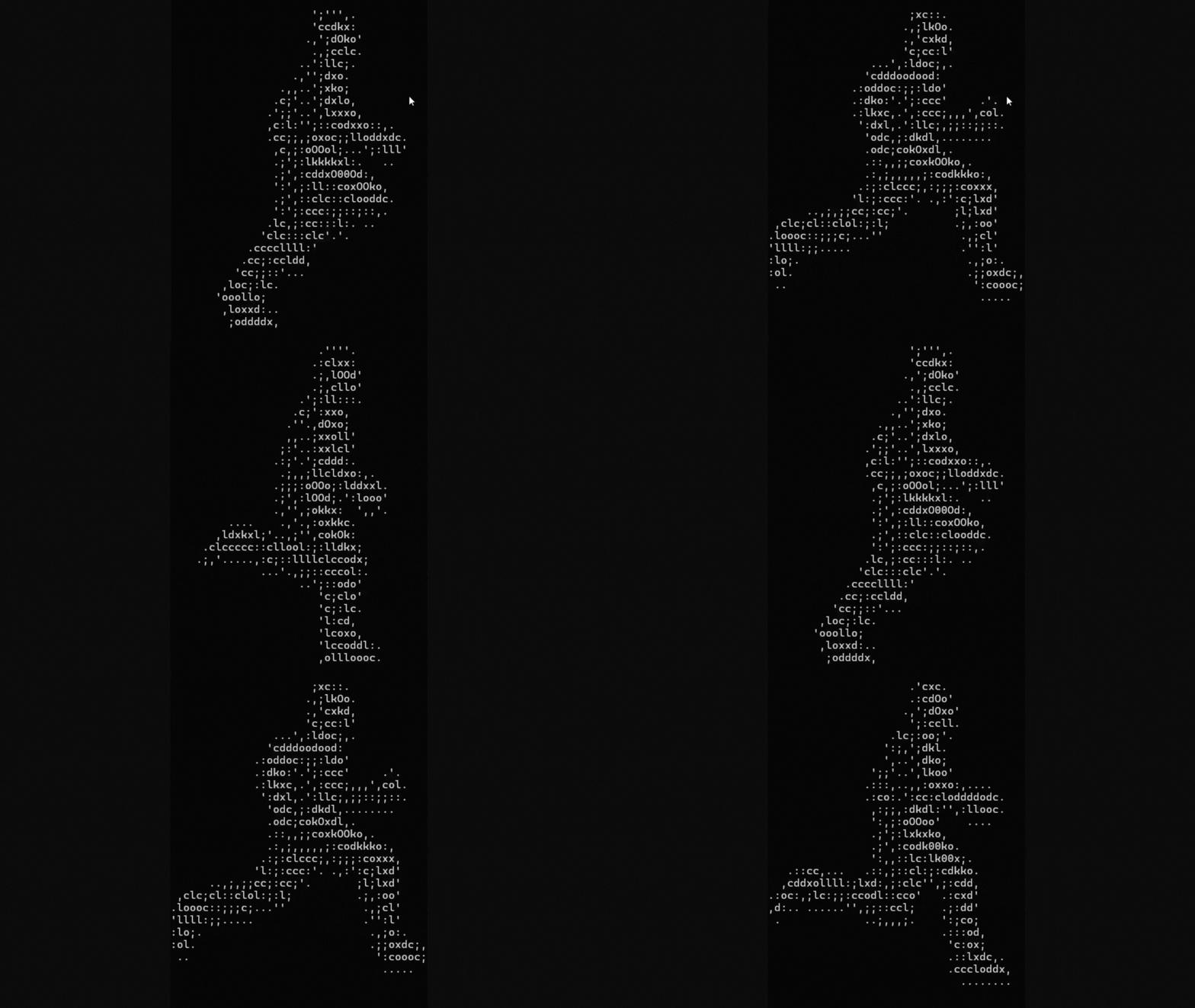
The Dancing Parrot
Use the command below to see a dancing parrot:
curl parrot.live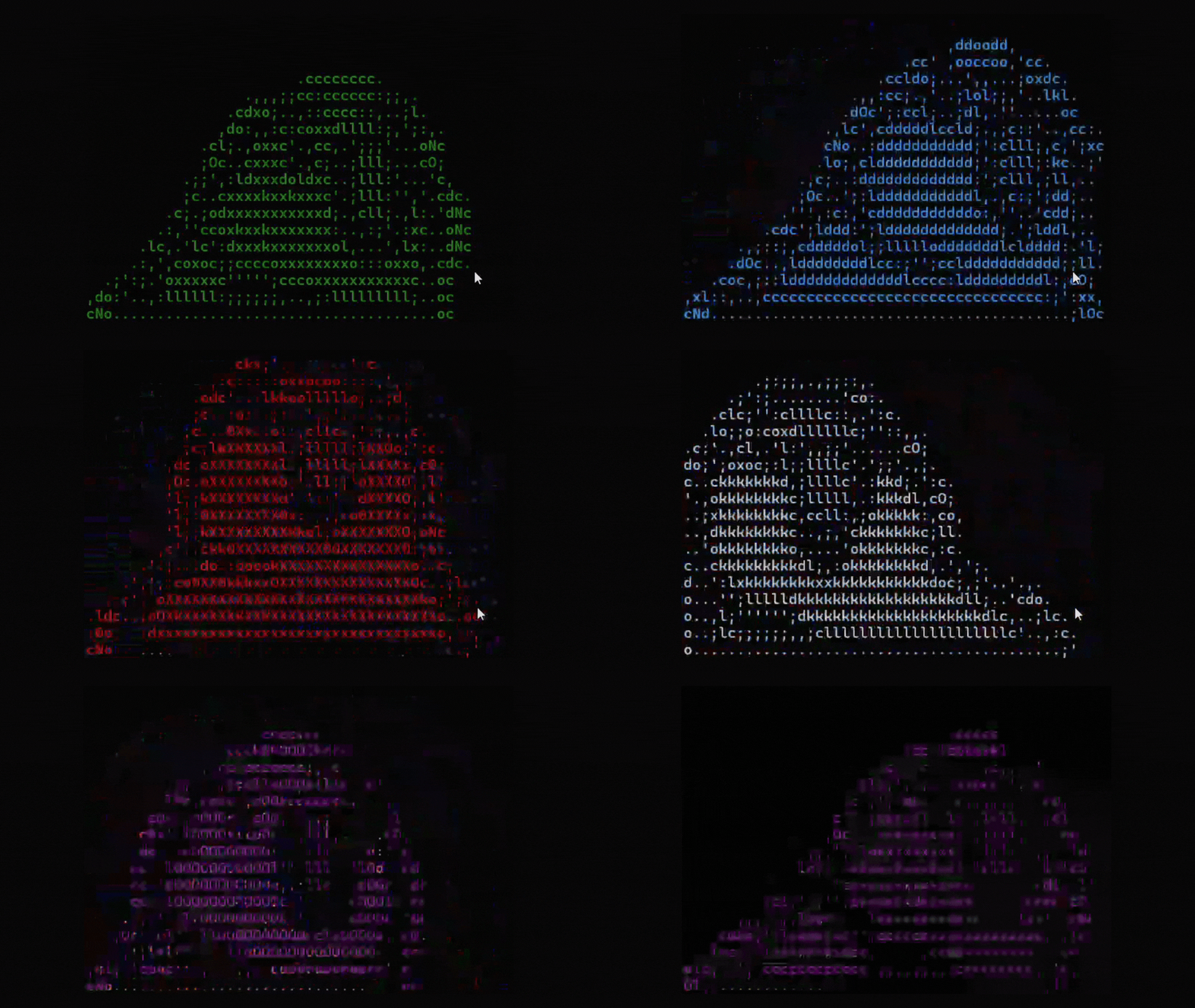
Weather
Use the command below to see the weather forecasts:
curl wttr.in
IP & Geolocation
Use the command below to see your IP info and geolocation:
curl ipinfo.io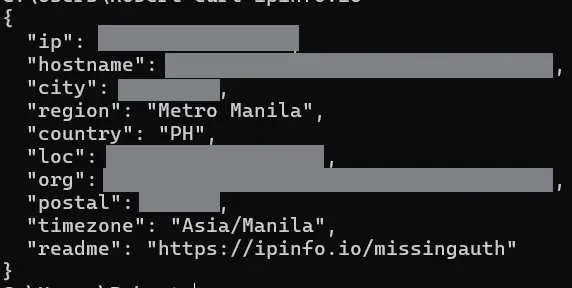
Get Rick-Rolled
Use the command below to get rick-rolled:
curl ascii.live/rick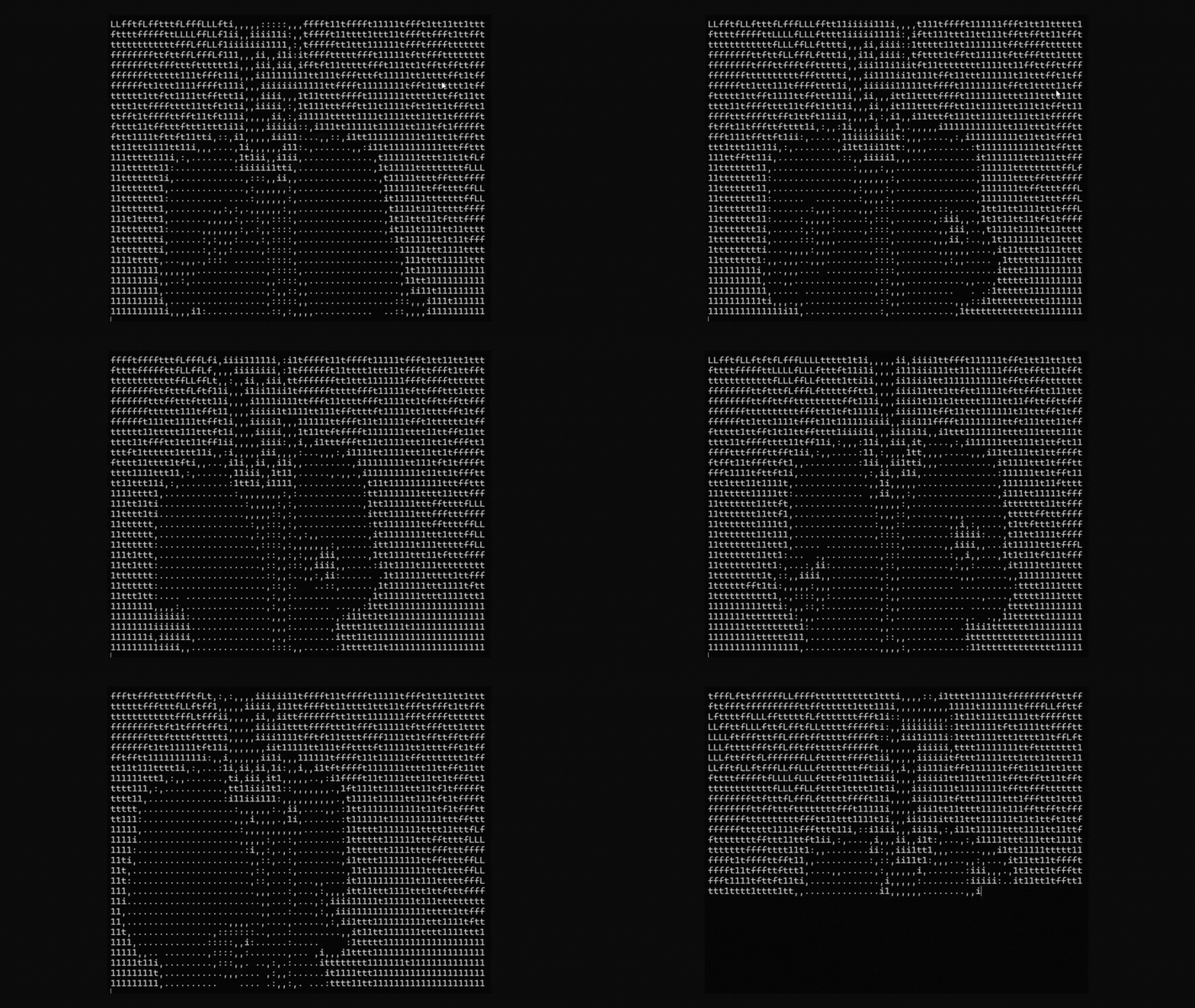
All Commands
Here is the list of all commands in case you want to keep them.
curl ascii.live/forrest
curl parrot.live
curl wttr.in
curl ipinfo.io
curl ascii.live/rick