
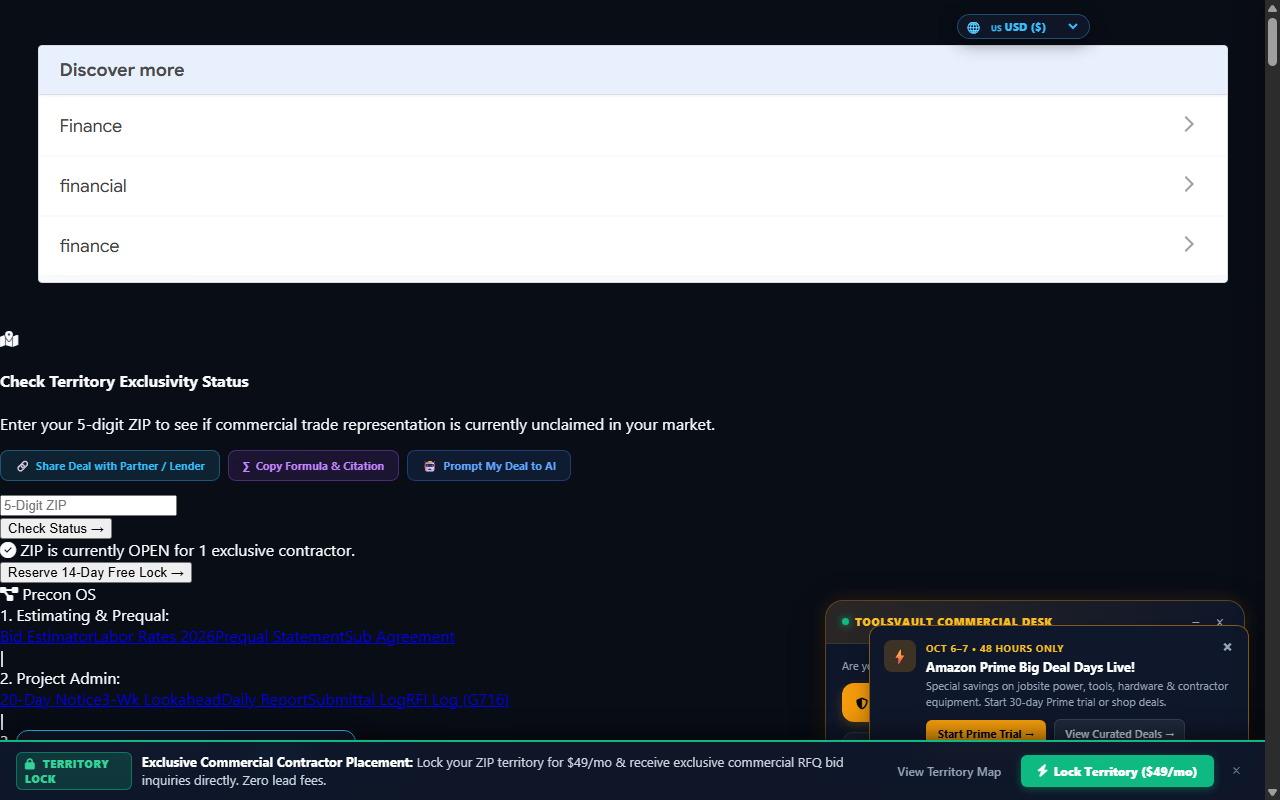
Why ToolsVault exists
Most professional calculators share the same problems. The useful ones hide behind a sign-up form, a free trial that asks for a credit card, or a $300-a-year software license. The free ones are usually a single-purpose page full of pop-ups, or an Excel template from a forum that may or may not have a broken formula buried in row 214.
For people who run numbers every day (real estate investors sizing a loan, a subcontractor pricing a job, an energy developer checking whether a battery project pencils out), that friction adds up. You lose time, you hand your email to another marketing list, and you still can't be sure the math is right.
ToolsVault takes a different approach. It is an open library of more than 1,000 calculators that run entirely in your browser. There is no account to create, no paywall in front of the results, and no server storing what you type. You open a page, enter your numbers, and get your answer.
You can try it here: https://tools-vault-4ml.pages.dev
Who it's built for
ToolsVault focuses on three groups that are poorly served by existing free tools.
1. Commercial and residential real estate investors
Real estate underwriting comes down to a handful of core questions. How much can I borrow? Does the property's income cover the debt? What return am I actually getting on my cash?
ToolsVault covers these with dedicated solvers, including:
- DSCR (debt service coverage ratio) loan sizing: enter the property's net operating income, rate, and amortization, and see the maximum loan a lender is likely to approve at common DSCR thresholds like 1.20x and 1.25x.
- Cap rate and valuation: move between purchase price, NOI, and cap rate in either direction.
- Debt yield: an increasingly common lender test that ignores interest rates and looks only at income relative to the loan.
- Cash-on-cash return and short-term rental models: for investors comparing long-term leases against Airbnb-style operations.
Many of these include sensitivity tables, so instead of one answer you see how the result shifts as the interest rate or vacancy assumption moves. That's the part people usually build a spreadsheet for, and it's ready instantly here.
2. Commercial and trade contractors
Contractors spend a surprising amount of unpaid time on estimates. Every bid involves labor hours, material quantities, markup, and overhead, and a mistake in any of them either loses the job or loses money on it.
ToolsVault includes estimating tools for common trades such as HVAC, electrical, plumbing, and roofing. Examples include roofing square-footage and shingle calculators, HVAC sizing helpers, and a commercial subcontractor bid estimator that combines labor, materials, tax, and markup into a single total.
The feature contractors tend to like most is the printable PDF estimate. Once the numbers are in, you can generate a clean, client-ready estimate with line items, totals, terms, and a signature line, then print it or save it as a PDF to send to a homeowner or general contractor. No estimating software subscription required.
3. Solar and battery storage developers
Clean energy projects live or die on their financial model. ToolsVault includes solar and battery energy storage (BESS) calculators that estimate system sizing, savings, payback period, and the effect of incentives like the federal investment tax credit. For developers and consultants who need a quick first look before building a full proforma, it's a fast way to see whether a project is worth pursuing.
What makes it different
No sign-up, no paywall
Every calculator gives you the full result for free. There is no "enter your email to see your results" step and no blurred-out answer waiting behind a subscription. This was the main design rule from day one.
Runs entirely in your browser
All calculations happen on your own device using client-side JavaScript. Your numbers never leave your computer, which matters when you're modeling a real deal, a client's property, or a confidential bid. It also makes the tools fast, because there is no waiting on a server between keystrokes.
Works offline
ToolsVault can be installed as a progressive web app. Contractors on a jobsite with poor signal can still open the calculators they need.
400+ free embeddable widgets
If you run a website for a real estate brokerage, a contracting company, a mortgage blog, or a solar installer, you can embed ToolsVault calculators directly on your own pages for free. Each widget resizes to fit your layout and requires no API key or account. Visitors get a useful tool without leaving your site.
You can browse the available widgets here: https://tools-vault-4ml.pages.dev/embed
For website owners, an interactive calculator is one of the simplest ways to keep visitors on a page longer and give them a reason to come back.
A quick example: sizing a commercial loan
Say you're looking at a small commercial property that produces $120,000 a year in net operating income. You want to know how large a loan a lender will likely allow.
- Open the DSCR loan calculator.
- Enter the NOI of $120,000, an interest rate, and a 25-year amortization.
- Choose a target DSCR of 1.25x, a common lender minimum.
The calculator immediately shows the maximum annual debt service the property can support, the loan amount that matches it, and how that number changes if rates move up or down. If the seller's asking price needs a bigger loan than the property can carry, you know before you spend money on a lender application.
That entire process takes under a minute.
A quick example: pricing a trade job
An electrical subcontractor is bidding a tenant improvement job. They open the bid estimator, enter estimated labor hours and hourly rate, add material line items, apply tax and their standard markup, and get a total. Then they click to generate a PDF estimate with their company name and send it to the general contractor the same afternoon.
No spreadsheet to rebuild, no template to clean up, no software license.
Optional upgrades for people who want more
The calculators are free and will stay free. For users who want to take a model further, ToolsVault also offers a small set of optional downloads, such as fully built Excel versions of popular models for people who want to keep working in a spreadsheet, and white-label licensing for businesses that want to brand the tools as their own. These are entirely optional and never required to get a result.
How ToolsVault is built
ToolsVault is built with plain HTML, CSS, and JavaScript, using modern web components, and is hosted on Cloudflare's global edge network. The deliberately lightweight setup is why pages load quickly and the calculators respond instantly, even on older phones and slow connections. With no database and no user accounts, there's also very little personal data to worry about.
Who should try it
ToolsVault is a good fit if you:
- Underwrite rental or commercial properties and want quick, reliable loan and return math.
- Run a contracting business and want faster estimates with a professional PDF at the end.
- Develop or sell solar and battery projects and need a fast first-pass financial check.
- Manage a website in real estate, construction, finance, or energy and want free interactive tools for your visitors.
- Are simply tired of calculators that make you sign up before showing you the answer.
Final thoughts
There is no shortage of calculators online, but very few are built for professionals, and fewer still respect the user's time and privacy. ToolsVault aims to be the place you bookmark when you need a real answer quickly: no login, no paywall, no data collection, just the math.
Try it free at https://tools-vault-4ml.pages.dev, and if you run a website, take a look at the free embeddable widgets at https://tools-vault-4ml.pages.dev/embed.