
Ask almost any business leader whether their company has enough data and the answer is yes, usually more than enough. Ask whether they understand what that data is telling them and the answer changes. Sales figures sit in a CRM. Product usage lives in a PostgreSQL database. Marketing exports pile up as CSV files, and finance tracks its own numbers in Google Sheets. Each system tells part of the story, but nobody has the time to put the pieces together.
The usual fix is expensive. You hire a data engineer to build pipelines, an analyst to run the numbers, and maybe a BI developer to turn the results into dashboards. For a large enterprise that’s a reasonable investment. For a 20-person startup, a mid-sized agency, or an operations team inside a bigger company, it often isn’t realistic. So the data goes unused, and decisions get made on gut feel.
QuantumLayers was built to close that gap. It’s a no-code, AI-powered analytics platform that connects to your data, merges it, runs the statistics, and explains the results in plain language. The goal is simple: give non-technical teams the kind of insight that used to require a data department.
The problem with “self-serve” analytics
Self-serve analytics isn’t a new promise. Plenty of BI tools claim to put data in the hands of business users. In practice, most of them still expect a lot. You need clean, well-structured data before you start. You need to know which chart fits which question. And when the dashboard is finally built, you still have to interpret it. Is that spike meaningful or just noise? Do those two metrics actually move together, or does it only look that way?
Those are statistical questions, and most business users aren’t trained to answer them. The result is a familiar pattern: dashboards get built, people glance at them, and the real analysis still lands on the one person in the company who knows how to do it.
QuantumLayers takes a different approach. Instead of handing you a blank canvas, it does the analysis first and tells you what it found.
How QuantumLayers works
The platform follows a straightforward workflow: connect, merge, analyze.
1. Connect your data
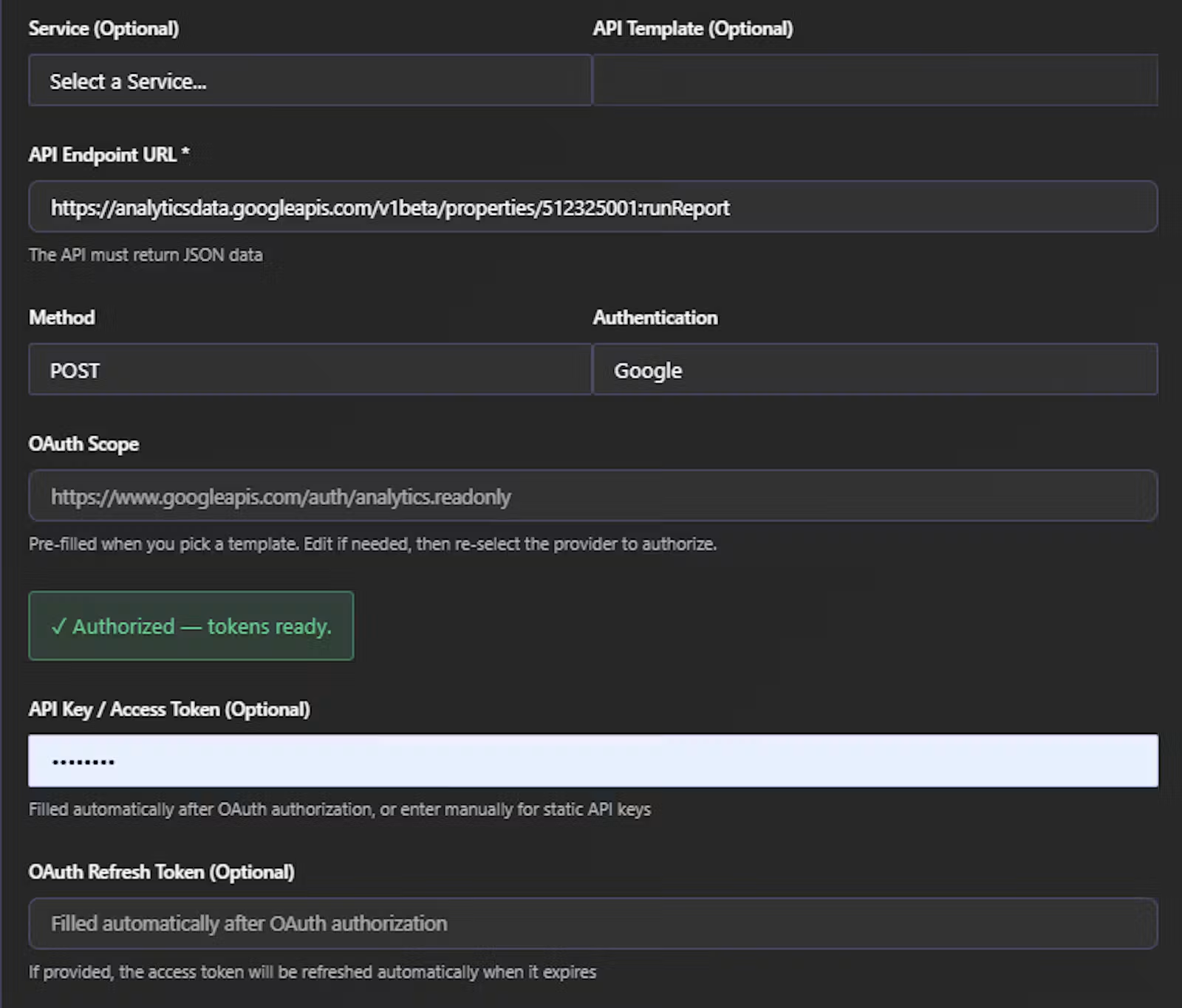
QuantumLayers supports a wide range of sources through a guided setup, so you don’t need to write connection scripts or manage credentials in code. Supported sources include:
- SQL databases such as PostgreSQL
- REST APIs, including CRM and SaaS platforms
- Google Sheets, for teams that run on spreadsheets
- CSV and Excel files, imported directly from a URL
- SFTP servers, for scheduled file drops from partners or legacy systems
- Kaggle datasets, for pulling in public benchmark or reference data
Connected datasets can be synced on demand, so your analysis reflects the latest numbers rather than a stale export from last quarter.
2. Merge across sources
This is where most analytics projects stall. Data from different systems uses different formats, different keys, and different naming conventions. Reconciling it by hand is slow and error-prone, and it’s the main reason companies end up hiring data engineers.
QuantumLayers automates this step. It joins data from multiple sources so you can analyze, for example, CRM deal data alongside product usage and support tickets in a single view. That combined picture is often where the most valuable insights hide: the link between how customers use your product and whether they renew, or between marketing spend in one system and revenue in another.
3. Analyze automatically
Once your data is in place, QuantumLayers runs a suite of statistical analyses without you needing to choose or configure them:
- Statistical summaries that describe the shape of your data: averages, spread, outliers and distributions.
- Correlation matrices that show which variables move together, and how strongly.
- ANOVA (analysis of variance), which tests whether differences between groups, such as regions, customer segments or product tiers, are statistically meaningful or just random variation.
- AI-generated insights that translate these results into plain-language findings.
That last point is the heart of the product. Rather than showing you a correlation coefficient of 0.72 and leaving you to work out what it means, QuantumLayers explains the relationship, how strong it is, and why it might matter for your business.
Charts that pick themselves
Choosing the right visualization is a skill in itself. A bar chart, a scatter plot and a line chart can all show the same data and lead to very different conclusions. QuantumLayers recommends charts based on the structure of your data and the patterns it found, so the visuals highlight what’s actually interesting.
Charts you like can be saved and shared through a link. That makes it easy to drop a finding into a Slack thread, a slide deck or an email to leadership without exporting screenshots or granting dashboard access.
Beyond one-off analysis: reports and monitors
Many analytics tools are good at answering a question once. The harder problem is keeping those answers current as the business changes. QuantumLayers handles this with two features.
Scheduled reports run your analysis on a recurring basis and deliver updated findings automatically. Instead of someone rebuilding the weekly metrics deck every Monday morning, the report simply arrives.
Monitors watch your data over time and flag changes worth paying attention to. Think of them as an early warning system: a shift in conversion rates, an unusual drop in usage, or a metric drifting outside its normal range. Monitors can also be triggered manually when you want an immediate check.
Together, these turn QuantumLayers from a one-time analysis tool into an ongoing part of how a team operates.
SQL without writing SQL
For users who want to go beyond automated analysis, QuantumLayers can generate SQL queries from a description of what you’re looking for. This is useful for business users who know what question they want answered but not how to phrase it in code. It’s also handy for technical users who want a quick starting point.
Who QuantumLayers is for
QuantumLayers is designed for people who need answers from their data but don’t have a data team on call:
- Small and mid-sized businesses that can’t justify full-time analytics hires but still want to make data-driven decisions.
- Product managers who want to understand feature adoption, retention and user behaviour without waiting in a queue for analyst time.
- Operations and finance leads who need to spot trends and anomalies across several systems.
- Marketing teams looking to connect campaign data with sales outcomes.
- Larger organizations that want to give business users self-serve insight and free their data teams to focus on harder problems.
The common thread is a gap between the data a team has and the expertise needed to interpret it. QuantumLayers fills that gap.
How it compares
Traditional BI platforms are powerful, but they’re built around dashboards that someone has to design and someone has to interpret. Spreadsheets are flexible but break down quickly as data grows and sources multiply. Hiring analysts works, but it’s slow and costly.
QuantumLayers sits in a different spot. It does the data integration that usually needs an engineer, the statistical work that usually needs an analyst, and the interpretation that usually needs both, all in one platform with no code required. It won’t replace a dedicated data science team doing custom modelling. For the large majority of everyday business questions, though, it gets you from raw data to a clear answer much faster.
Getting started
Getting up and running is designed to be quick. Connect a data source, let QuantumLayers process it, and review the insights it generates. From there you can merge additional sources, save the charts that matter, and set up reports and monitors to keep the findings flowing.
The bottom line
The analytics industry has spent years promising to make data accessible to everyone, and has mostly delivered tools that still need an expert to use well. QuantumLayers takes the extra step of telling you what the patterns in your data mean and why they matter. If your organization’s data is scattered across systems and nobody has time to dig into it, QuantumLayers is worth a close look.
Learn more and try it at quantumlayers.com.