
You want your AI assistant to work with the tools you already use. Perhaps it needs to read a repository, find current documentation, inspect a web page, or look up information in your workspace.
You search for an MCP server and quickly find several possibilities. Now you have a different problem: figuring out which one actually fits.
Does it support the task you have in mind? Where does it run? Does it need an account? Can it only read information, or can it change things too? Which instructions apply to your AI client?
Those questions deserve answers before you copy an installation command.
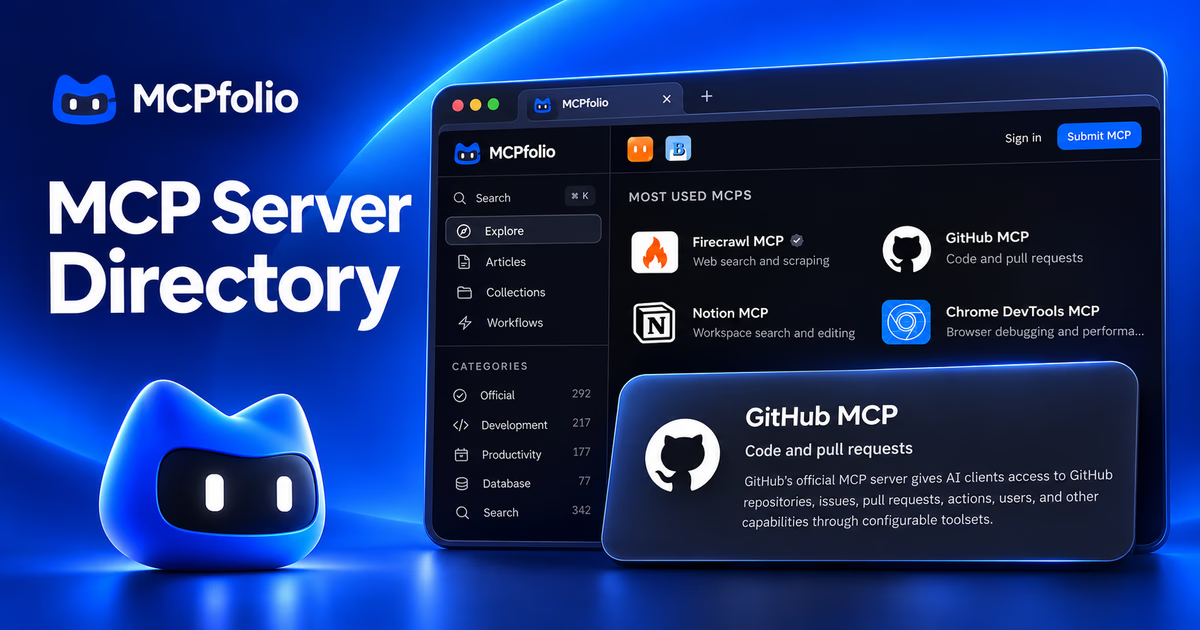
I’m Dikshit, the creator of MCPfolio. MCPfolio brings MCP server discovery, documented capabilities, and setup information into one place, helping you move from an interesting integration to a more informed choice.
The connection is only part of the decision
Model Context Protocol, usually shortened to MCP, gives AI applications a standard way to connect to external tools and information. A compatible assistant can use an MCP server to access capabilities beyond the conversation itself.
That opens up useful possibilities. Instead of manually collecting every piece of context, you can connect the assistant to relevant systems and let it use the tools those connections provide.
But a shared protocol does not make every server interchangeable. Two integrations can address the same broad category while exposing different actions, requiring different credentials, or running in different environments.
That is why choosing an integration starts with understanding the job. “Help me investigate this issue” is a clearer starting point than “give me more AI tools.” It tells you what information the assistant needs and what it should be allowed to do with it.
MCP’s official introduction explains the underlying standard: https://modelcontextprotocol.io/docs/getting-started/intro
Find options without starting from a product name
Sometimes you already know the service you want to connect. Other times, you know the task but have no idea which integration to search for.
MCPfolio’s directory supports that discovery stage. You can explore categories, search for relevant servers, and inspect documented listings for capabilities, deployment details, authentication requirements, and publisher sources where available.
The aim is to help you build a shortlist you can evaluate. A listing is a starting point for investigation, rather than a promise that every feature has been independently tested.
For example, begin with the outcome: “I need to investigate a problem in an existing project.” Write down what a useful answer would contain. You might need an explanation, supporting evidence, and a suggested next step. That gives you a basis for judging which integrations are relevant and which would merely add another configuration to maintain.
Explore the directory: https://www.mcpfolio.com/
Use collections to narrow the search
A directory becomes easier to use when you can approach it through a recognizable piece of work.
MCPfolio’s collections group servers around jobs such as understanding and testing a codebase, researching the web, connecting an agent to application data, coordinating team projects, and moving from design to implementation.
This is useful when a single category feels too broad. “Development” can cover many unrelated needs. A collection centered on a specific job gives you a more focused place to begin.
Treat a collection as a set of candidates, then choose what your own situation requires. You do not need every tool in a group to benefit from the idea behind it.
A useful exercise is to identify the one step that currently forces you out of your assistant. Start there. If the connection solves that problem reliably, you have a concrete reason to keep it. If it does not, you have learned something without rebuilding your entire workflow.
Browse collections: https://www.mcpfolio.com/collections
See how individual tools fit into a larger task
Knowing what an integration does is different from knowing where to use it.
MCPfolio’s workflow pages describe tasks that bring several sources together. Examples include preparing a support escalation, organizing customer requests, drafting an incident timeline, and checking whether follow-up actions were completed.
These are workflow descriptions to evaluate and adapt. They do not mean your accounts are already connected or that a complete process will run without configuration and review.
Their value is in making the task more concrete. A support escalation, for instance, should leave the next person with enough evidence to understand the problem and decide what to do. A collection of disconnected summaries may not achieve that.
When considering any workflow, define the output first. Decide what evidence belongs in it, which systems contain that evidence, and where someone needs to check the assistant’s interpretation. That keeps the automation tied to an outcome you can assess.
Explore workflows: https://www.mcpfolio.com/workflows
Compare the details that affect your setup
Before adding an integration, it helps to write down a few requirements in plain language.
First, define the information you need. Be specific about whether you want a document, a project’s history, a search result, or the current state of an application. A broad promise to “connect your data” does not tell you whether the right information is available.
Next, define the action. Retrieving context for a draft and sending that draft are separate jobs. Keeping them separate makes it easier to decide where human review belongs.
Then consider the environment. You may be working on one computer, across a team, or inside an organization with its own access requirements. An option that suits one situation may require more work in another.
Finally, decide what success looks like. Write one representative request and the result you expect. Use it to evaluate the connection before expanding its role. A focused test gives you more useful information than adding several integrations and hoping the assistant figures everything out.
## Explore the catalog through published research
MCPfolio also publishes research based on its catalog, with dated releases, methods, and coverage limitations. Topics include server categories, deployment models, tool counts, and the kinds of actions listed tools expose.
The research describes the MCPfolio catalog. It should not be interpreted as a complete census of every MCP server that exists.
For someone evaluating tools, this adds context beyond individual listings. For someone building an integration, it offers another way to explore how the catalog is organized and which characteristics are documented.
Use those observations to develop questions, rather than treating a statistic as a recommendation. A large category does not establish that every option in it is useful. A small category does not prove that nobody needs it. The method, coverage, and underlying details matter when deciding what a number can tell you.
Read the research: https://www.mcpfolio.com/research
Start with one useful connection
MCPfolio is for developers, independent builders, and people exploring how AI assistants can work with their existing tools.