Your phone rings. The number is unknown. You have two bad choices: answer and risk a scammer, a robocall or a sales pitch, or ignore it and risk missing the doctor, the school, the courier or a new customer.
Most of us have learned to let unknown numbers ring out. The trouble is that the calls we actually need, like a specialist confirming an appointment, a tradesperson on the way or a client calling for the first time, very often come from numbers we have never seen. Blanket-ignoring them has a real cost, and answering them has a real risk.
Who's Calling + SPAM Guard is an Android app built to end that guessing game. Instead of deciding blind, you read what the caller is actually saying before you choose whether to speak to them.
Why blocking lists alone don't stop spam calls
Most call-blocking apps rely on a list of numbers other people have reported. That helps with the worst repeat offenders, but scam operations rotate through new numbers constantly, and many use local-looking numbers that have never been reported by anyone. By the time a number is on a list, the people behind it have often moved on.
A list also can't tell you who a genuinely new caller is. Your new dentist, a delivery driver or a hospital switchboard is "unknown" to every list in the world. What you really want to know is simple: who is this, and what do they want? The fastest way to find out is to hear what they say, without having to say hello yourself.
How Who's Calling + SPAM Guard works
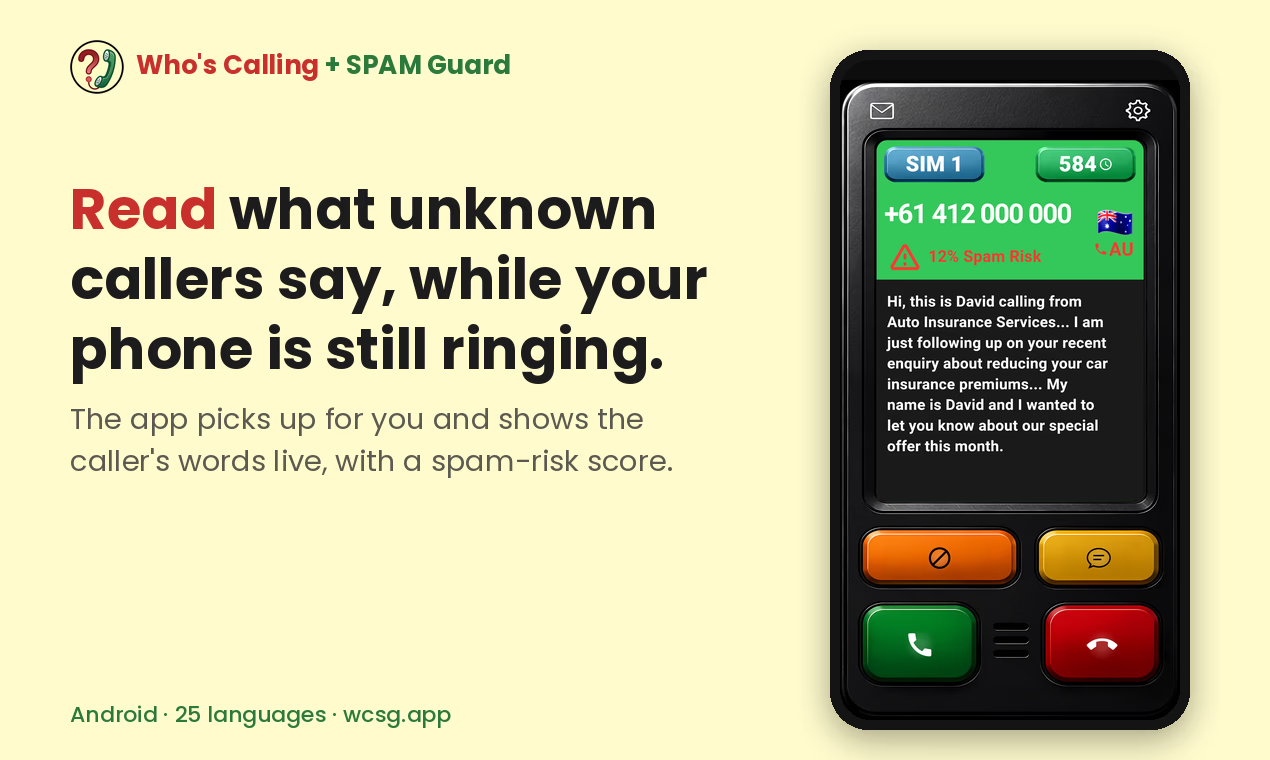
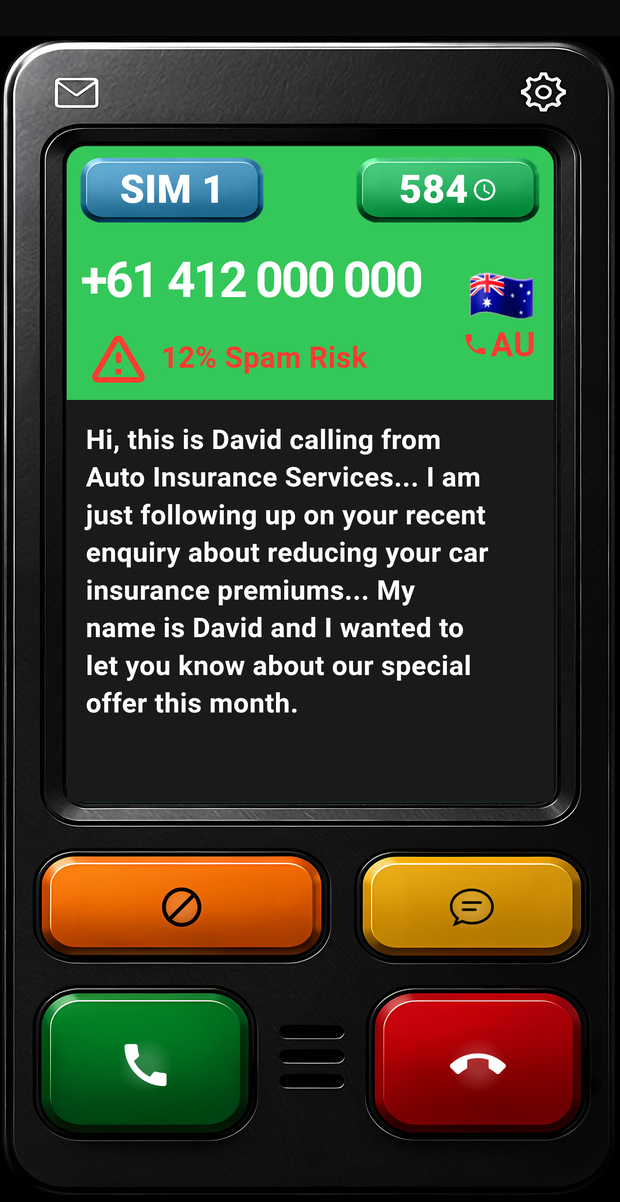
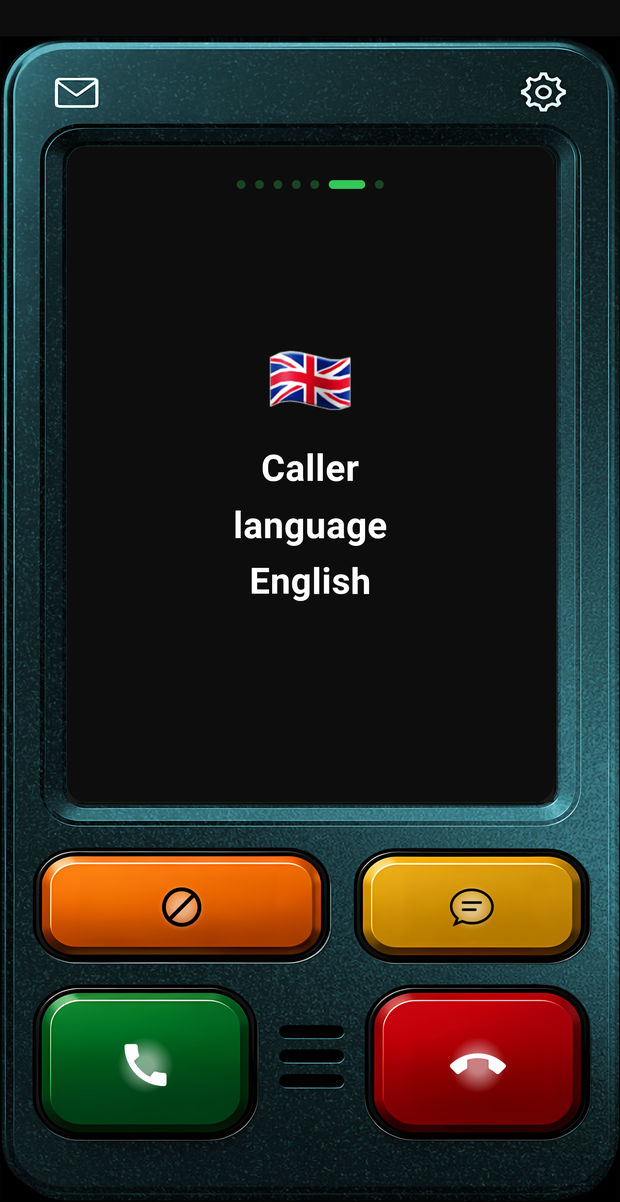
When an unknown number calls, the app picks up for you. The caller hears a short greeting, in their own language, asking who they are and why they're calling. While they talk, their words appear on your screen live, word by word, and your phone is still ringing in your hand.
You read it, then choose with one tap:
• Answer: it's someone you want to talk to, and you're connected straight away
• Block: it's a scam, a robocall or someone you never want to hear from again
• Hang up: not now
• Transcript: let them finish and read the full message later
There's nothing to learn and nothing to remember. You simply see the words and decide, the same way you'd glance at a text message before replying.
A spam-risk score on every unknown caller
Every unknown call also shows a spam-risk score, so you can see at a glance whether a number has been flagged before. You get the score and the caller's own words together, which is far more useful than either one on its own. A low score with a clear, specific message ("Hi, it's Sarah from the clinic about your appointment tomorrow") is an easy answer. A vague script about your "car insurance premiums" is an easy block.
25 languages, translated into yours
The app supports 25 languages, including English, Spanish, French, Arabic, Hebrew, Chinese, Hindi, Vietnamese, Filipino, Portuguese, Russian, Korean, Japanese and more. When a caller speaks a different language from you, their words are translated into yours on screen.
That matters for multilingual families, for anyone living abroad, and for businesses with customers who don't share their first language. You never have to guess what a caller wanted because of a language barrier.
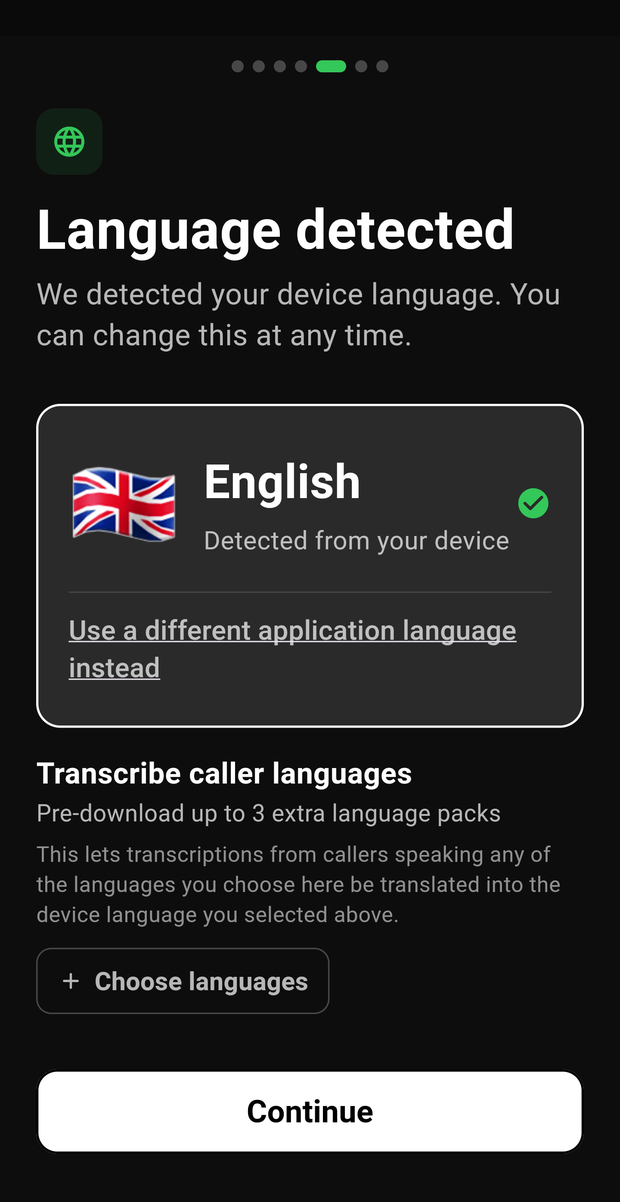
Every screened call becomes a transcript you can read later
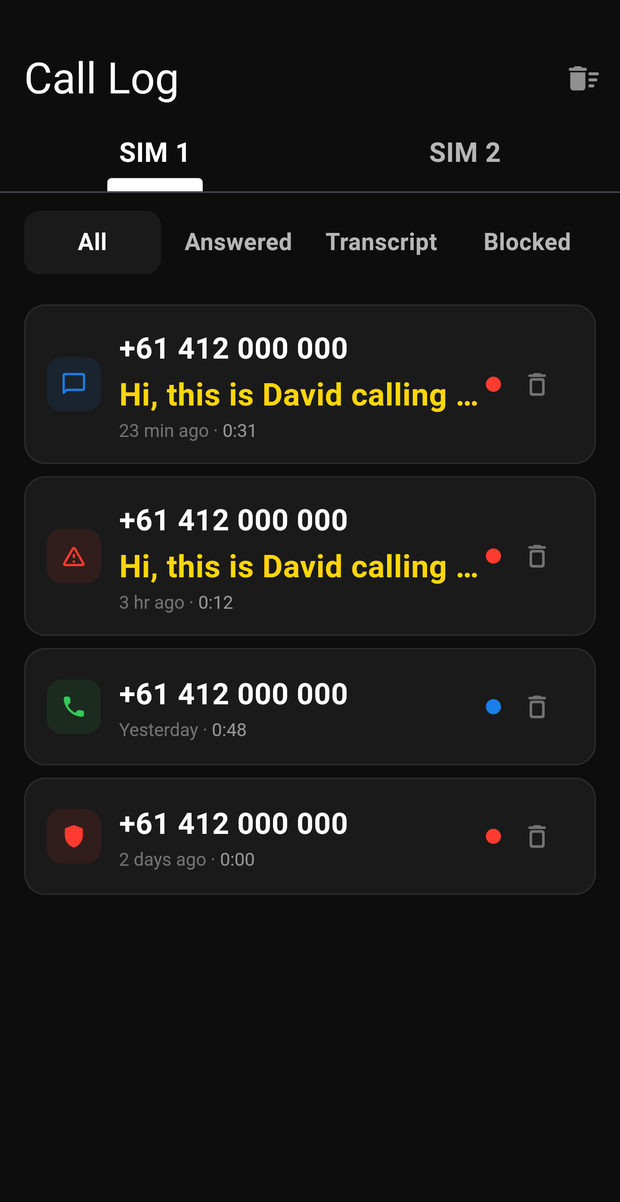
Missed the moment? Every screened call keeps its transcript in your inbox, so you can scroll back and read exactly what a caller said, even hours later. It works like voicemail you can read in a couple of seconds, instead of listening to a recording.
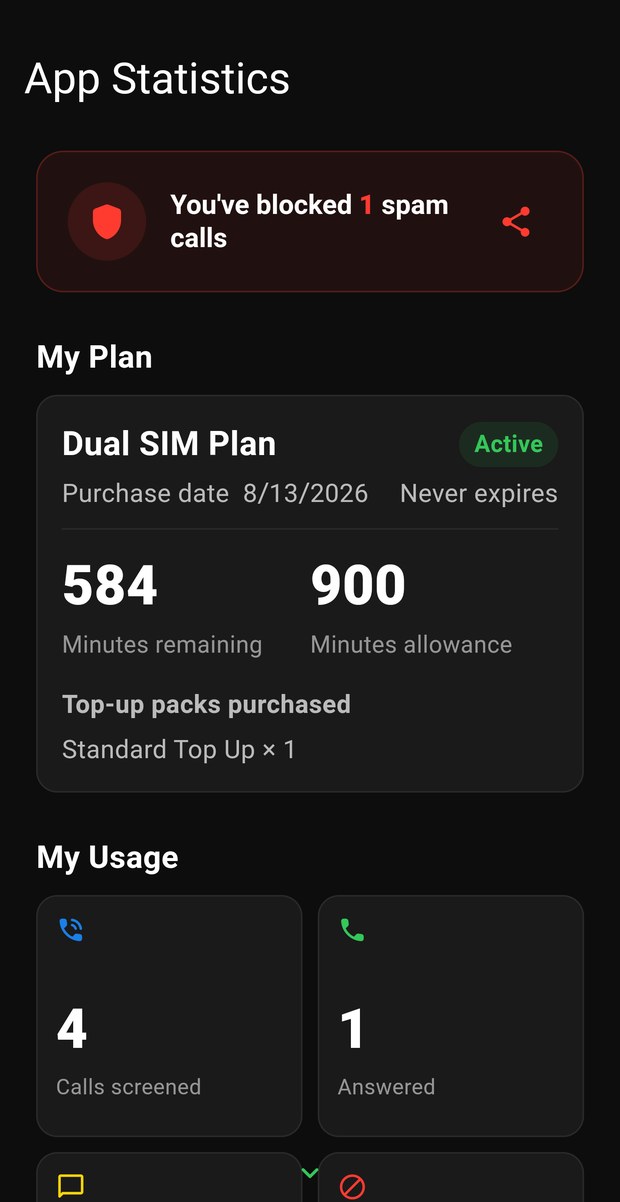
Your call log shows every call and what you did with it, and the statistics screen shows how many unknown calls you've screened and blocked over time. It's oddly satisfying to watch the blocked count climb.

Private by design
Call screening only works if you can trust it, so privacy was a starting point, not an afterthought:
• Your contacts ring straight through and are never screened
• Call audio is never stored; it's processed only to produce the live transcript
• You stay in control: answer, block or hang up on every single call
A phone you can read
Because every unknown call becomes text on the screen, the app also helps people who are deaf or hard of hearing, and anyone who simply finds phone calls with strangers stressful. Reading first takes the pressure off. You can decide calmly instead of answering on reflex.
For small businesses and sole traders
If you can't afford to miss a customer but can't stop work for every robocall, a business plan lets callers hear your own recorded greeting before they're screened. You can tell a genuine new customer from a sales bot at a glance, from the job site, the kitchen or the car, without picking up.
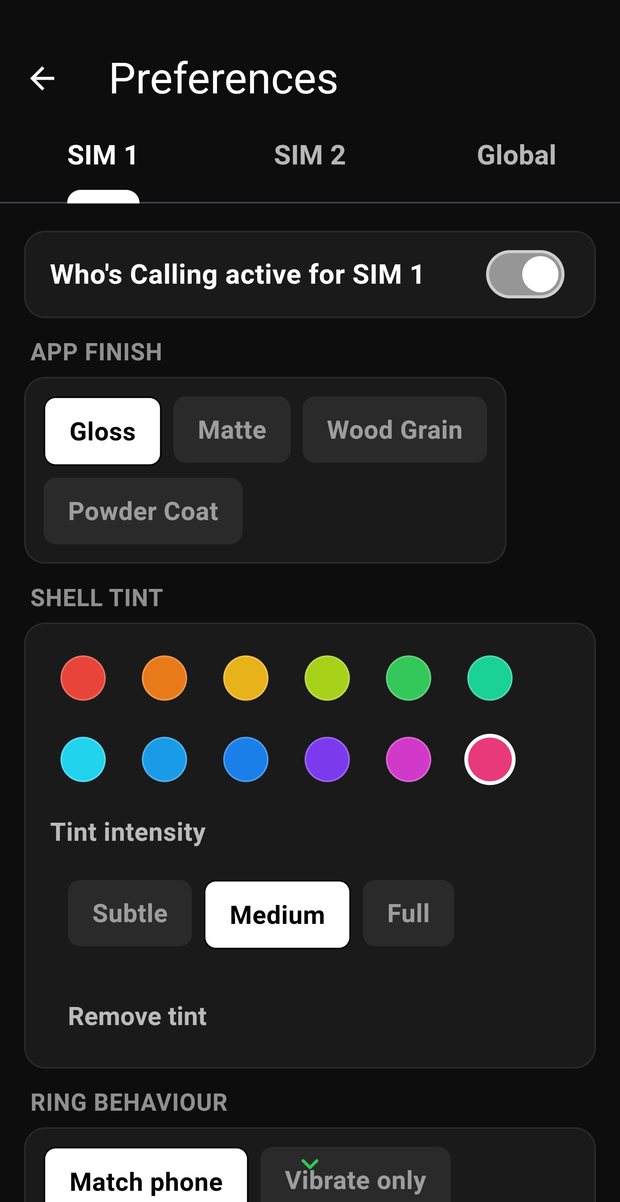
Simple tips to protect yourself from scam calls
Whatever app you use, a few habits make a big difference:
• Never give personal or banking details to someone who calls you. If a caller says they're from your bank, hang up and ring the number on the back of your card.
• Be wary of urgency. "Act now", "your account will be closed" and "there's a warrant" are classic pressure tactics.
• Don't trust caller ID on its own. Numbers can be spoofed to look local or official.
• Report scam calls to your country's scam reporting service so others can be warned.
Reading what a caller says before you answer makes all of these easier, because the script gives itself away before you've said a word.
NEW: try it for 10 minutes for 49¢
The best way to judge call screening is on your own real calls, so there's now a 10-minute trial pack for 49¢ (US price; your local price is shown in Google Play). If you like it, buy the trial again any time or move up to a full plan whenever you're ready.
Watch it in action:
https://www.youtube.com/watch?v=WNsKAtpxnL4
Frequently asked questions
Does it work on iPhone? Not yet. Who's Calling + SPAM Guard is available for Android on Google Play.
Will my friends and family be screened? No. Your contacts ring straight through as normal.
Is my call audio recorded? No. Audio is never stored. It's only used to produce the live transcript you see.
Which countries is it available in? It's on Google Play in the US, Canada, Australia and a growing list of other countries.
Get it
Who's Calling + SPAM Guard is on Google Play for Android. Stop guessing who's calling: read it first, then decide.