
If you've used ChatGPT, Claude, or any AI writing tool in the past year, you already know the problem. The output is fast, decent, and saves you a ton of time. But the moment you run it through an AI detector, or worse, submit it somewhere that does, it flags immediately.
Turnitin catches it. GPTZero catches it. Teachers, editors, and platform moderators are catching it more every month. And the usual advice, "just rewrite it yourself," completely defeats the purpose of using AI in the first place.
So what actually works?
Why AI Text Gets Flagged
AI detectors are not magic. They work by analyzing patterns in your writing that tend to be statistically consistent in machine-generated text. Things like sentence length uniformity, word choice predictability, and a lack of natural variation in rhythm and structure.
When you ask ChatGPT to write an essay, it tends to produce text that flows a little too smoothly. Every paragraph is about the same length. Transitions are clean but formulaic. The vocabulary is broad but somehow lifeless. Humans do not write that way, and detectors have learned to notice the difference.
The other issue is perplexity and burstiness, two concepts that researchers use to measure how surprising and varied a piece of writing is. AI-generated text tends to score low on both. Humans write in bursts, mixing short punchy sentences with longer, more complex ones. AI levels that out, and that leveling is exactly what gets it caught.
The Three Most Common Mistakes People Make
Mistake 1: Lightly editing the output and calling it done.
Swapping a few words, cutting a paragraph, or changing the intro does not fool modern detectors. The underlying structure is still there. You need the sentence-level patterns to change, not just the surface.
Mistake 2: Using a basic spinner or paraphrasing tool.
Old-school rewriting tools churn out text that reads even worse than the original. You end up with something that neither sounds human nor passes detection. These tools were built for SEO keyword stuffing back in 2015 and have no place in a 2026 content workflow.
Mistake 3: Running detection after you've already submitted.
The time to catch this is before it goes out. Whether you're submitting to a professor, publishing to a blog, or sending to a client, running detection after the fact is too late. Build it into your process from the start.
What Actually Works
The real solution is a combination of proper humanization and detection built into the same workflow, so you can iterate until the content is clean.
Here is how a solid process looks in practice:
- Generate your draft with whatever AI tool you use. Do not worry about detection at this stage. Focus on getting the ideas down.
- Run it through an AI humanizer that actually rewrites at the sentence level, not one that just shuffles words around. The output should sound like a real person wrote it, matching the tone and voice you're going for.
- Immediately run the humanized version through a detector. Look at it sentence by sentence, not just the overall score. Most good detectors will highlight which specific sections still read as AI-generated so you know exactly what to fix.
- If anything is still flagging, humanize again or manually rework those sentences. This usually only takes one or two passes.
- Fact-check anything claim-based before it goes live. AI has a well-documented tendency to invent statistics, misattribute quotes, and get details subtly wrong. If your article is going somewhere credible, this step matters.
That whole process used to require three or four separate tools, a lot of copy-pasting, and a decent chunk of time. Now there are platforms that do all of it in one place.
The Tool That Combines All Three
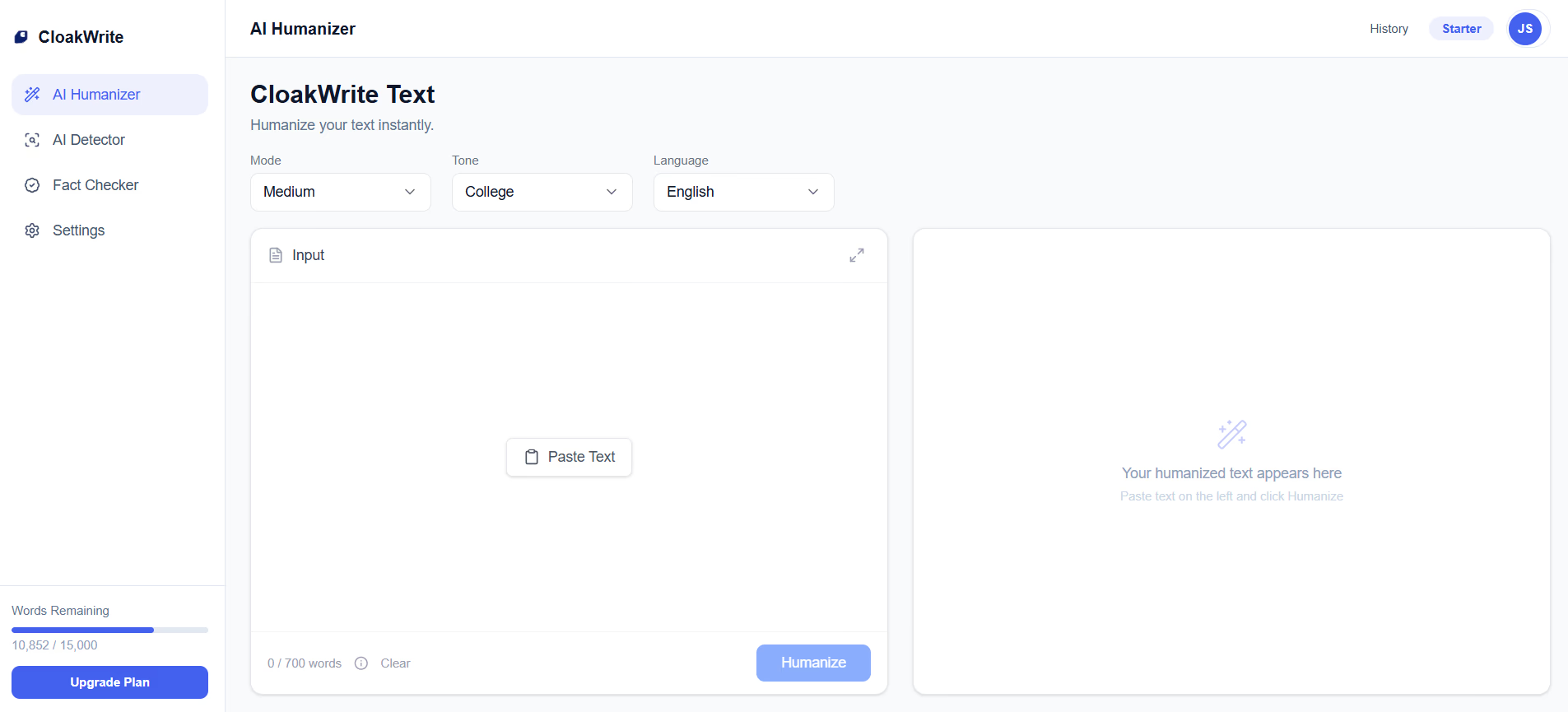
CloakWrite (cloakwrite.com) is built specifically for this workflow. It has an AI humanizer, a sentence-level AI detector, and a fact checker, all under one login.
The humanizer rewrites your text so it actually sounds like a person wrote it. Not in a way that makes it worse or loses your meaning, but in a way that changes the patterns detectors are trained to look for. You can adjust the tone from standard to college-level to PhD depending on what the content needs, and you can choose how aggressively it rewrites, from a light pass to a full rework.
The detector runs at 99.8% accuracy and highlights sentences individually, which is far more useful than a single overall score. You can see exactly where the problems are rather than guessing.
The fact checker is the piece most tools skip entirely. It verifies your claims against real web sources and gives each one a credibility score with links to the supporting material. For anyone publishing professionally, that alone is worth the price.
There is a free tier to get started, no credit card required, and the AI detector is available on every plan including free. If you are writing AI-assisted content regularly and you need it to hold up to scrutiny, this is the workflow that actually gets you there.
The Bigger Picture
AI writing is not going away, and neither is AI detection. The tools on both sides are going to keep improving. What that means practically is that the bar for "good enough" keeps rising.
A year ago, running your ChatGPT draft through a basic paraphraser was enough. Now it is not. Next year, whatever works today will probably need to be sharper too.
The people who stay ahead of this are the ones who treat humanization and detection as part of their standard workflow, not something they scramble to do after there is already a problem. Build the habit now, use the right tools, and the quality of your output goes up whether detection is involved or not.
Human writing has texture. It has variation, personality, and the occasional deliberate fragment. AI writing, at its worst, is smooth in a way that feels hollow. The goal of humanization is not to trick anyone. It is to make the content actually worth reading.
That is what good tools help you do.