
Most small businesses do not need a complicated website. A bakery needs its menu, opening hours and a way to order. A salon needs services, prices and a booking request form. A freelancer needs a portfolio and a contact form. The problem has never been what the site needs to say. It is the hours lost to templates, page builders and plugins before anything goes live.
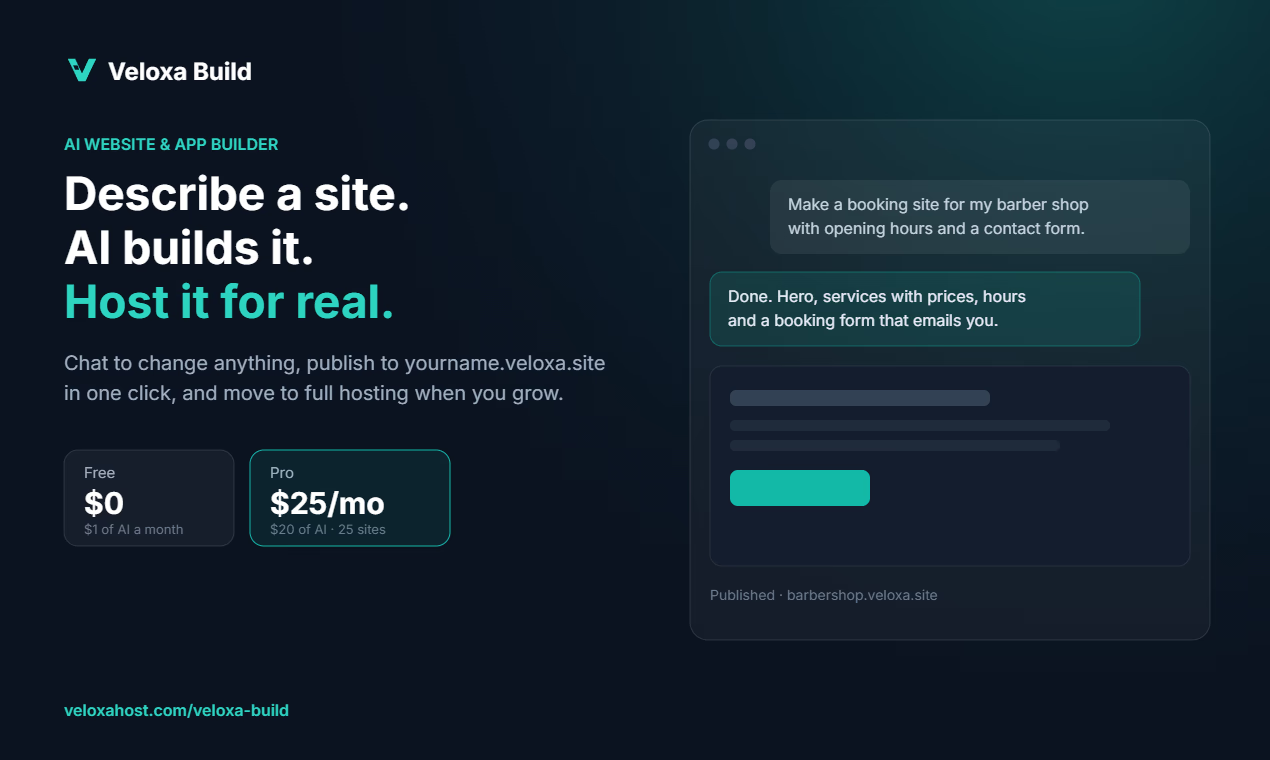
AI website builders change that. You describe the site in plain words, the AI builds a working first version, and you refine it by chatting. This guide walks through building a small business site with Veloxa Build, the AI website and app builder from VeloxaHost, from the first prompt to a published page. The same approach works for most AI builders, so the tips are useful even if you pick another tool.
Before you start: gather five things
The AI can invent placeholder content, but a site built from your real details is better from the first version. Before you open the builder, collect:
- Your business name and one-sentence description. For example, "Crumb & Co. is a neighborhood bakery known for sourdough and seasonal pastries."
- Your services or products with prices. A simple list is fine. A PDF menu or price sheet works too.
- Opening hours and location. Write them exactly as customers should see them.
- Your logo and three to five photos. Real photos of your shop, food or work beat stock images every time.
- What you want visitors to do. Call, order, book, request a quote or send a message. Pick one main action.
In Veloxa Build you can attach up to 50 files to a message, including images, PDFs, text and data files. They are saved in the project's assets folder, and the AI uses them where you ask.
Step 1: Write a prompt that describes the business, not the design
New users often start with design words like "modern" and "clean". Those help a little, but the AI does much better when it knows what the business is and what the visitor needs. A strong first prompt looks like this:
Build a website for Crumb & Co., a neighborhood bakery. Pages: home, menu, about, contact. Show our opening hours on the home page. The menu is in the attached PDF. Add an "Order online" button on every page that goes to the contact form. Use the attached logo and photos. Warm, friendly tone.
That prompt names the pages, the main action, where the content comes from and the tone. If your request is vague, Veloxa Build may ask a couple of short questions first, each with a few options to pick from. You can answer, type your own reply or skip, and it carries on with sensible defaults.
Other prompts that work well as a starting point:
- Salon: "A one-page site for a hair salon with a services list and prices, a team section, opening hours and a booking request form that asks for name, phone, service and preferred day."
- Freelance designer: "A portfolio with a grid of six projects, a short about section and a contact form. Each project opens a page with images and a two-paragraph case study."
- Local service: "A site for a plumbing business serving one city. Home page with services, an emergency call button, customer reviews section and a quote request form."
Step 2: Refine by chatting and by pointing
The first version is a draft. The fastest way to improve it is short, specific messages, one change at a time:
- "Move the opening hours above the photos."
- "Make the menu prices bold and right-aligned."
- "Rewrite the about section in two short paragraphs. Mention we opened in 2019."
When a change is about one specific element, describing where it is can be awkward. Veloxa Build has click-to-edit: turn it on in the preview toolbar, click the heading, button or photo you mean, then describe the change. The AI gets the exact element you picked. "Make this bigger and say Order online" is enough.
After each change, the builder reloads the live preview and checks that the site actually runs. If the preview reports an error, the AI is told about it and works on a fix before it finishes.
Do not be afraid to experiment
A version is saved automatically after every AI message that changes your files. The most recent 30 versions are kept per project, and restoring is reversible. If a change makes things worse, open version history and go back. This makes it safe to try a bold idea, like a completely different layout for the home page, without losing the version you liked.
Step 3: Add a form that actually reaches you
A contact or booking form is often the whole point of a small business site. In Veloxa Build, forms come with an inbox and email notifications, plus spam protection, on every plan. Ask for the fields you need:
Add a booking request form with name, phone, email, service (dropdown with our services), preferred date and a message box. Send me an email for each new request.
The Free plan includes 100 form submissions a month and Pro includes 5,000, which covers most small businesses comfortably.
Step 4: Get the basics of search right
A published site is a public HTTPS page, so search engines can find it like any other. You will rank better if each page has a clear title and description and the text uses the words your customers search for. You can simply ask:
Set a page title and meta description for every page. Our customers search for "sourdough bakery in [your neighborhood]" and "custom birthday cakes". Use those phrases naturally in the headings and text.
Keep it honest and readable. Writing for people first still works best.
Step 5: Share a draft, then publish
Every project has a draft link that follows your work as you build. Share it with a business partner or a friend for feedback before anything goes live. Edits stay in the draft until you choose "Publish changes", and the Publish panel shows when the live site is behind your draft.
When you are ready, one click publishes the site to an address like yourname.veloxa.site with HTTPS. You can change the address later from the Publish panel. Custom domains are on the way for paid plans; until then, the veloxa.site address is the live one.
What it costs
Veloxa Build plans are per organization, and hosting is included on every plan:
- Free: $0 a month, with $1 of AI usage (up to $0.25 a day), 1 published site, 1 GB of storage and 1 member. Enough for a handful of AI edits a month and a single small site.
- Pro: $25 a month, with $20 of AI usage (about 100 to 200 AI edits), 25 published sites, 20 GB of storage, no "Made with Veloxa Build" badge and unlimited members with no seat fees.
Two details matter for a business site. First, the builder shows what every message cost, so there are no surprises. Second, hosting never uses AI credit: if your AI usage runs out, your published site stays online. You just wait for next month's allowance or upgrade before making more AI changes.
What an AI builder will not do for you
AI builders are good at the first 80 percent. Be realistic about the rest:
- Your real content still matters most. Prices, hours and photos have to come from you, and you should check every line before publishing.
- Some features are not available yet. Veloxa Build does not have a payments integration or a SQL database today, so it is not the right tool for a full online store. For menus, bookings, portfolios and lead forms it fits well.
- You own the result. You can download your code as plain HTML, CSS and JavaScript on every plan, including Free. Pages, styles and scripts run on any static host. Forms, sign-in, file storage and stored data rely on Veloxa Build hosting, so check those parts before moving a site elsewhere.
A realistic timeline
With your content gathered, most small business sites go from first prompt to published in an afternoon:
- 15 minutes collecting content and photos
- 10 minutes for the first prompt and first version
- 1 to 2 hours of refining, mostly wording and layout
- 15 minutes on titles, descriptions and the form
- A day of waiting for feedback on the draft link, then publish
That is the real promise of AI website builders. Not a perfect site from one sentence, but a working, published site in hours instead of weeks, which you can keep improving by talking to it.
You can try Veloxa Build on the Free plan at veloxahost.com/veloxa-build. It runs in the browser, with nothing to install and no code to write.